Precedents

Interactive Digital Media

Every Last Drop Nice and Serious. (n.d.). Every Last Drop – An Interactive Website about Water Saving. Retrieved from http://everylastdrop.co.uk
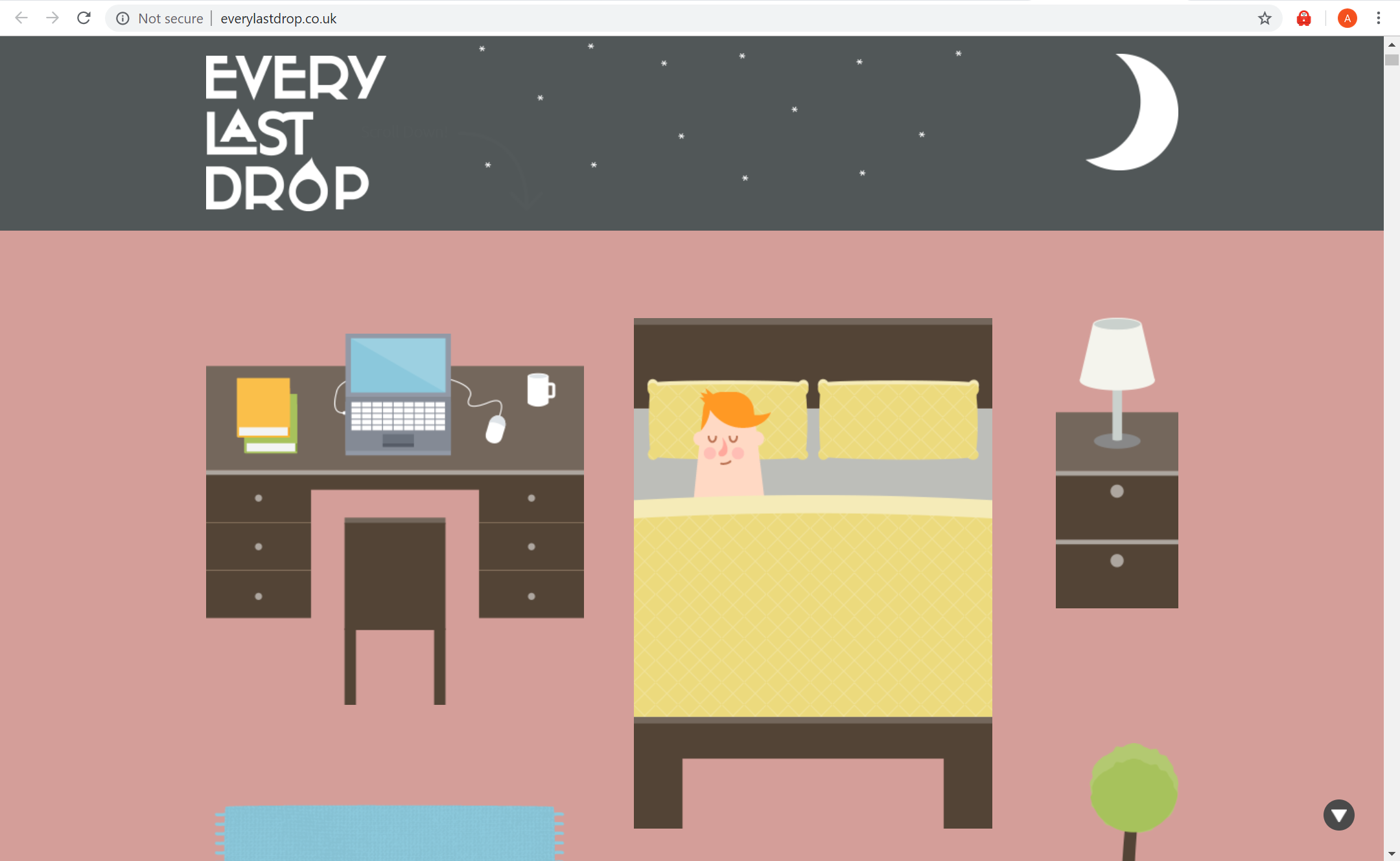
What is the interactive about?

–          This interactive website informs people about how much water is wasted daily

–          Includes ways to reduce the amount of waste being made

–          Provides short yet informative points (gets straight to the point)

–          Places emphasis on why “every last drop” counts

–      Informs that water isn’t just wasted on showers or washing the dishes, but is also wasted in other areas in our  lifestyle – water is wasted depending what brand of clothes you buy or even the type of food you eat.

Who is it designed for? (Target Audience)

–        The website is designed for any age as the text is only of a few words and the interactive animation visually helps the audience to understand the fundamental points of water waste.

–    particularly useful for a younger audience as the colours and simple illustrations help convey the meaning in a clear and interesting way. Though it’s combination of illustration and factual text makes it a useful website for all

What knowledge does it assume of the target audience i.e. digital literacy?

  • They assume the audience is able to read
  • Have access to a computer and be able to correctly use it
  • The knowledge of what an average morning routine looks like

Describe the type of user interactions, and the user interface.

–          User must scroll down the page to see the sequence of information being portrayed

–      Each time the user scrolls down the page animations from a scene disperse and then form together to create the next scene

What can you say about the visual design – layout, colour, and typography? How would you describe the style?

–          The style of this website is heavily made in an illustrative style, or cartoon like animation as the objects created are very simple

–          The layout is user friendly on all devices. The layout is also very simple as the user only interacts with the website by scrolling

–          The colours are vibrant and fun, making it interesting to look at and appealing to the eye.

–          The typography is simple and easy to read. The typography changes with each scene to suit the environment

What improvements would you suggest?

–         A clearer understanding of how to navigate through this website, i.e.  a more striking and noticeable arrow or sign directing the user to scroll down.

–    Improvement would be having an introduction or brief story into what the user is about to be reading

–    The facts could be expanded and more information about how and why so much water is lost

–    Provide the user with a deeper understanding as to why it is so beneficial. I.e what are the long term impacts of wasting so much water?

–  more specific information could be added to teach the audience how to lower their water usage

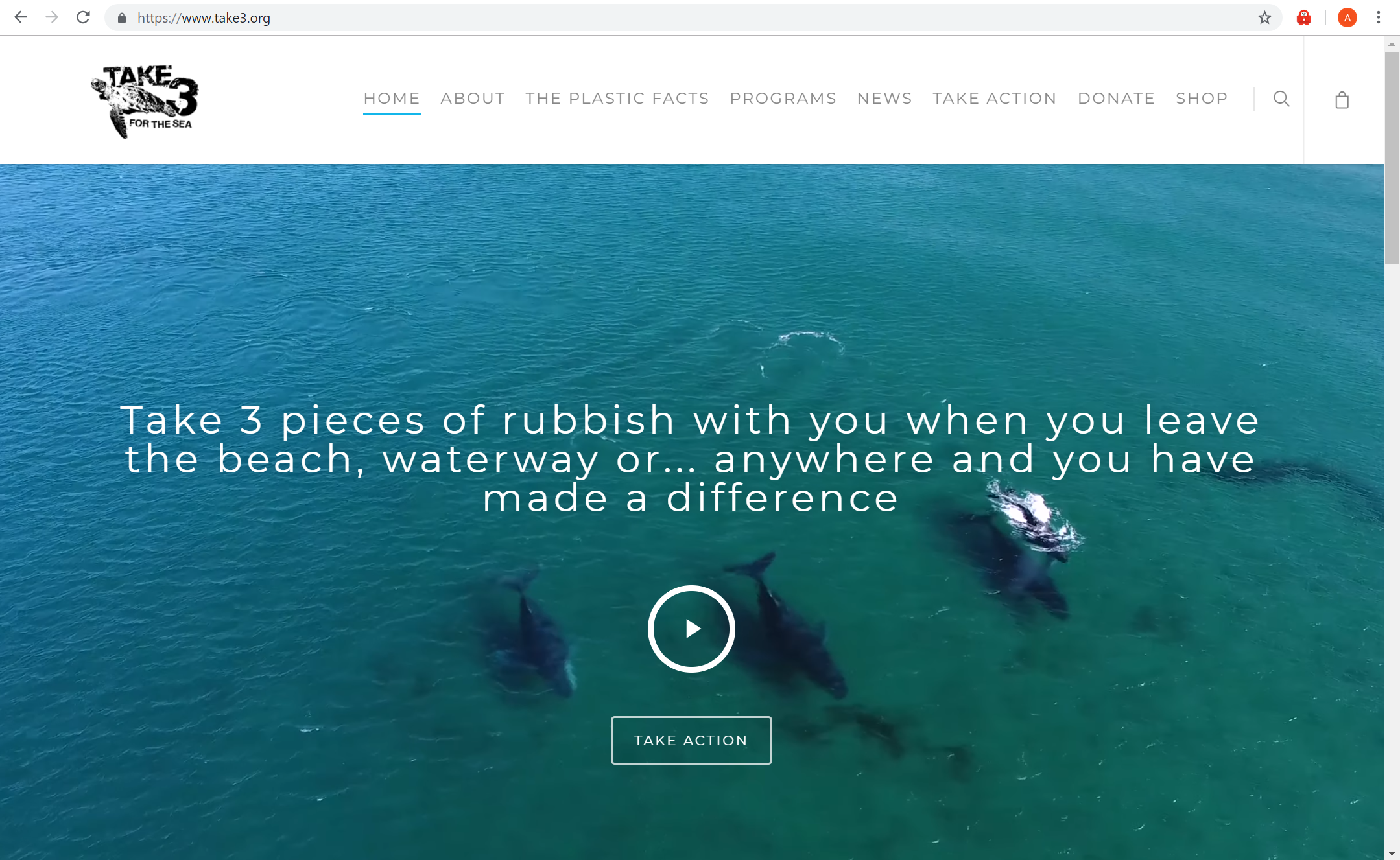
Take 3 for the Sea Take Action. (n.d.). Retrieved from https://www.take3.org/take-action/
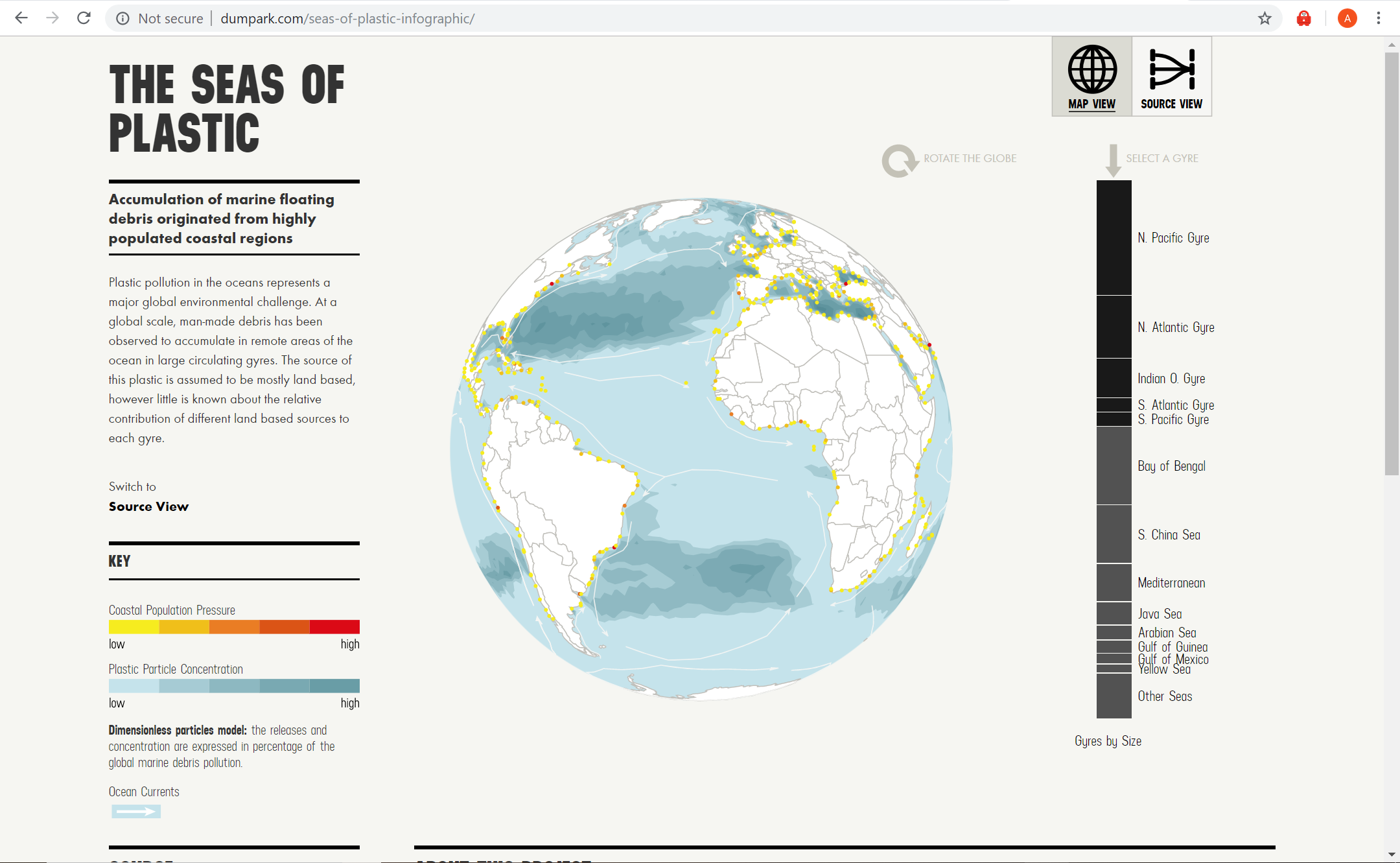
The Sea of Plastic The Seas of Plastic Interactive. (n.d.). Retrieved from http://dumpark.com/seas-of-plastic-infographic/
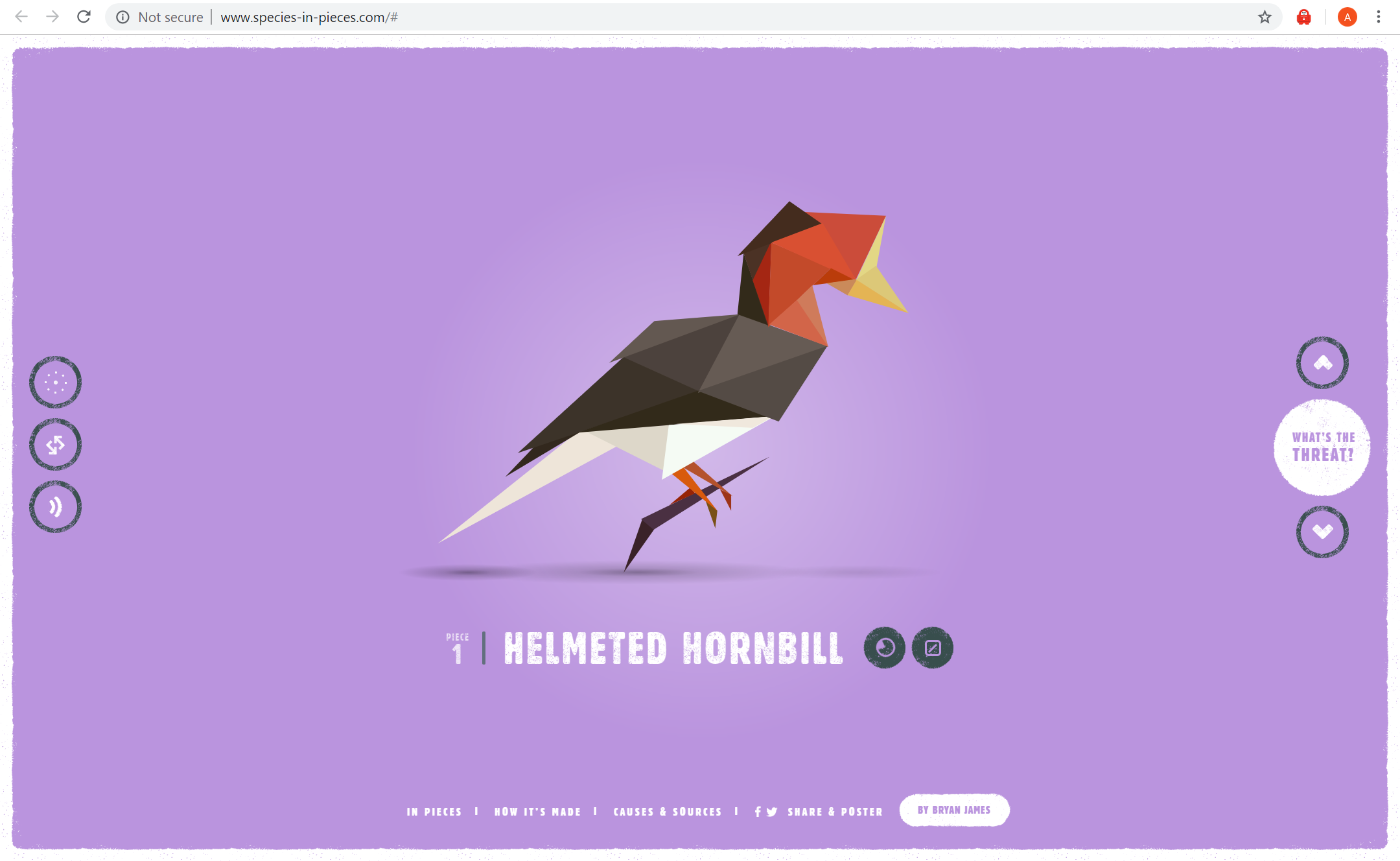
Species in Pieces In Pieces. (n.d.). Retrieved from http://www.species-in-pieces.com/#
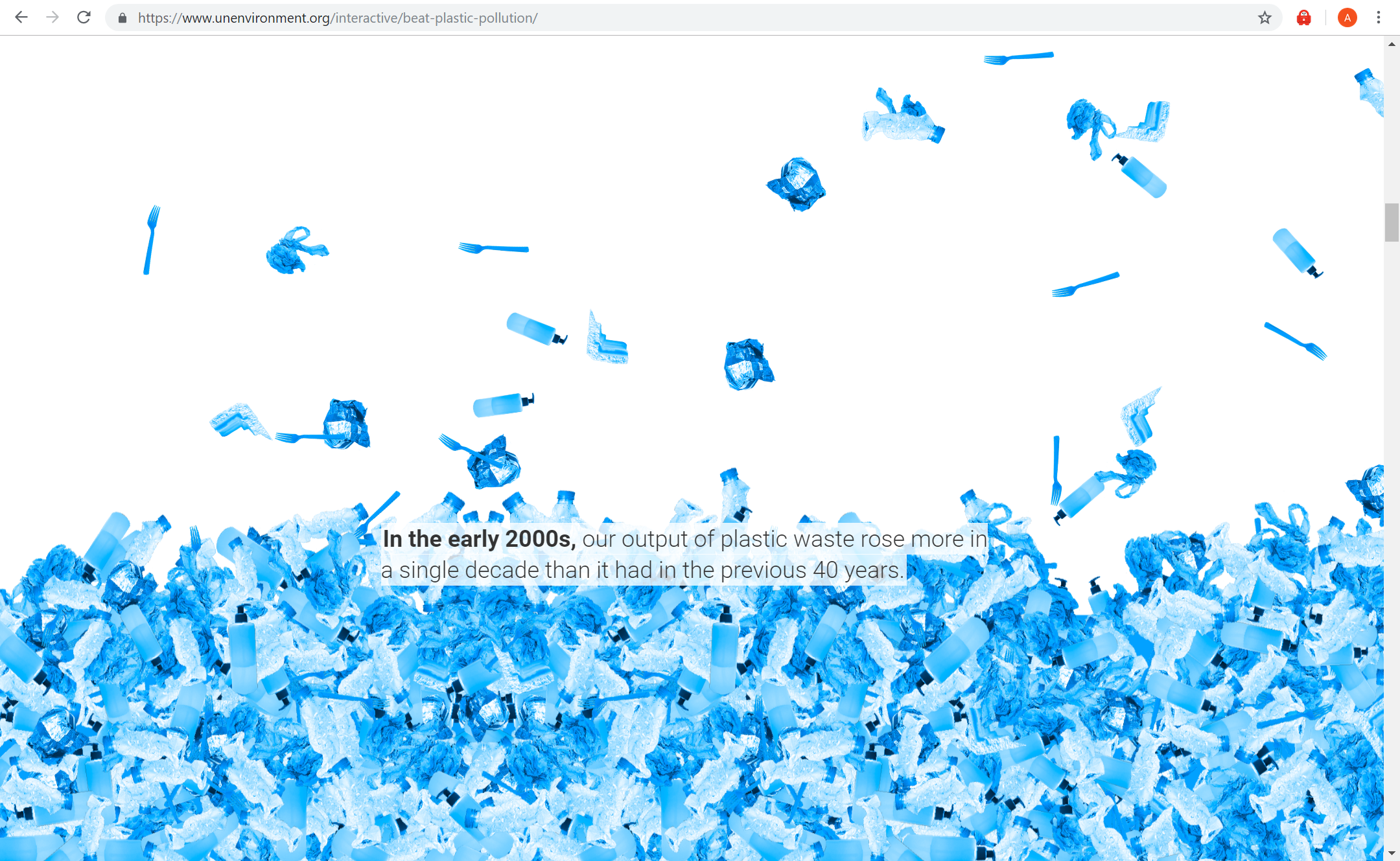
Our planet is drowning in plastic pollution. This World Environment Day, it’s time for a change. (n.d.). Retrieved from https://www.unenvironment.org/interactive/beat-plastic-pollution/
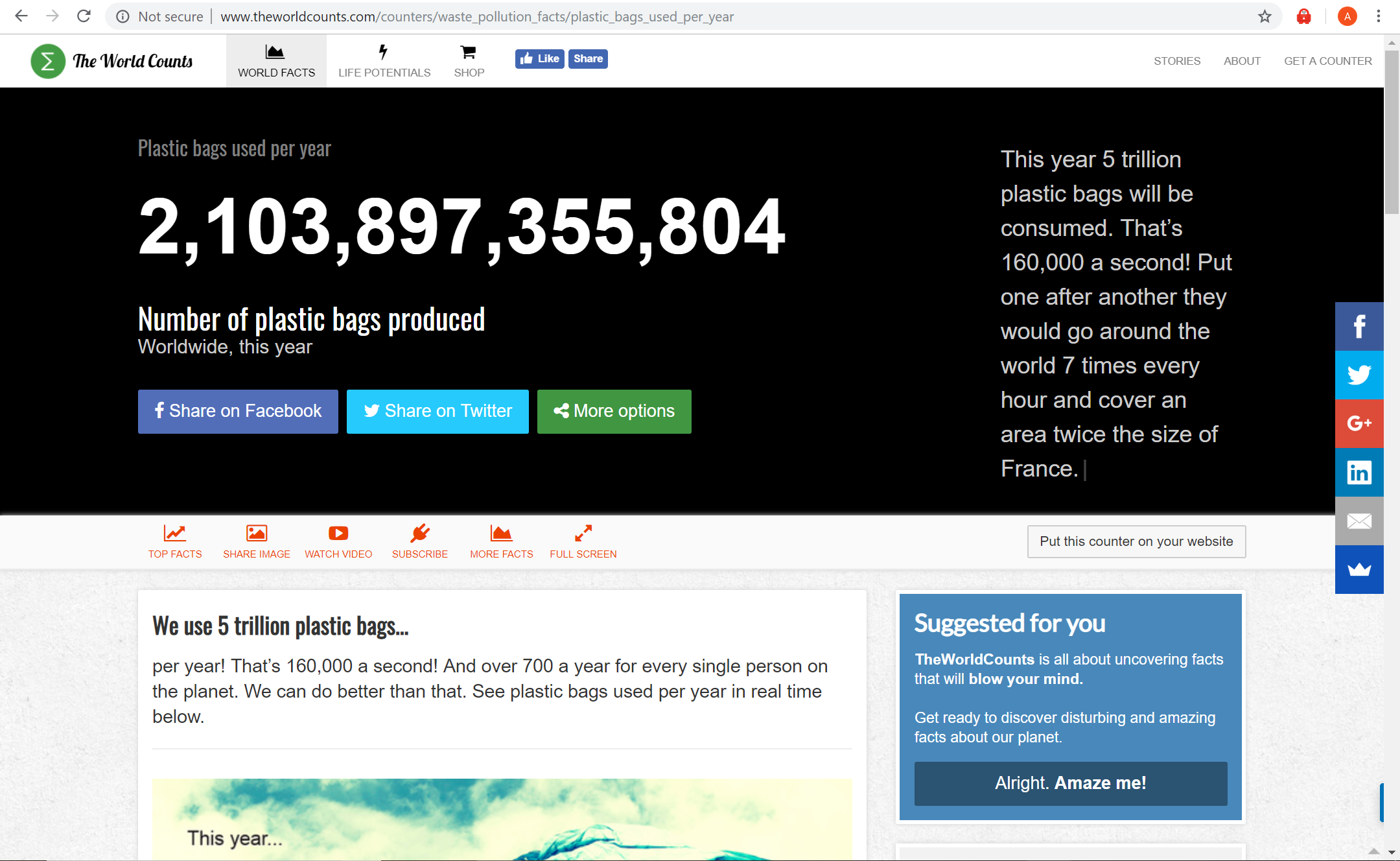
Plastic bags used per year Number of plastic bags produced – worldwide, this year. (n.d.). Retrieved from http://www.theworldcounts.com/counters/waste_pollution_facts/plastic_bags_used_per_year
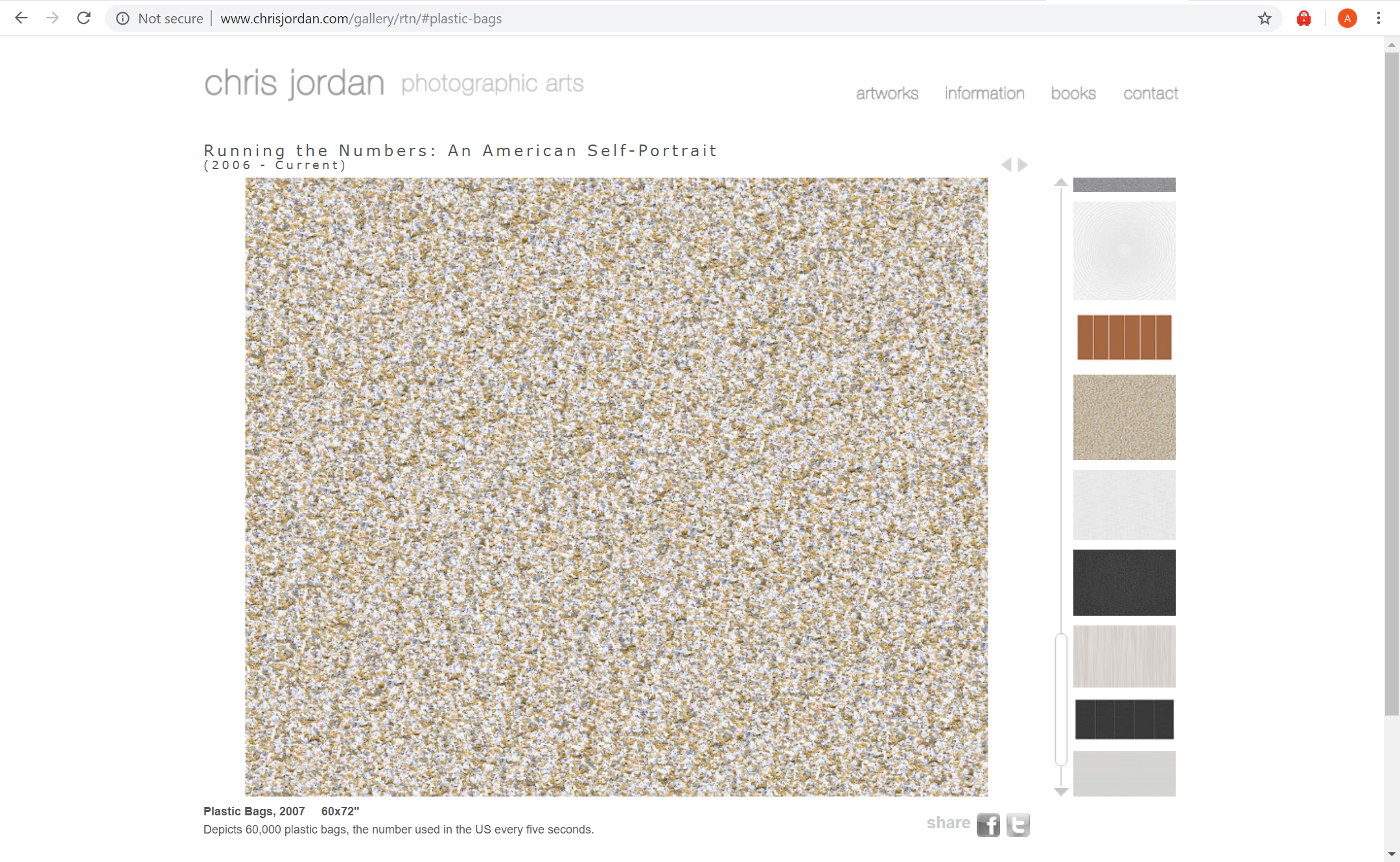
Chris Jordan Chris JordanRunning the Numbers. (n.d.). Retrieved from http://www.chrisjordan.com/gallery/rtn/#plastic-bags
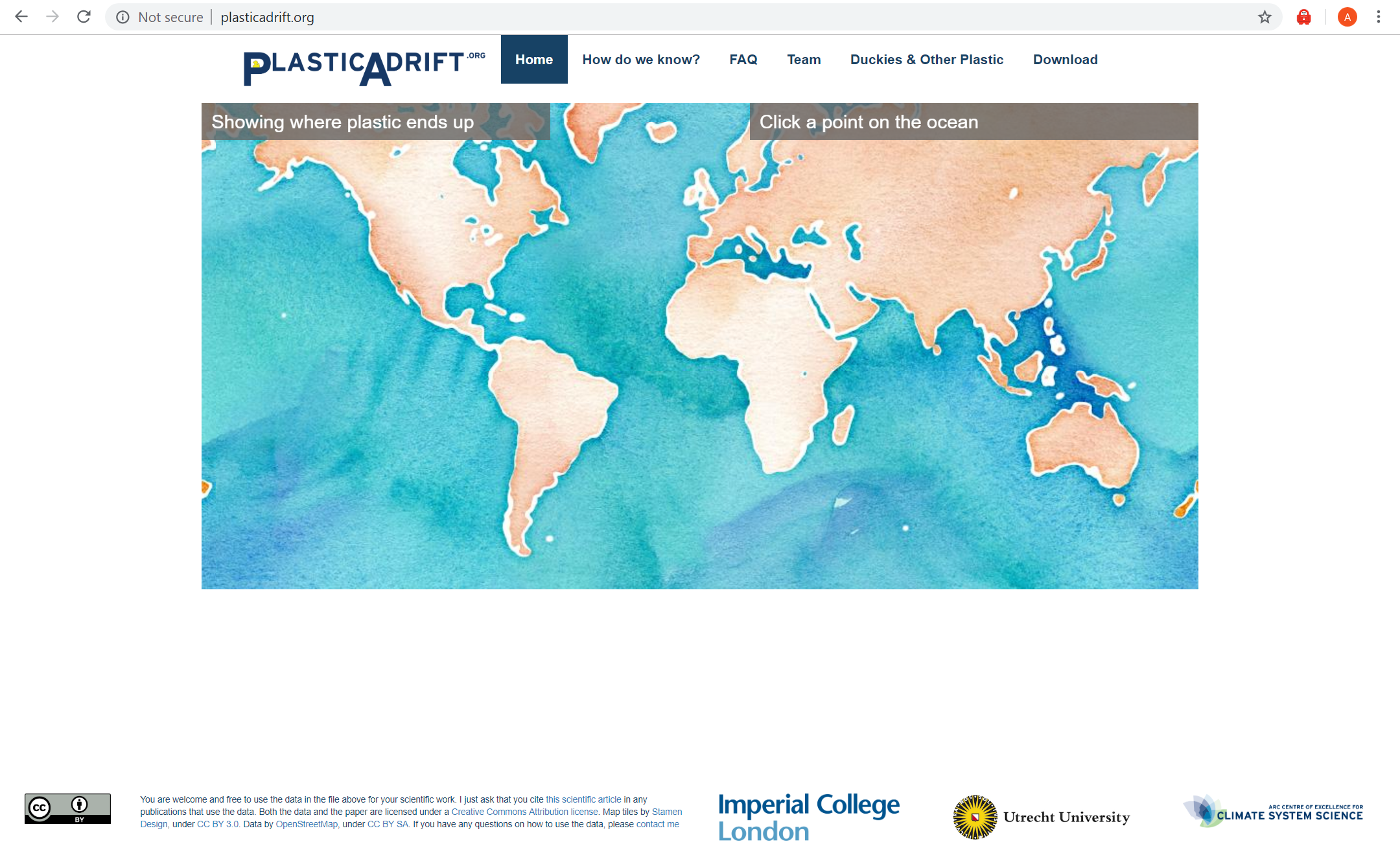
Plastic Adrift Plastic Adrift. (n.d.). Retrieved from http://plasticadrift.org/
About this blog

This blog showcases the long journey I have taken throughout Graphic Design: Interactive Digital Media. Each post shows information I have gained and skills that I have acquired. Enjoy!

My Story

For as long as I can remember, I have always been passionate about art. Immediately upon a young age, it had become an important aspect of my life. Whether it’d be through drawing on concrete with chalk, being taught how to paint and draw by my father, making models of buildings with old shoe boxes, sculpting figurines with my older brother, filming and taking photos of memorable moments on an iPod Nano, or even using my mother’s makeup to experiment with different colours and textures on paper. Art has always given me a sense of freedom to express myself in many ways. Without it I am certain my world would be extremely plain and uninteresting.

As I grew older, my love for art fuelled many of my other interests. I was in particularly fascinated by the realm of Graphic Design. I became hooked on creating logos, advertisements, posters, magazine covers/spreads, animation, app design, and photography. Unquestionably this is what I aspire to do – to become an artist within the digital realm. Which has lead me to where I am today – University of Western Sydney, undertaking Bachelor of Design (Visual Communication).

Design Definitions

Interactive design

Interaction design is a process of creating engaging and meaningful designs that help improve the interaction between users and products – shaping and influencing our everyday lives. Interaction design is the creation of a user orientated product, such as the production of an app or website. Though to create such products, a designer must wear the hat of many roles as their are many processes that have to be taken into consideration for interactive design.

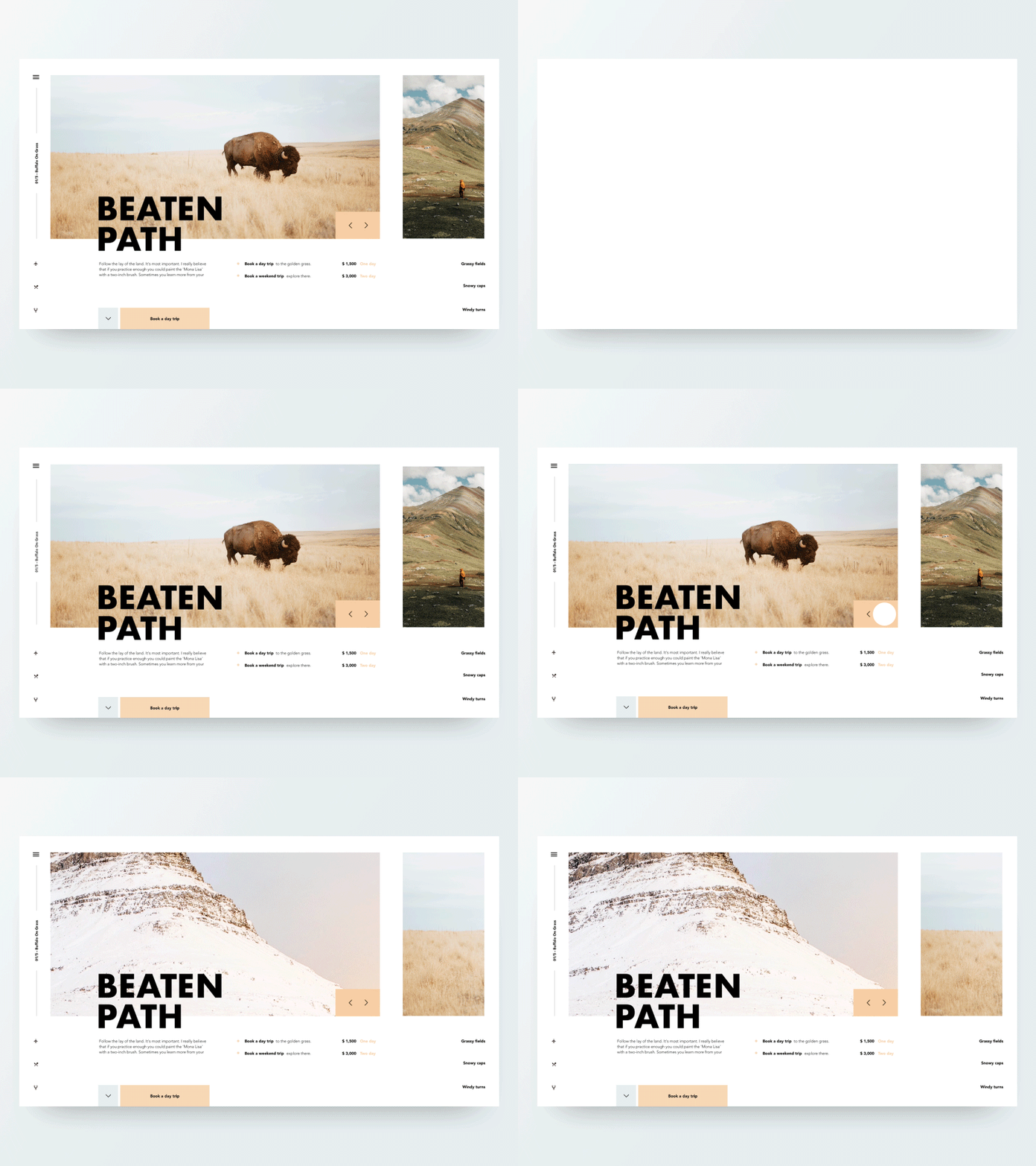
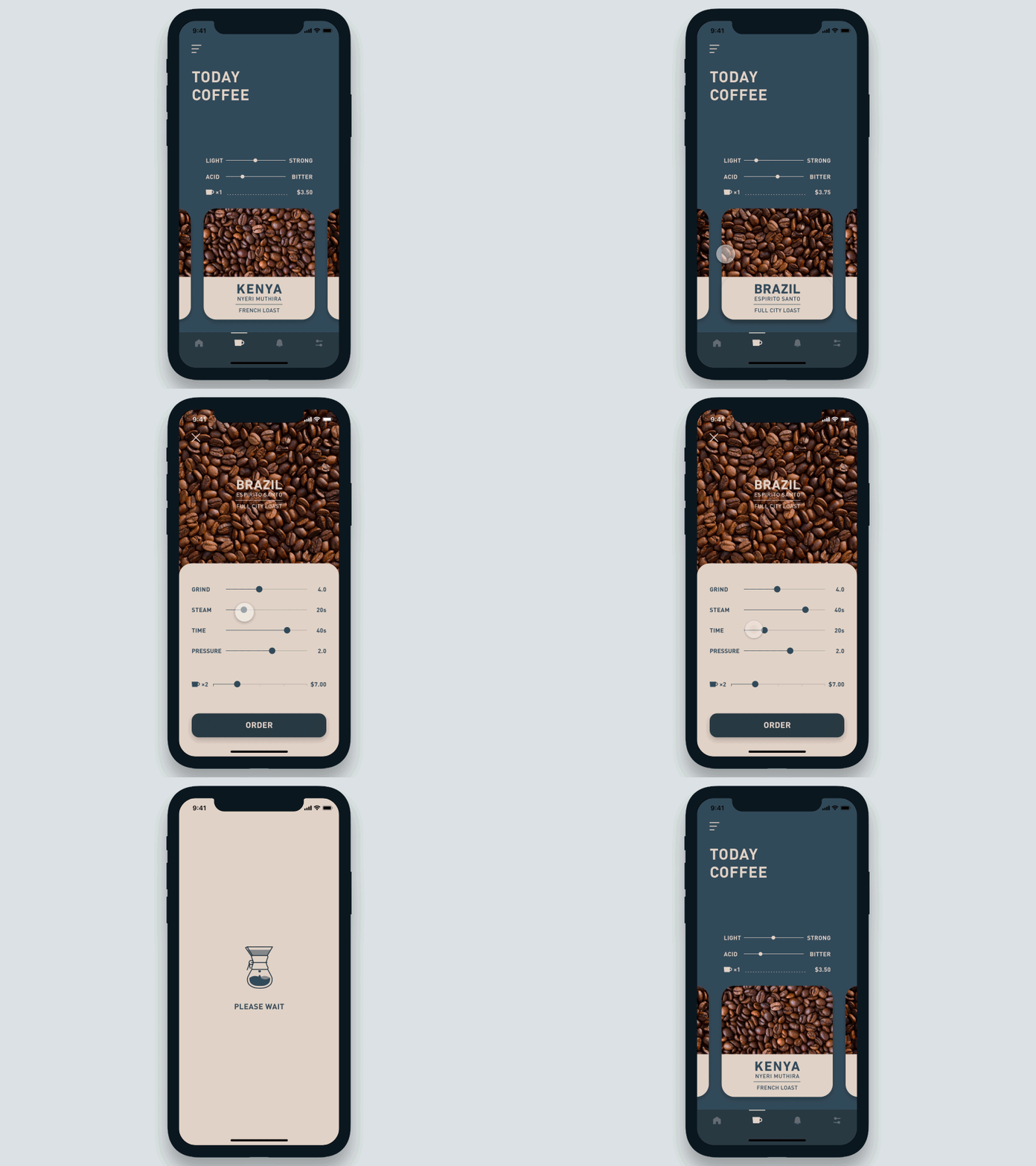
Examples: The following gifs showcases examples of interactive design in website and app design. The interactivity is shown through buttons, menus, images, animation etc.

Web slider interaction [gif] (2018, Aug 28). Retrieved May 25, 2019, from https://dribbble.com/shots/5048198-Web-slider-interaction
Beaten Path by Ryan Bataillon [gif] (N/A). Retrieved May 25, 2019, from https://www.inspirationde.com/image/87187/
Design by Shingo Suzuki [gif] (2019, Jan 11). Retrieved May 25, 2019, from https://abduzeedo.com/interactive-prototypes-using-auto-animate-adobe-xd

Information/Instructional design

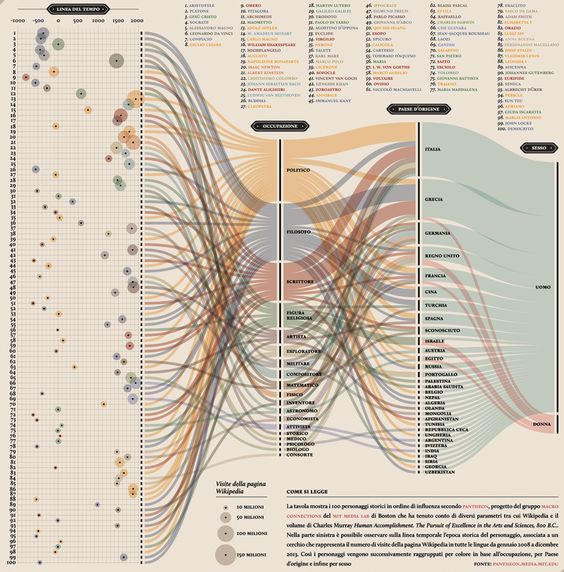
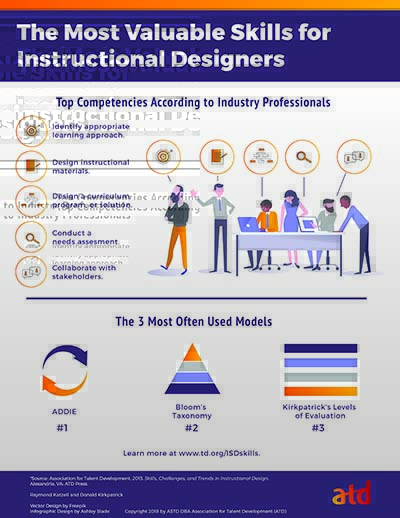
Information design is the act of showcasing information in a organised and efficient way that is easily understood by users. With Information design it is a designers role to present data as efficiently and effectively as possible – quick and easy. Whereas, Instructional design is the creation of learning experiences which results in the acquisition and application of knowledge and skills to certain activities. Both information and instructional design are both required in creating interactive designs.

PANTHEON [Image] (2015, May 19). Retrieved May 25, 2019, from https://www.behance.net/gallery/26338543/PANTHEON-Corriere-della-Sera-La-Lettura-181

This image is an example of information design. As you can see it it heavily relies on the information aspects and utilities design to further inform.
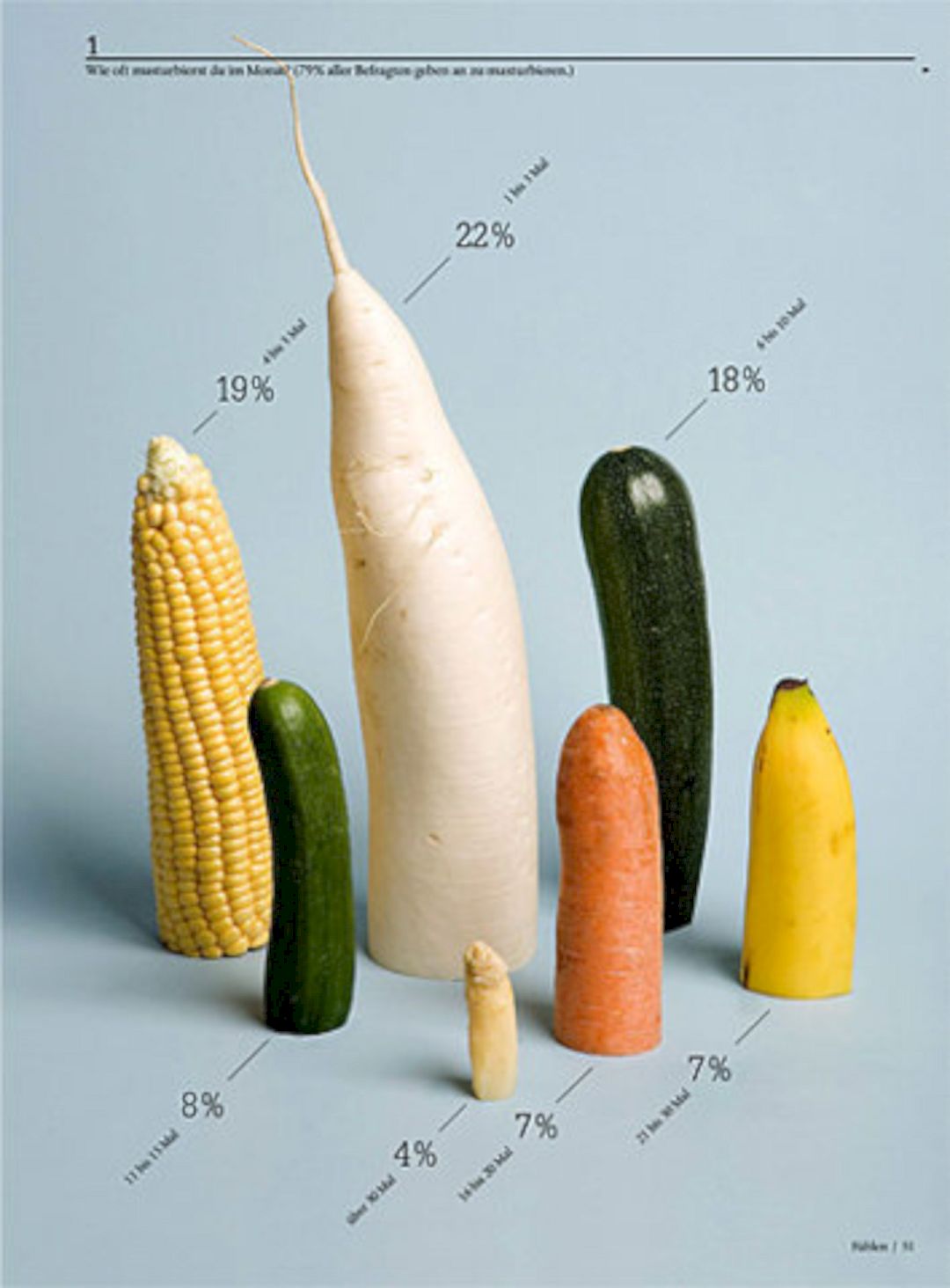
Stunning Infographic designs [Image] (2017, July 17). Retrieved in May 25, 2019, from https://www.designlisticle.com/infographic-designs-3/

This image showcases a unique interpretation of information design, which yet again focuses more on the information aspect.
What is Instructional Design [Image] (N/A). Retrieved May 25, 2019, from https://www.td.org/what-is-instructional-design

UI Visual Design Patterns

UI design is about providing a user with the right tools to accomplish goals within/throughout the interactive. This is why producing user persona and scenarios are important, to guide the user interface design. User experience (UX) includes the process of personas, user stories, user research, usability testing, wireframes which connects to user interface (UI), layout, visual design and branding. Good UI designs should strive for a balance in aesthetics and effortless interactivity, guiding the user through the experience. User experience is the abstract feeling users get when using the website, it includes the look, feel and usability. The ultimate goal is to make your user have a positive experience. For websites the design team will focus on the UI in order to heighten the UX.

UI design patterns is reoccurring solution that solve common design problems. Common navigation patterns include:

Tabs

  • Navigation tabs
  • Module tabs

Menus

  • Horizontal dropdown menu
  • Vertical dropdown menu
  • Accordion menu

Jumping in hierarchy

  • Shortcut dropdown
  • Fat footer
  • Home link
  • Breadcrumbs

Content

  • Carousel
  • Event calendar
  • Article list

Common Navigation Patterns:

They are a digital version of filing tabs in a filing cabinet. This is an example of skeuomorphism, an interface object that mimic the real-world counterparts. Tabs are used to separate content into sections, which are illustrated as flat navigation structure, which give a clear and visible indication of current location.

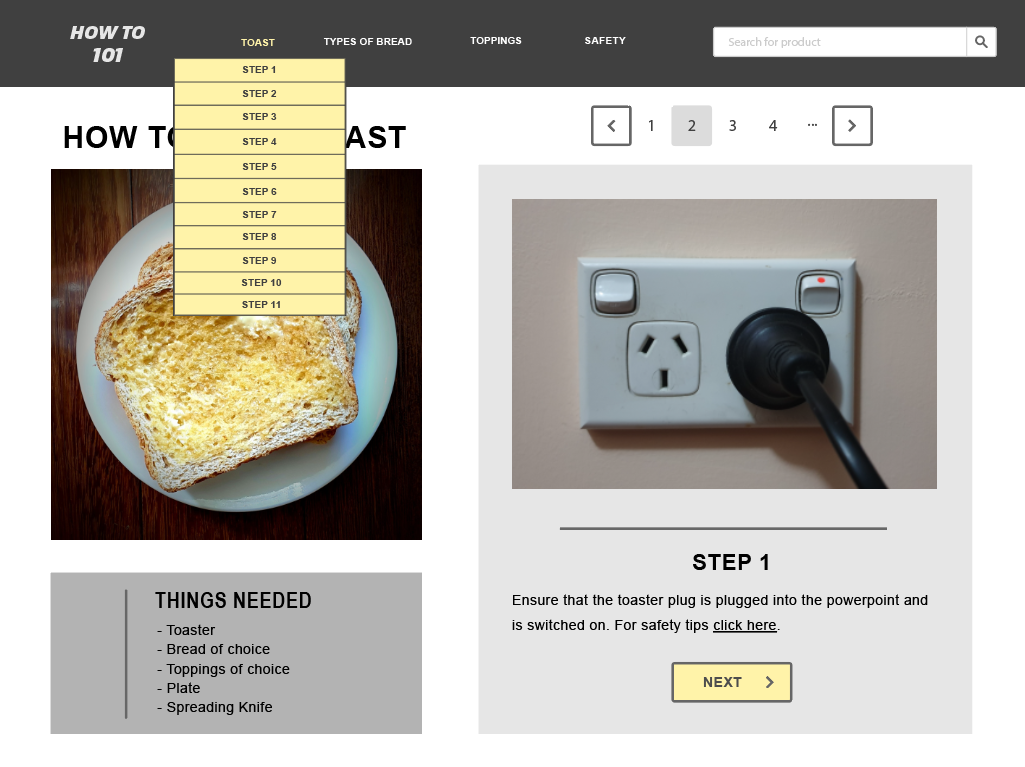
Dropdown menus are used as navigation but to save space and to conceal information. You would use this menu for 2-9 sections of content that needs a hierarchy navigation.

Drawer menus (hamburger menu) allows for a quick access.

Search bar with dropdown eliminates confusion and is considered as a shortcut for the hierarchical structure.

Big footer is used to quickly access specific sections or application. It is also should as a shortcut.

Home is the starting location of a website. A website should always have a clickable link/logo that directs back to the home.

Breadcrumbs are used to identify location in the website hierarchy. They take up minimal space.

Content Navigation Patterns:

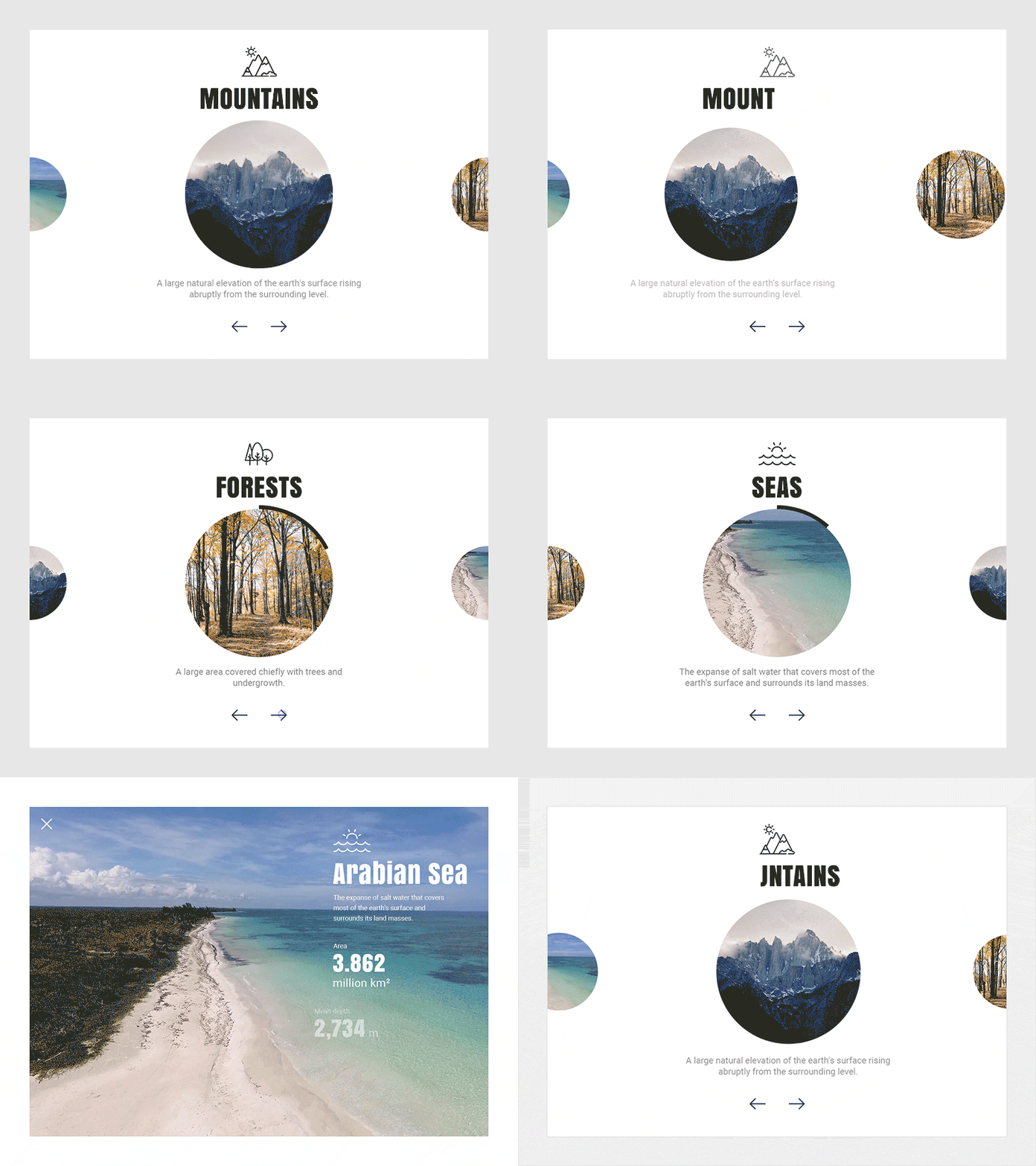
Carousel are used to browse through items within website. It is used to indicate that there are more than one items.

User Scenario

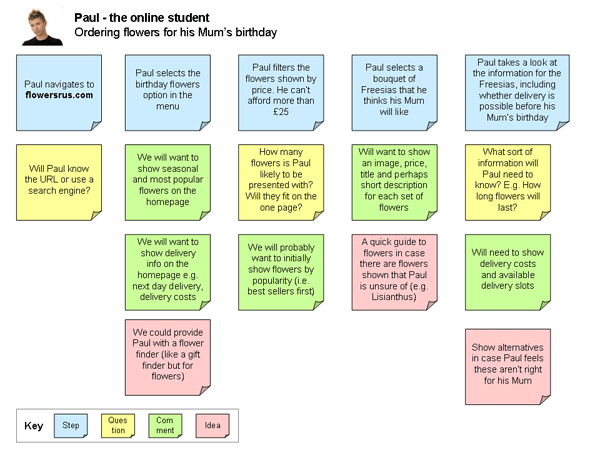
User scenarios are the stories your personas act out. These scenarios are basically an exercise in which you predict how certain users (represented by your personas) will interact with your interface in a situation to complete a goal.  
It is obvious that user personas and scenarios play hand in hand, helping inform your interactive and how users may explore the interactive. Scenarios are including information about goals, expectations, motivations, actions and reactions. Example:


A step by step guide to scenario mapping [Image] (N/A). Retrieved from
http://www.uxforthemasses.com/scenario-mapping/
These hypothetical scenarios help you understand what your future user will look for when attempting to complete tasks on your interactive. They can help unveil and isolate problems, eliminating issues during the production process. User scenarios should outline the who, what, when, where, why and how of the usage.

Personas

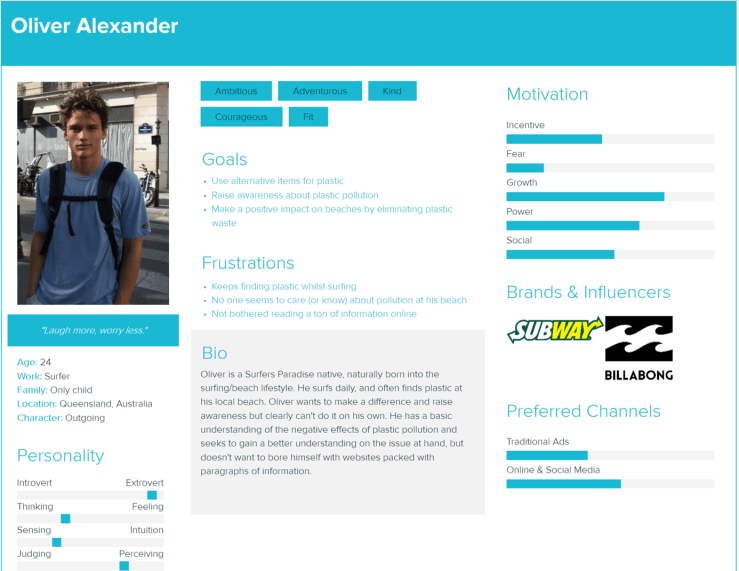
User Personas are detailed documents that identifies user needs, which then calls for a great user experience within a project. As a designer it is important to identify users successfully, as it has a flow and effect to the entire project. These fictional users are representative of real users in the world, collecting details such as goals and behaviour of a group of users. In most cases user personas are synthesised data collated from interviews with users that capture the behaviour patterns, goals, skills, attitudes and the environment of context. With added fictional details to make the user somewhat realistic. For each product made their can be several user personas made, though only one should be the primary focus of the design.

Now a user persona usual entails the following information/structure: age, sex, occupation, hobbies, likes/dislikes, behavior patterns, goals, skills, attitudes and their environment (or context). Though it also captures the personalities of these users, the ultimate goal is to establish the mindset, desires and necessary tasks of your users. User personas help inform your project.

To develop a artifact persona, it is helpful to ask the following questions:

  • If the interface were a person, what would she or he be like?
  • How would you expect users to react when they first view the product?
  • How would you describe this product to a friend?
  • How is the product different from competitive products?
  • Which celebrity (or car, movie, etc.) is the product most like? Least like? Why?

Exercises

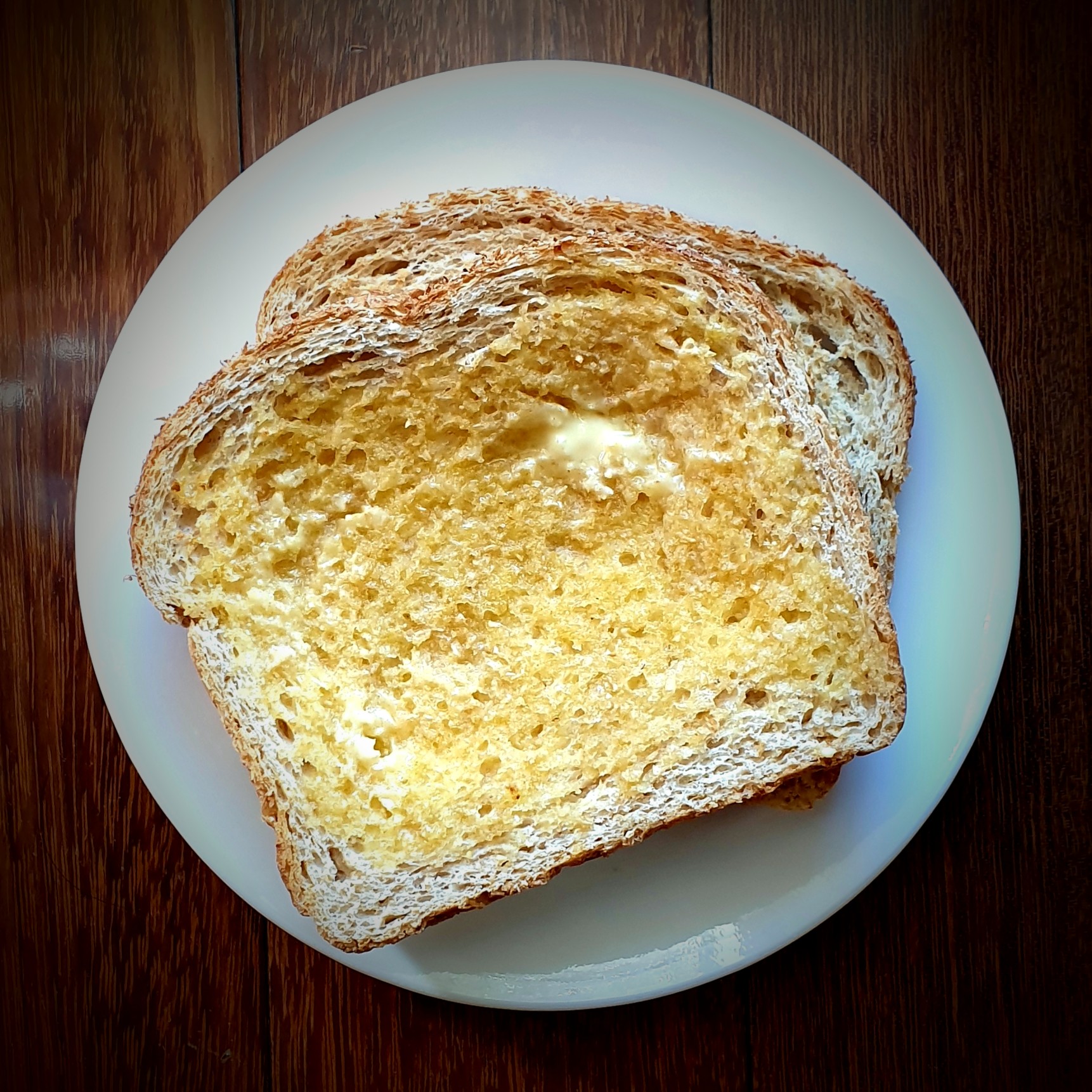
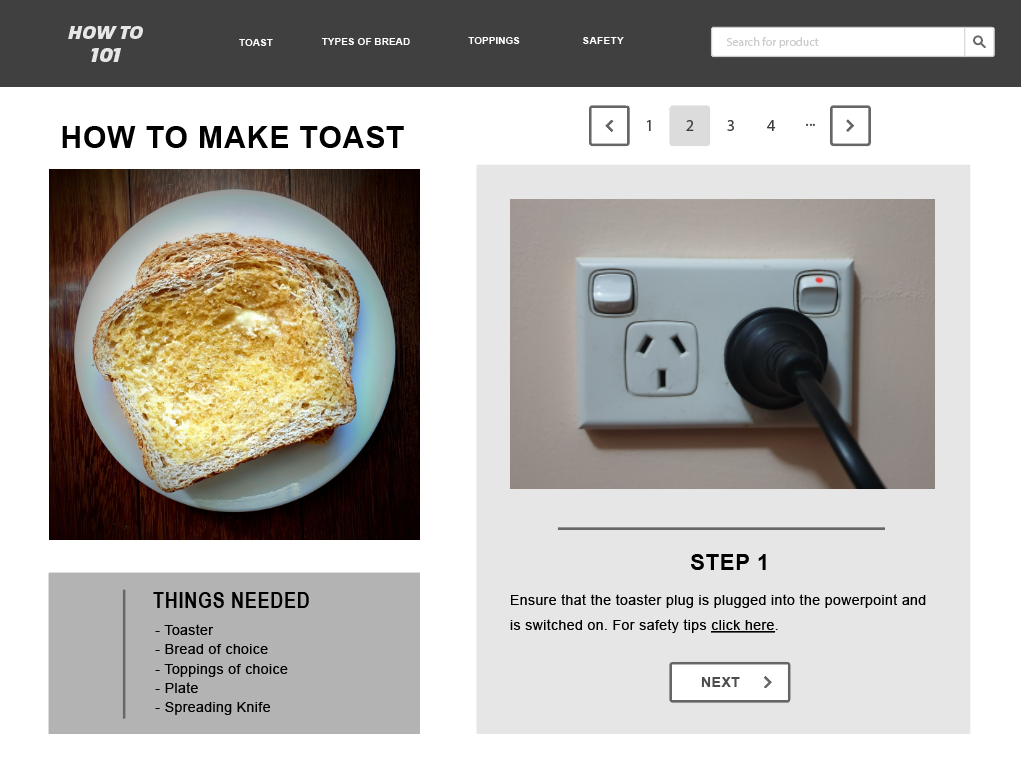
1) HOW TO MAKE TOAST EASY!

The following text/images/charts will give you a deep and close insight into how to make toast with a toaster. Enjoy!

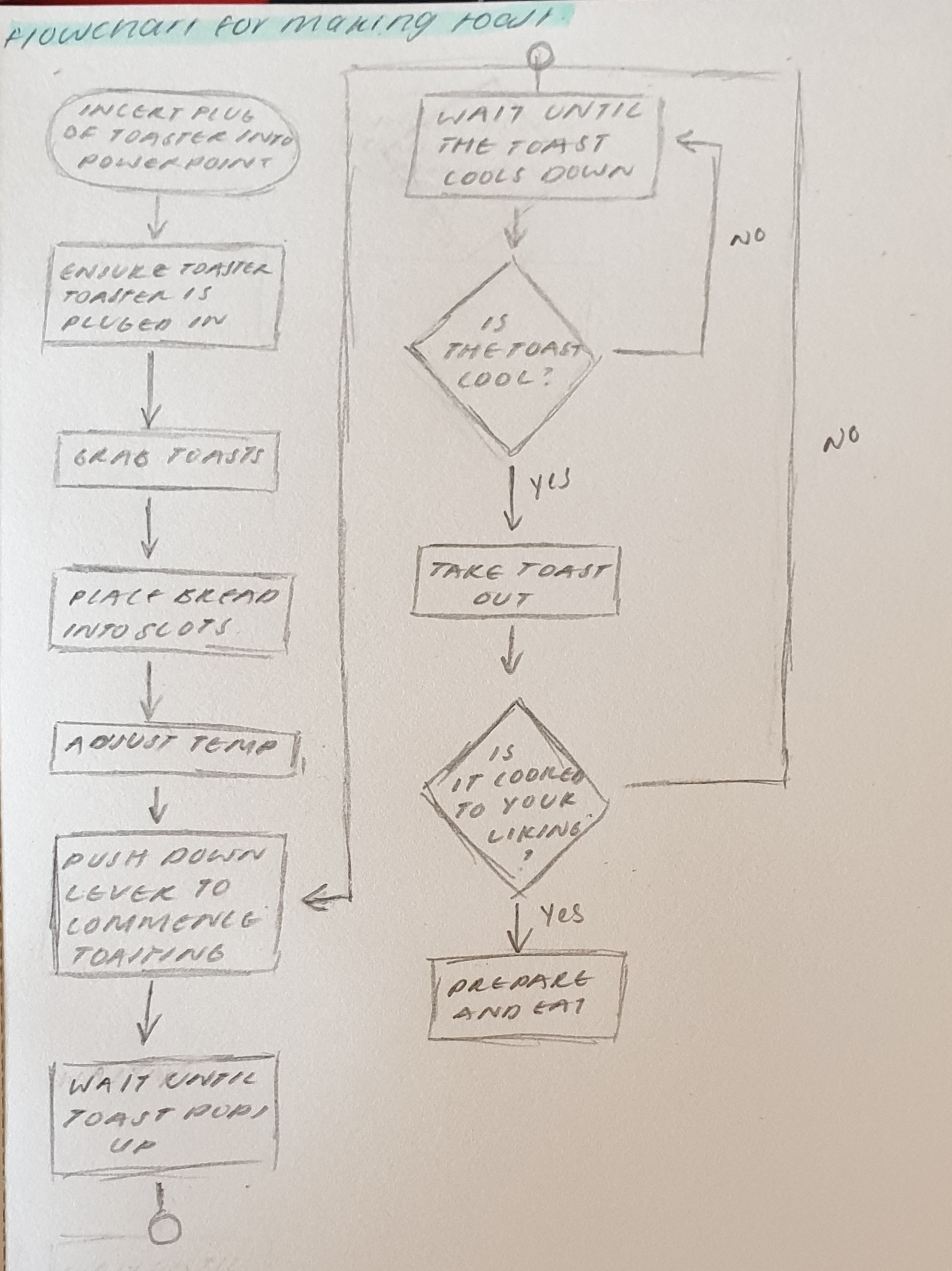
Flowchart on how to make Toast:

Steps on how to make Toast:

Step 1: Plug in toaster into power point

Step 2: Ensure toaster is on

Step 3: Grab some toast

Step 4: Place bread into slots

Step 5: Adjust temperature to liking

Step 6: Push down lever to commence toasting

Step 7: Wait until toast pops up

Step 8: Wait until toast cools down

Step 9: Take out toast

Step 10: Check if toast is to your liking

Step 11: Prepare and eat!

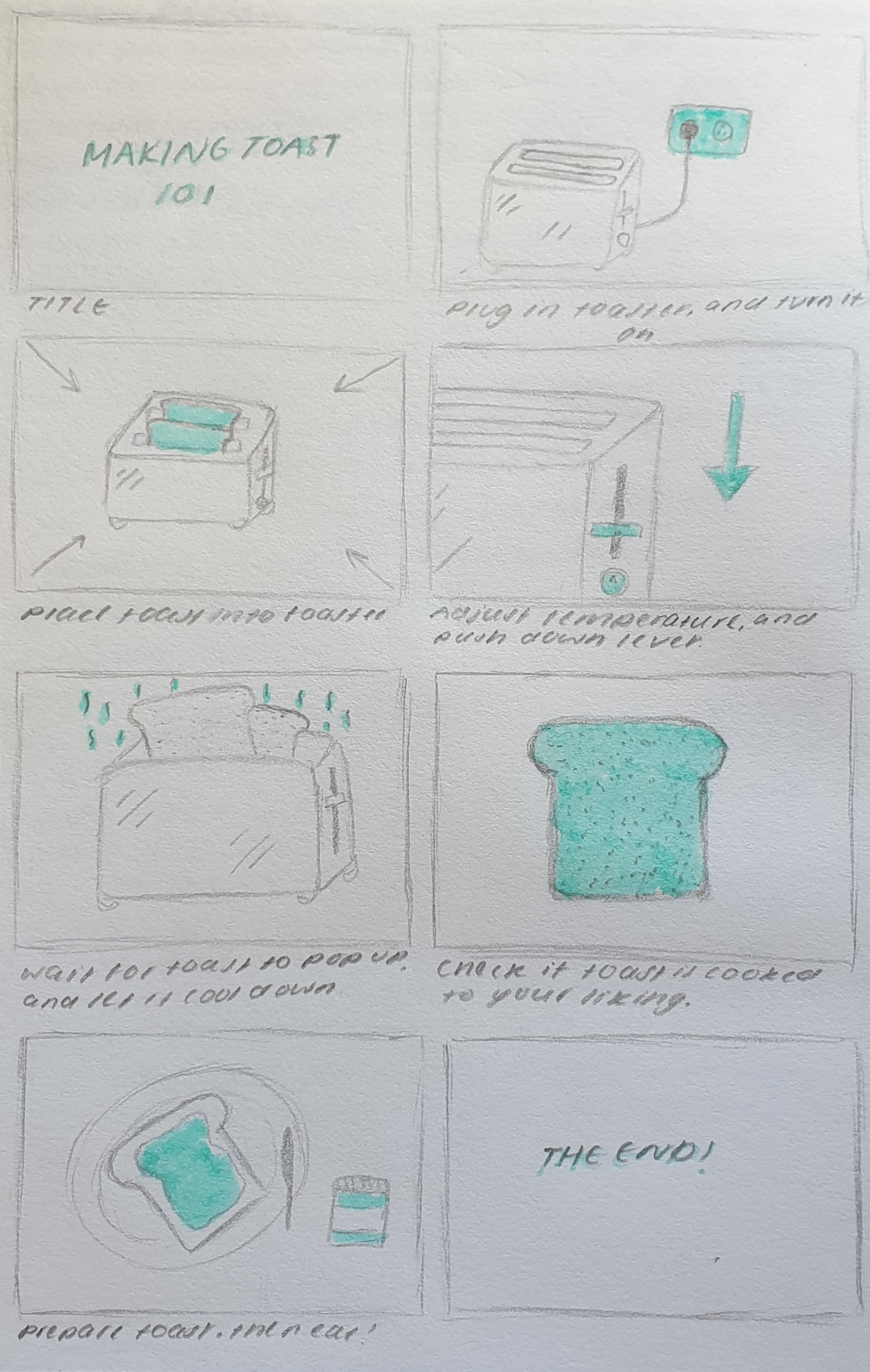
Visual story board on how to make toast:

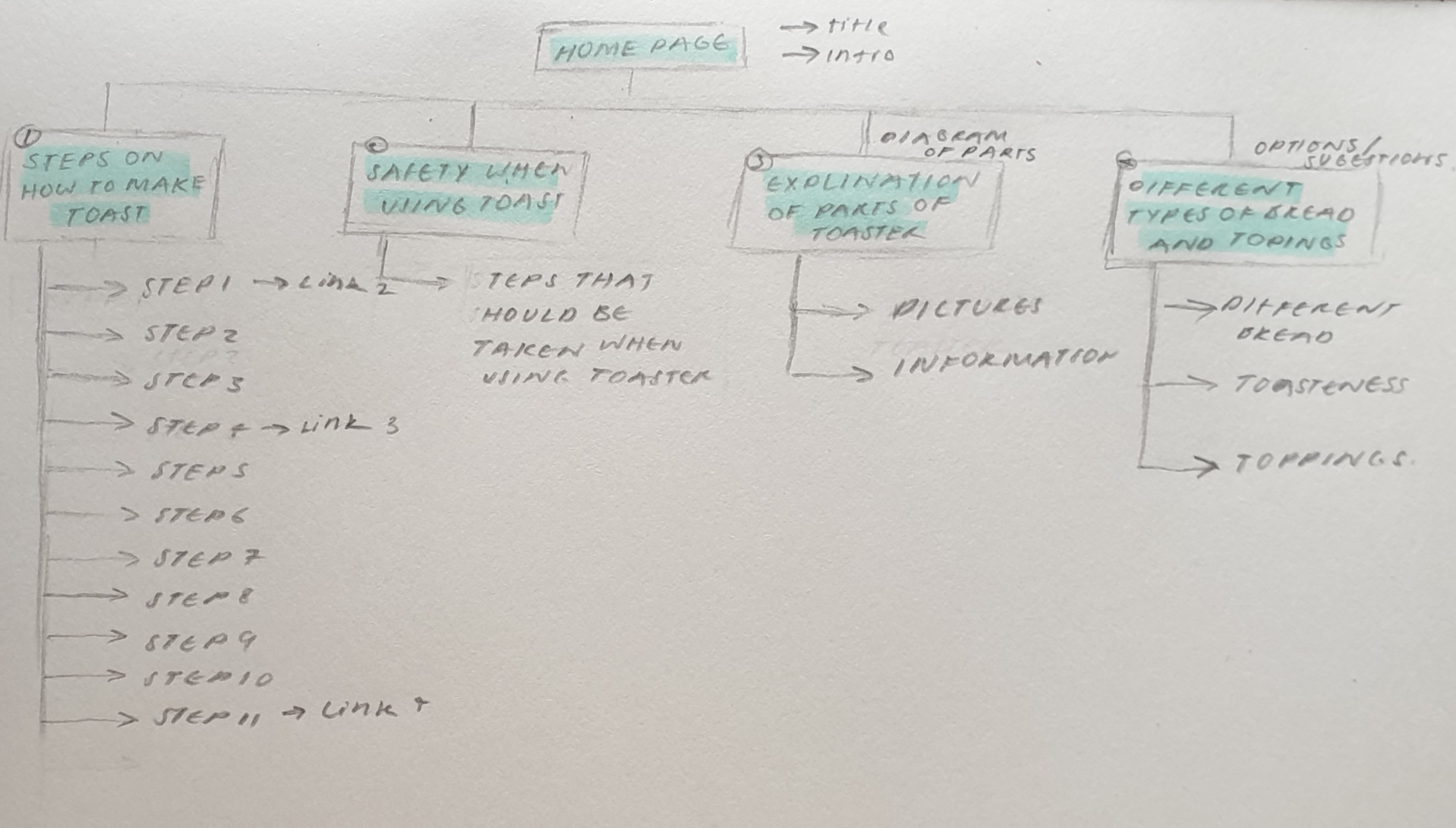
Site Map & Single Interface:

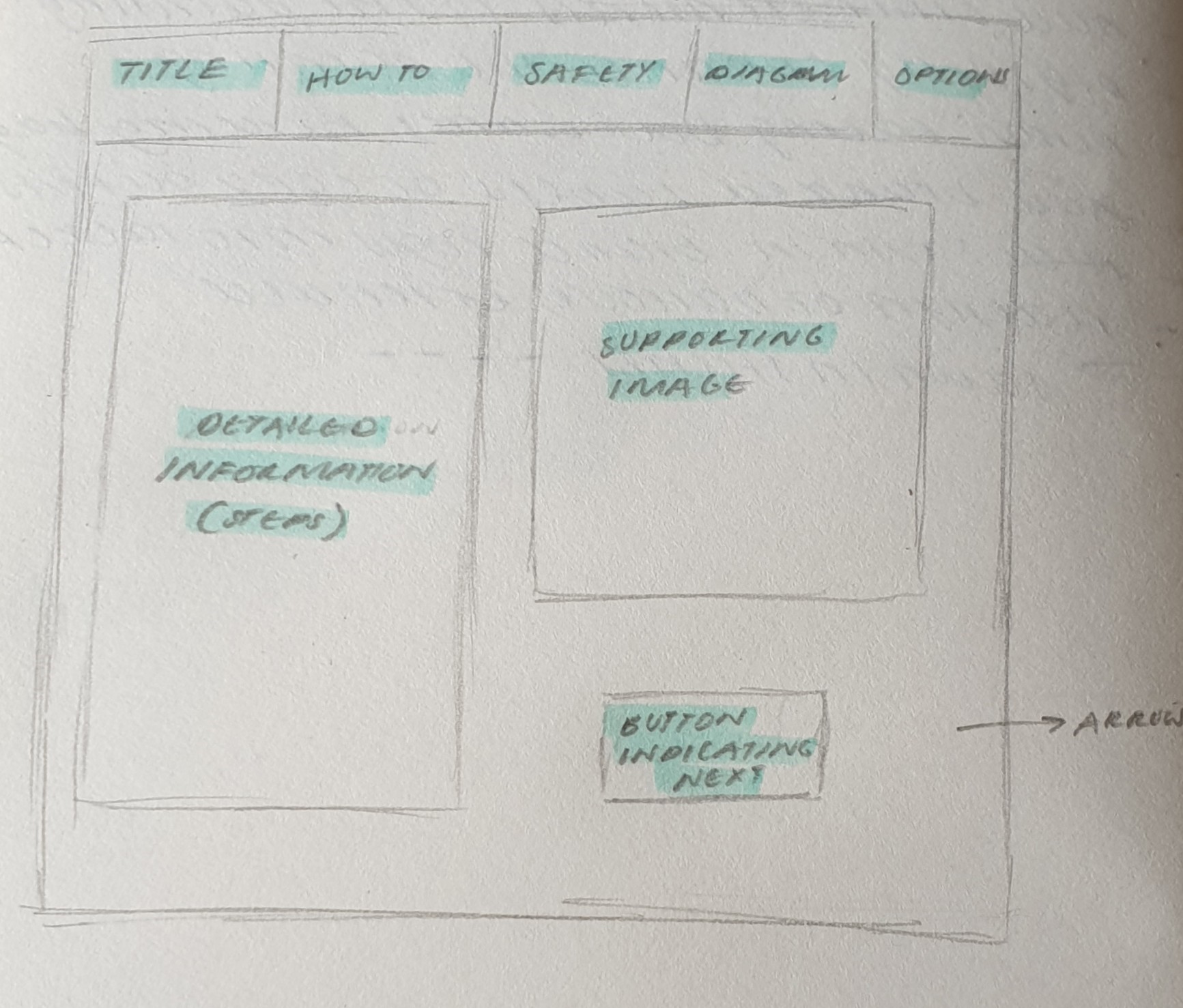
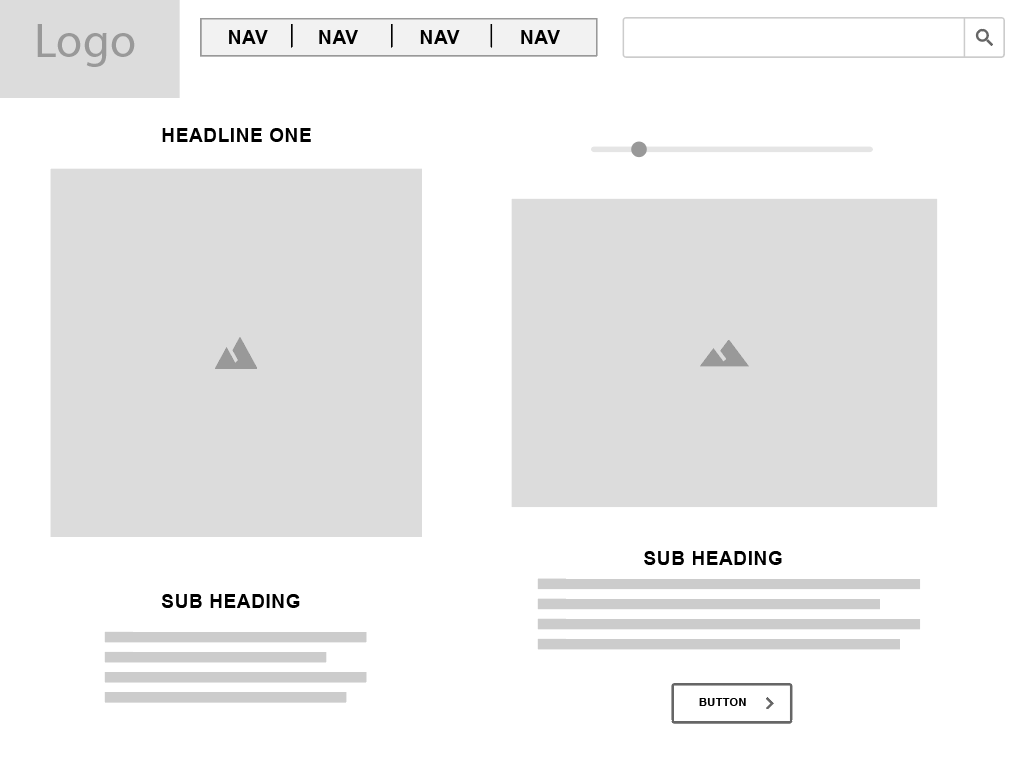
Wireframe of Toast website:

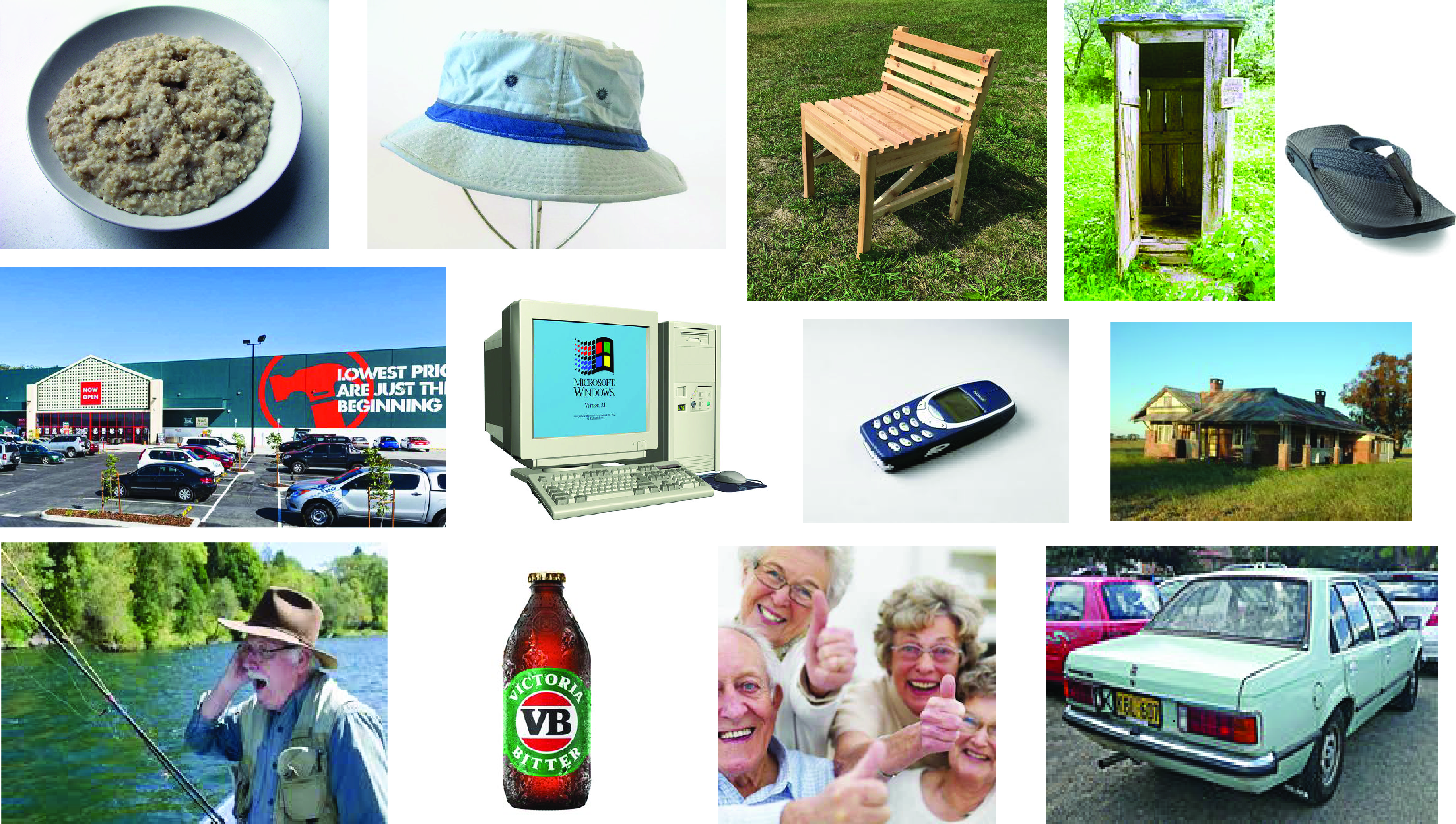
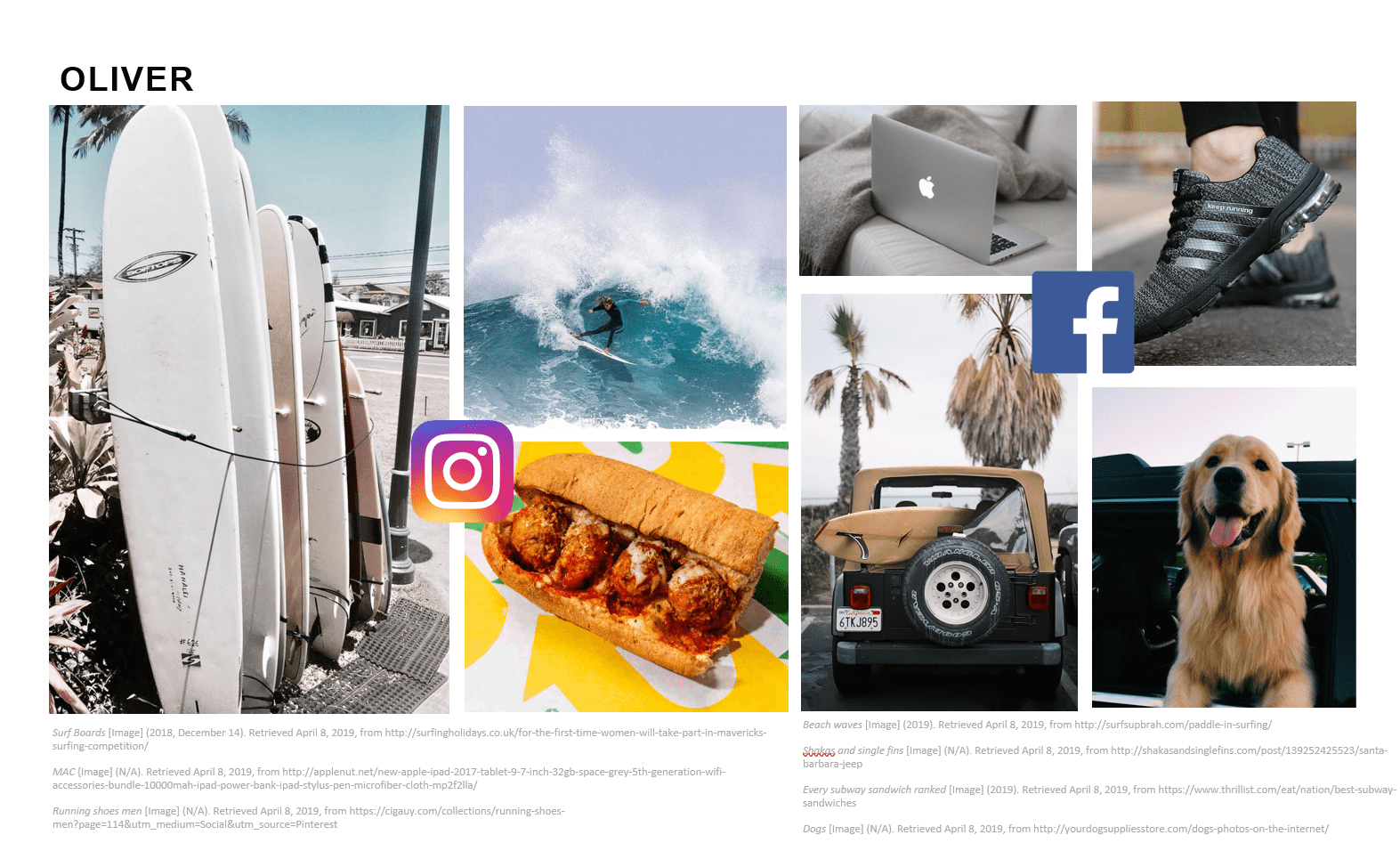
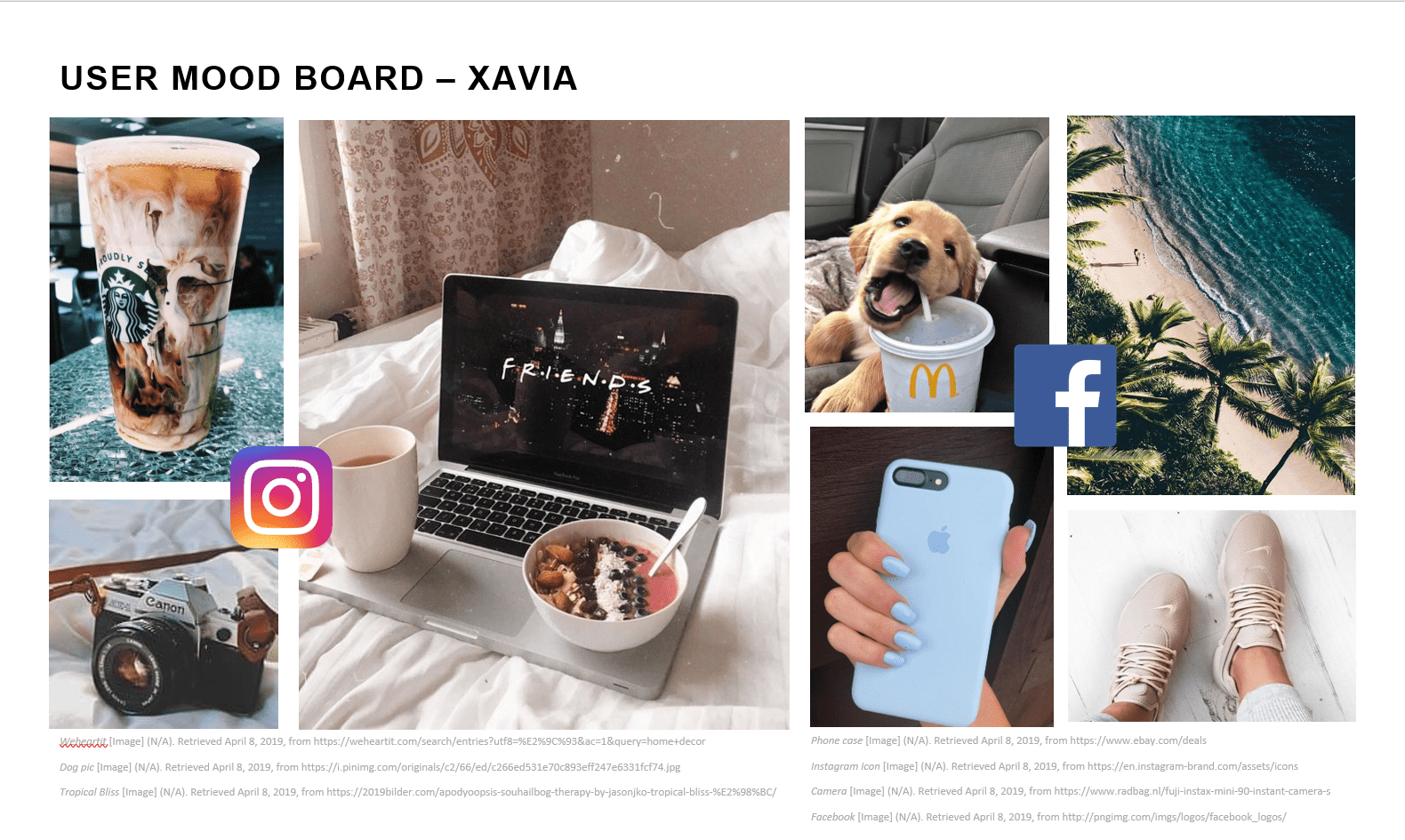
2) Meet Dave! (Mood Board)

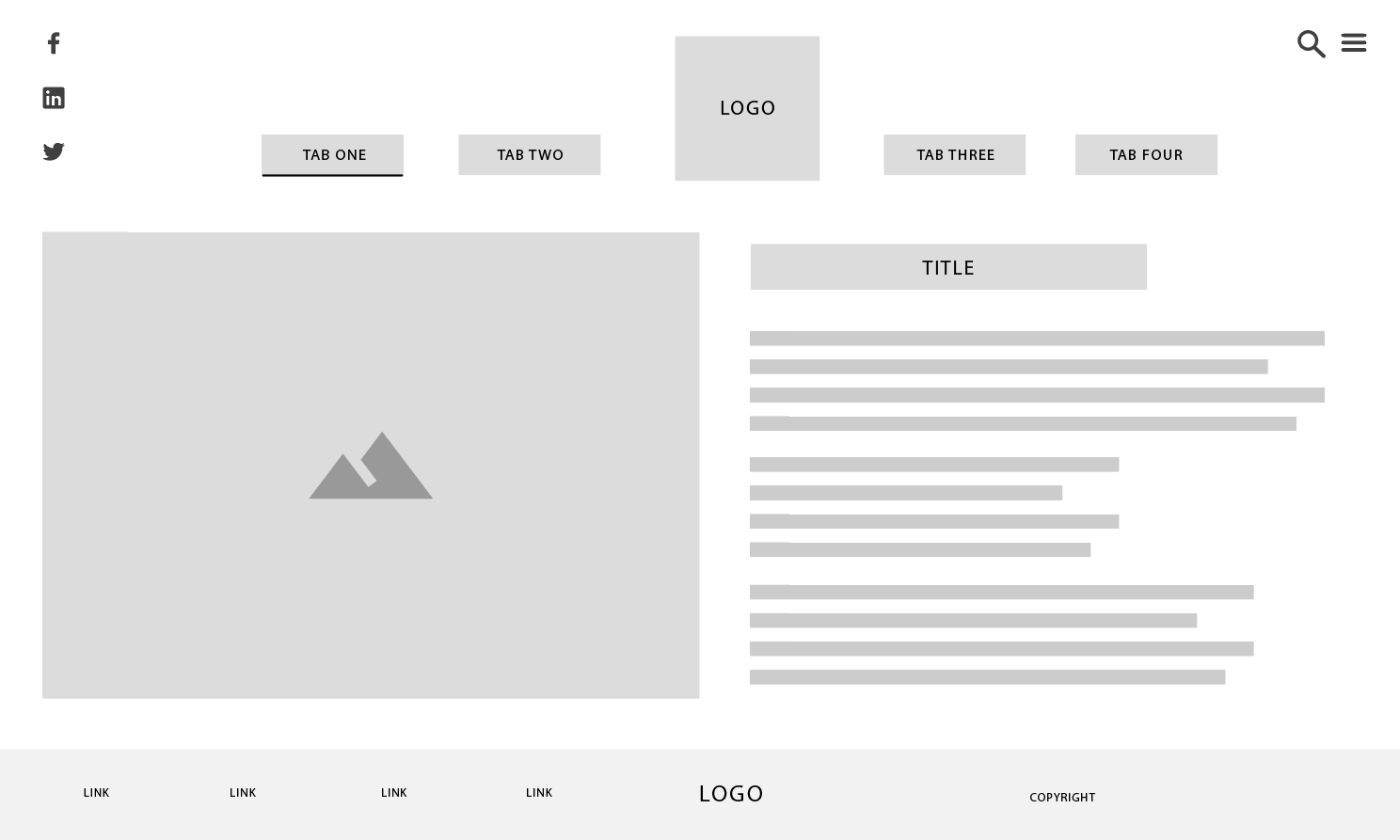
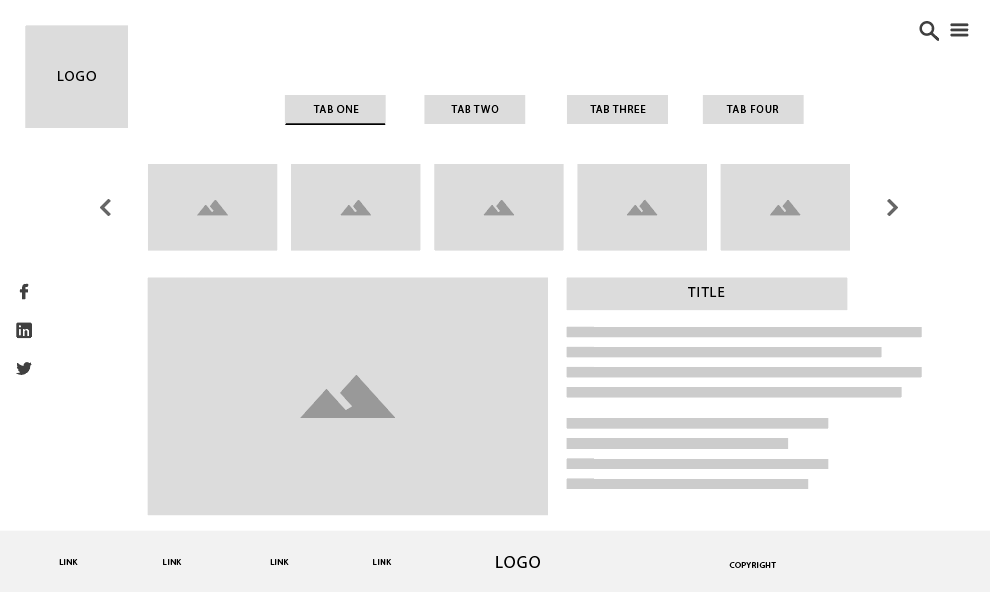
3) Wireframes for ideas for screen design

4) User Scenario Description

Oliver Alexander

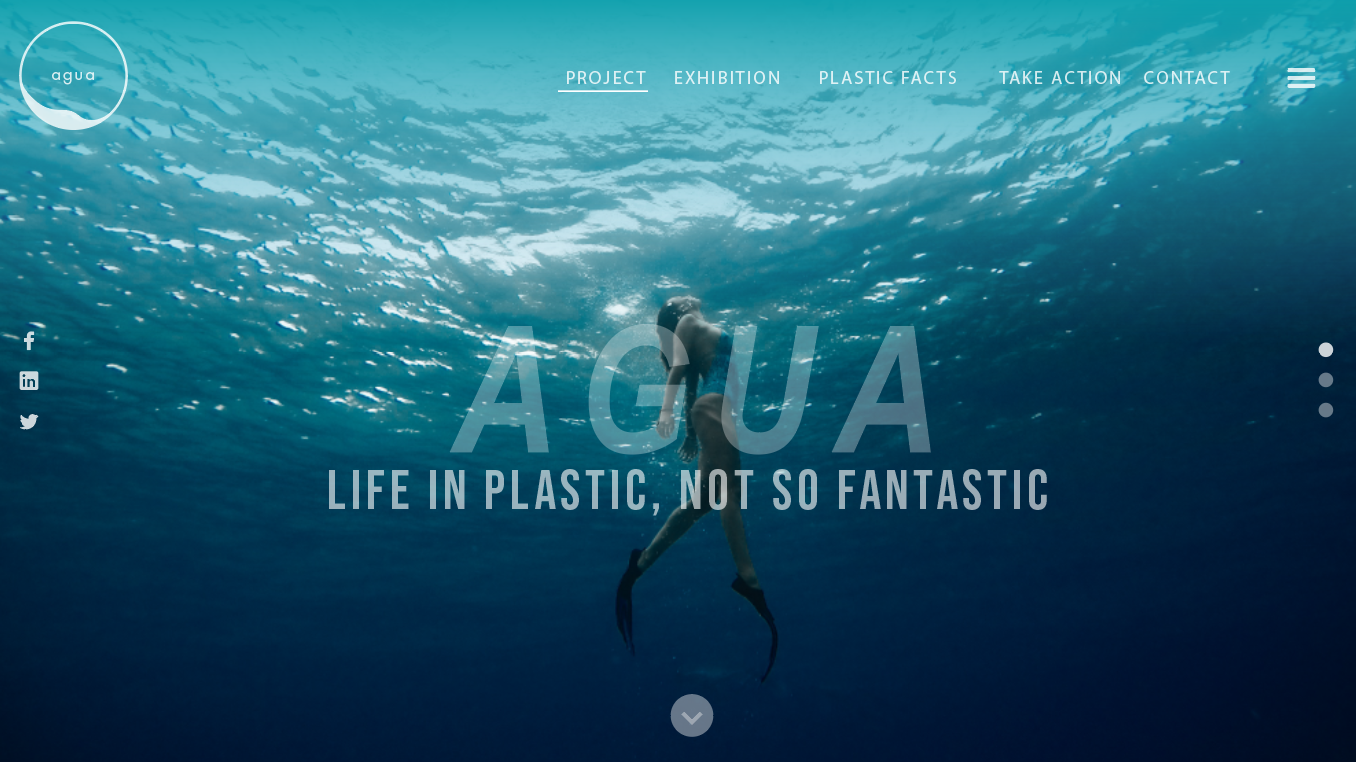
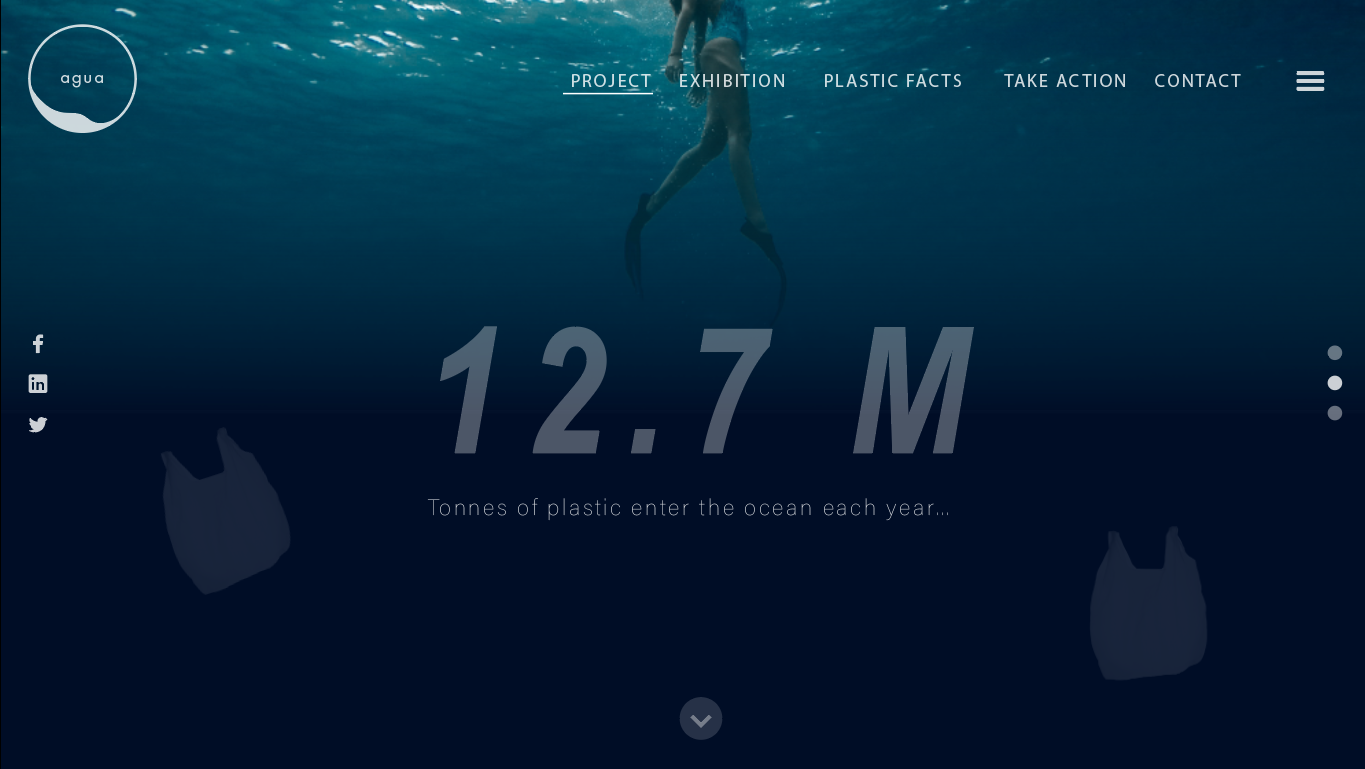
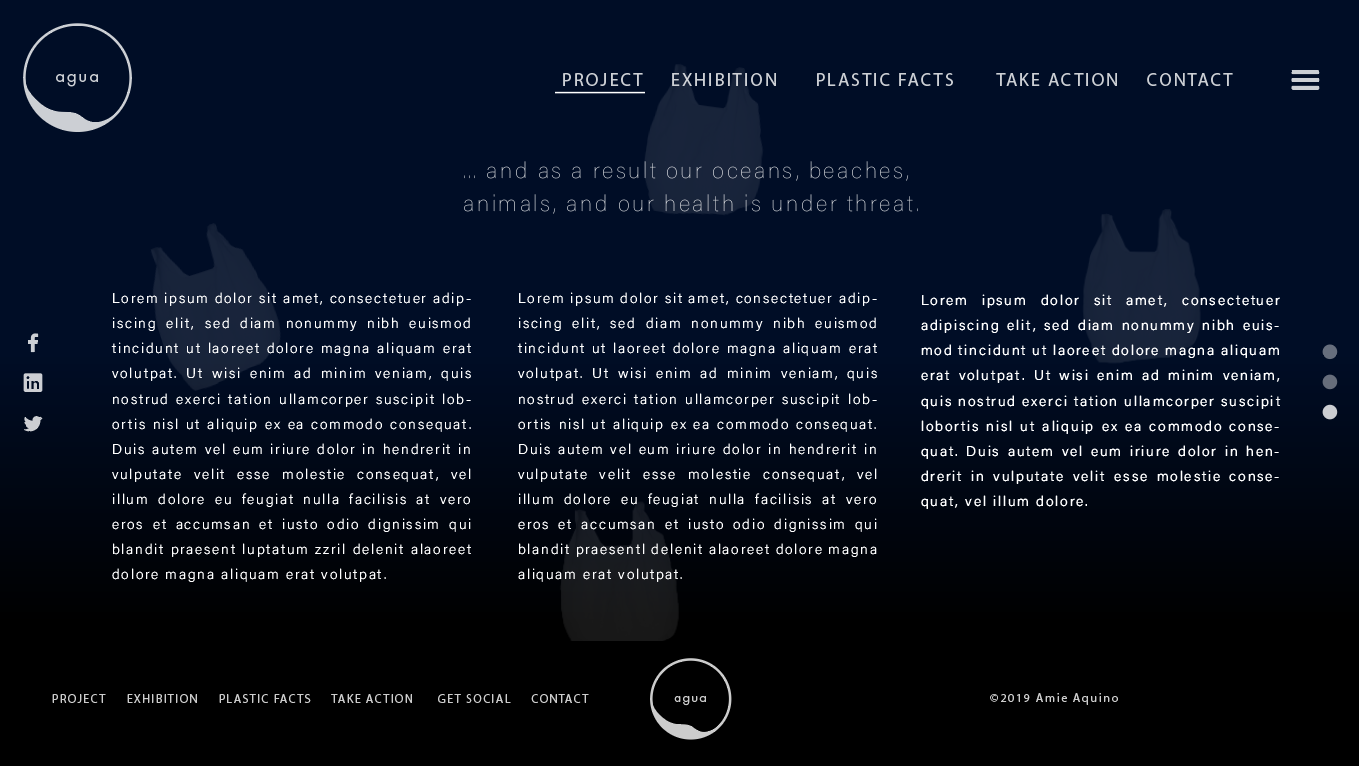
It’s Saturday morning and Oliver had just finished up his rounds surfing. Whilst making his way out of the water he feels something by his feet, assuming it was seaweed he proceeds to walk onto shore, but later finds out it was a plastic bag. Furious with his find as it was not the first time, Oliver grabs his belongs and makes his way to the nearest coffee shop to get some breakfast. Having settled down in the coffee shop, and wanting to find a solution to this problem, he searches the web for “plastic pollution in beaches” and was drawn to the website “Agua”. He brushes up on the horrific impacts of plastic to the environment, and reads up ways to reduce waste, and how to spread awareness through the website. His goal is to reduce plastic waste in Australian beaches.

Xavia Montana

It was an ordinary afternoon for Xavia, consisted with lounging around at home on her phone, making the daily rounds on social media. Whilst scrolling down her feed in Facebook, she comes across a “trend” of going plastic free for a week. She clicks on the link and is relocated to the website “Agua”. Filled with intrigue, she explores the website, and reads upon the dangers of plastic pollution, possible solutions and plastic alternatives. Seeing as she the type of person to be prone to social media trends, she mainly focuses her attention to the plastic alternatives to gain further knowledge for going plastic free. Now fully aware of the amount of waste she makes daily, and the negative impact of plastic to the world, Xavia is determined to make some lifestyle changes in hopes to reduce plastic pollution in the ocean.

5) User Persona

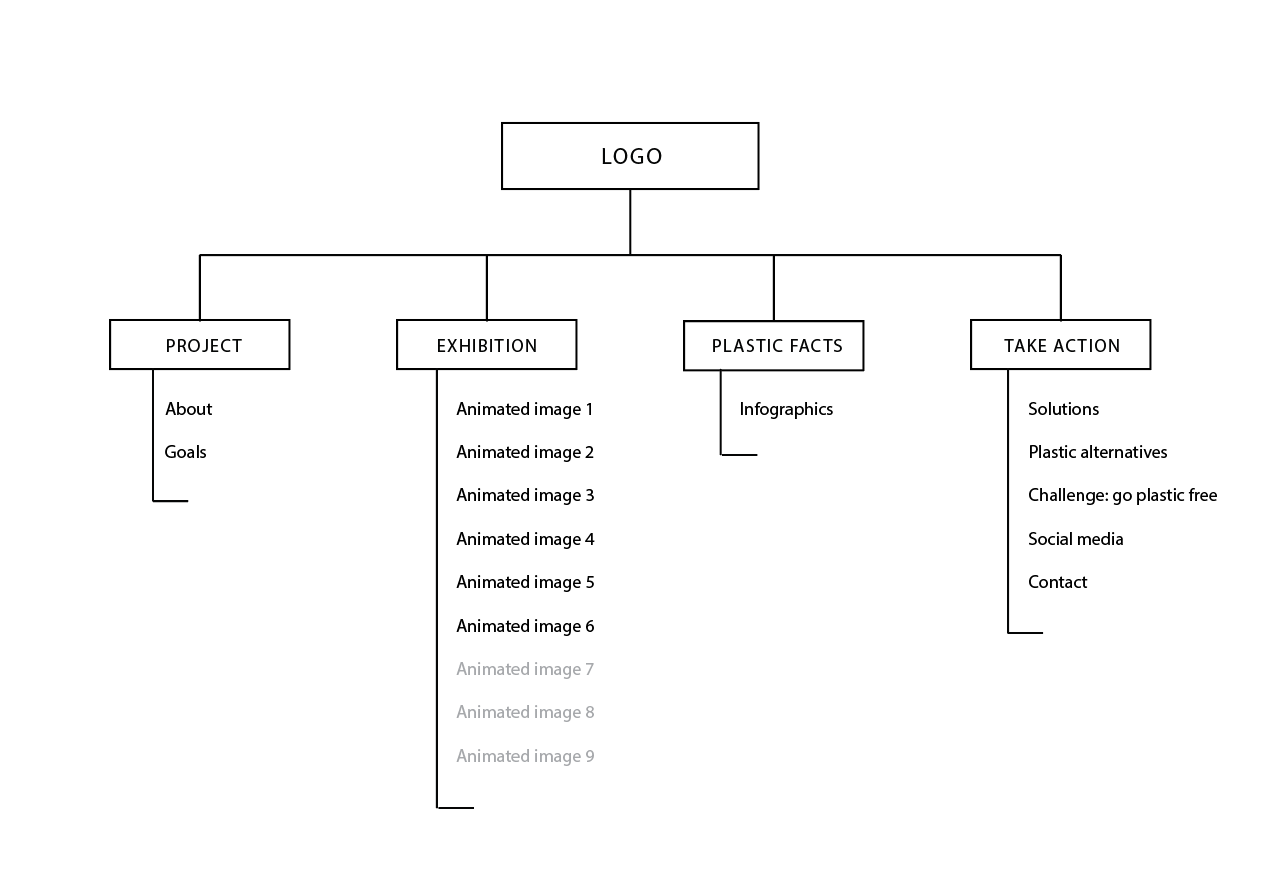
6) Sitmap of website

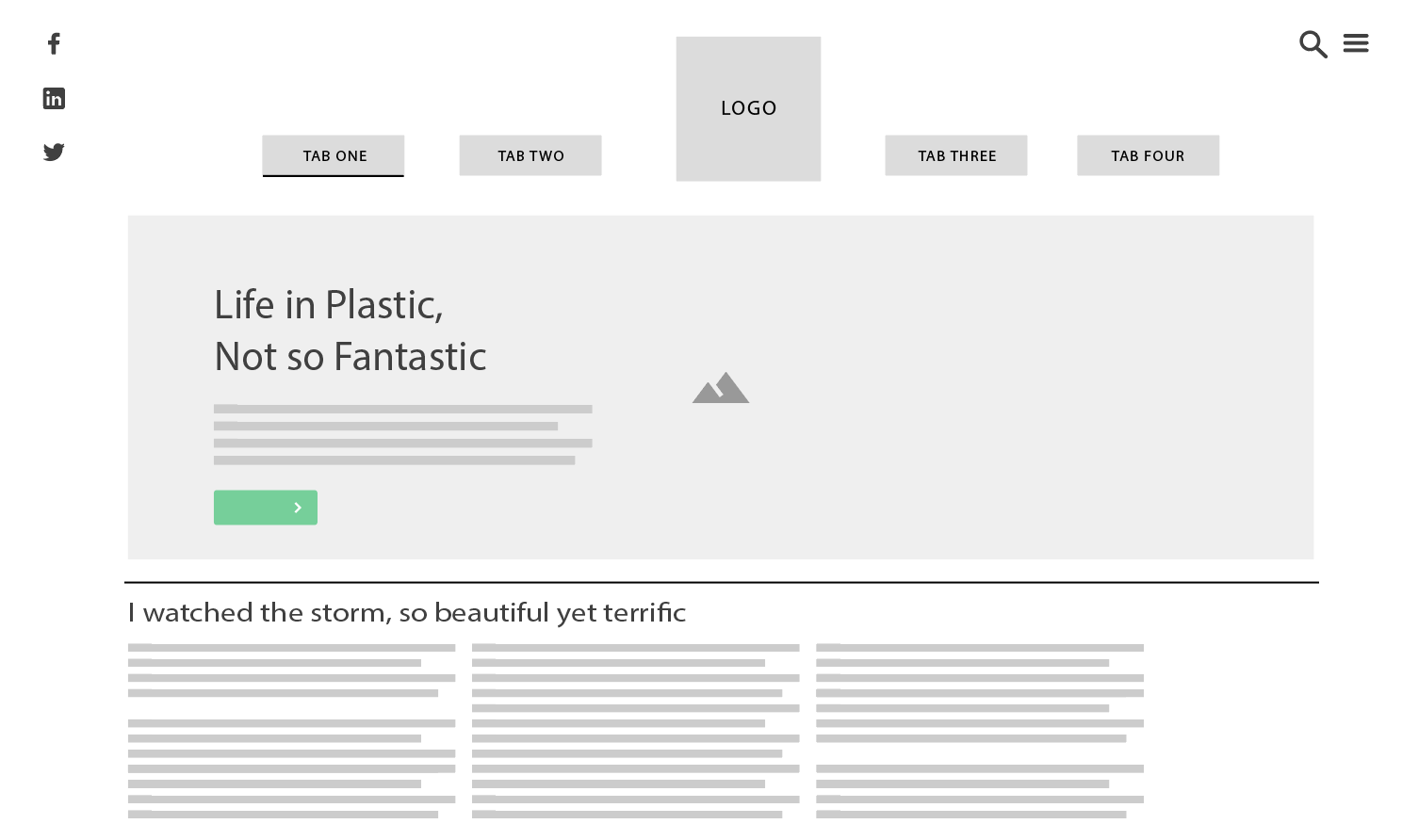
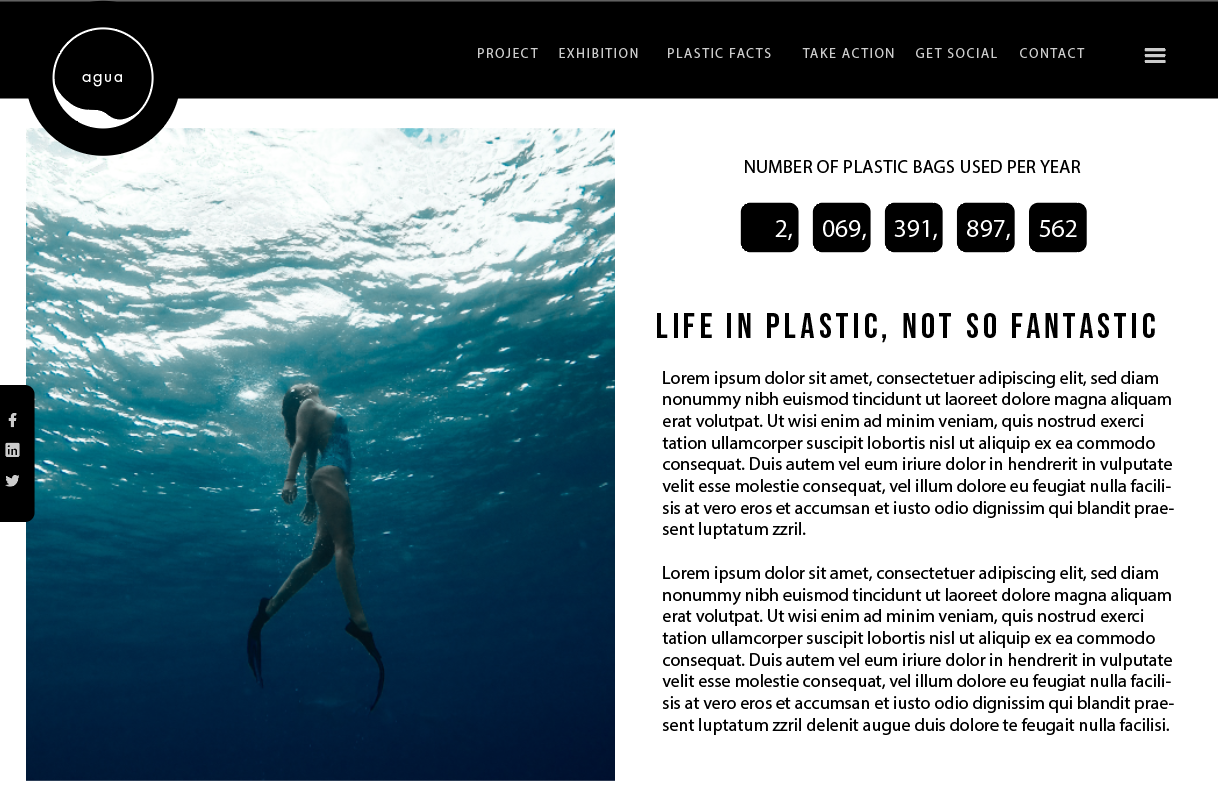
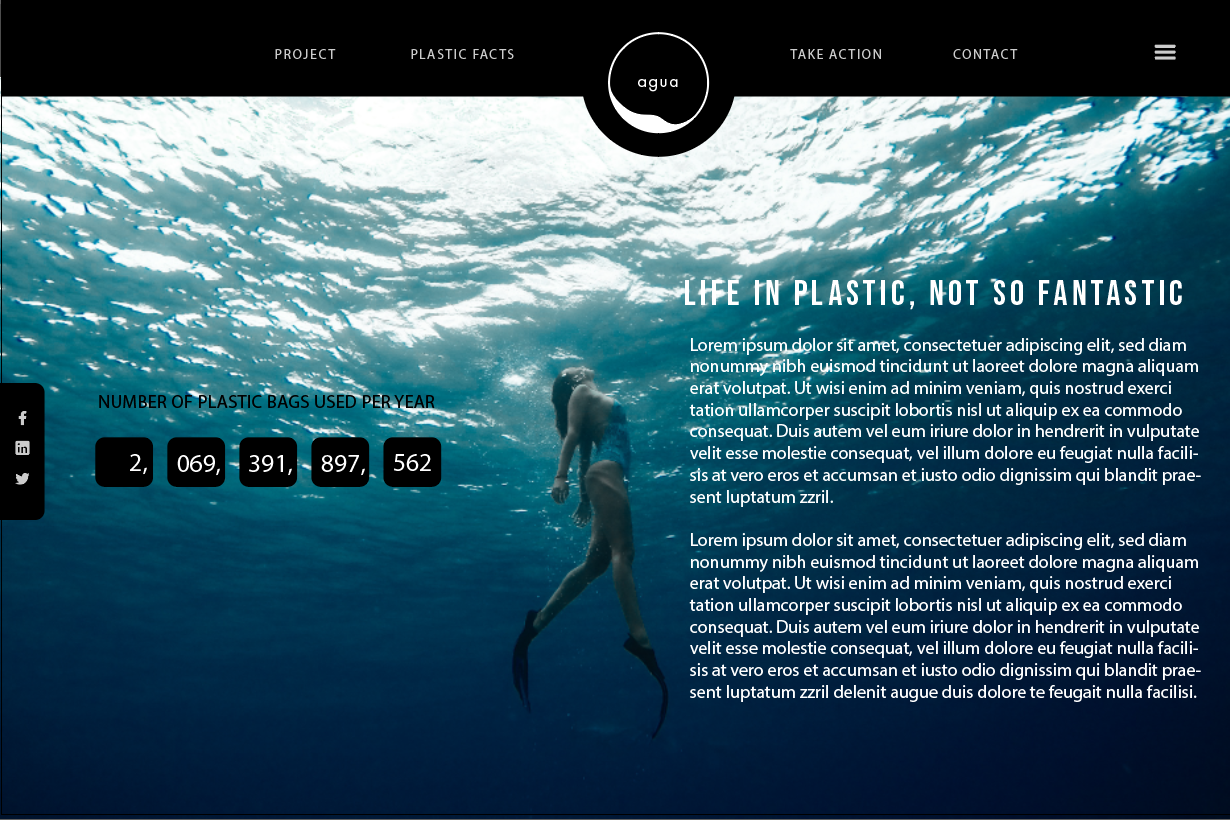
7) Alternative layouts

Layout 1:

Layout 2:

Layout 3: Long-scroll

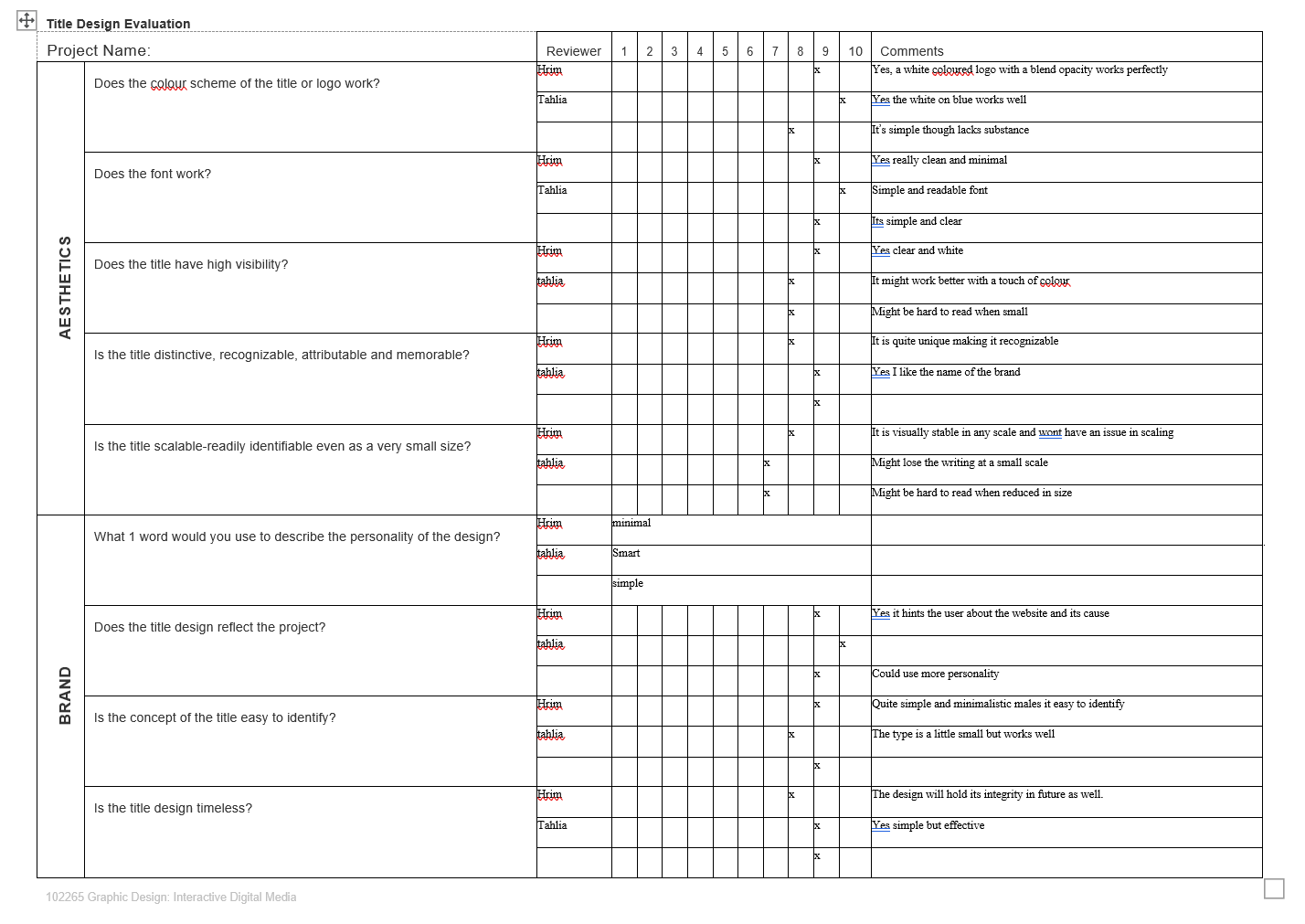
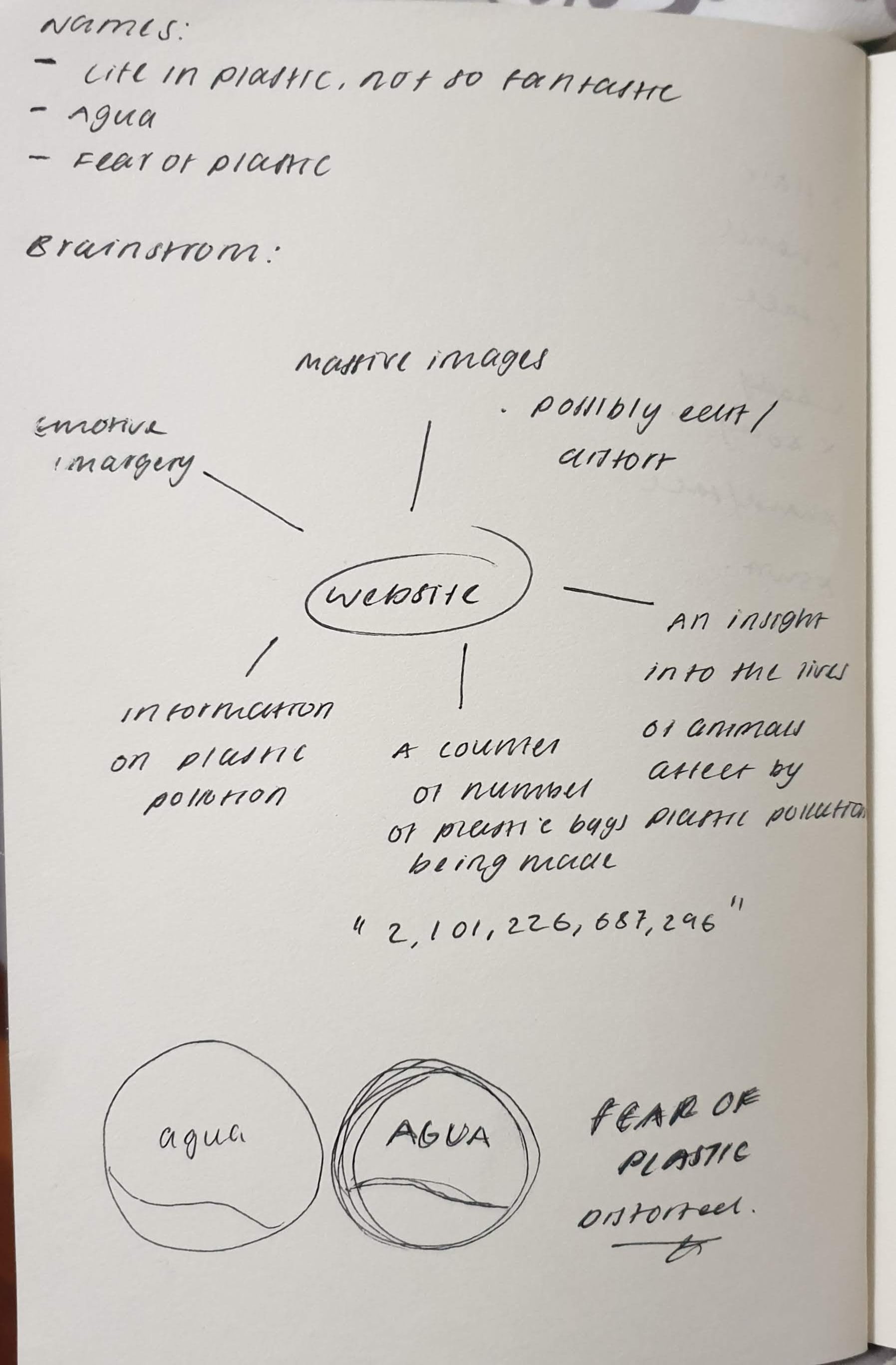
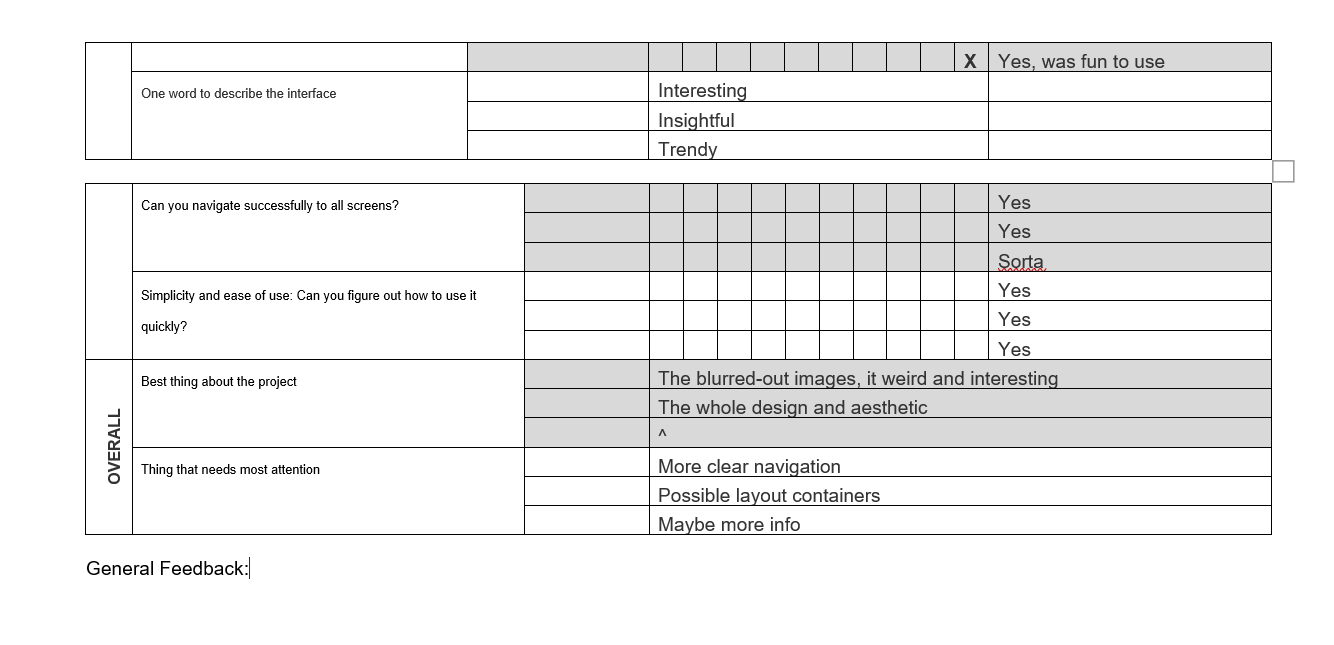
8) Logo/title Design Review Sheet

9) Ideation map

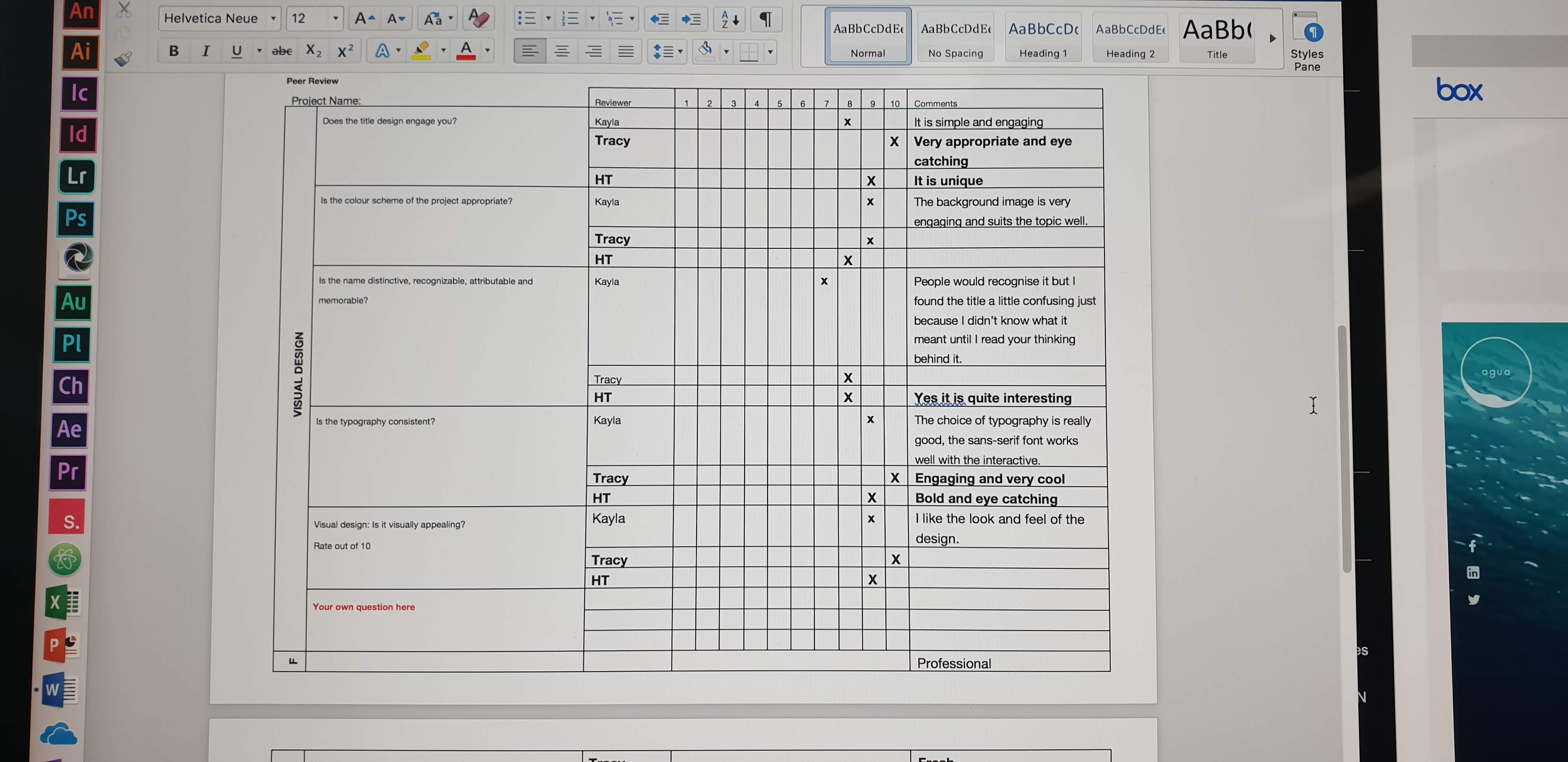
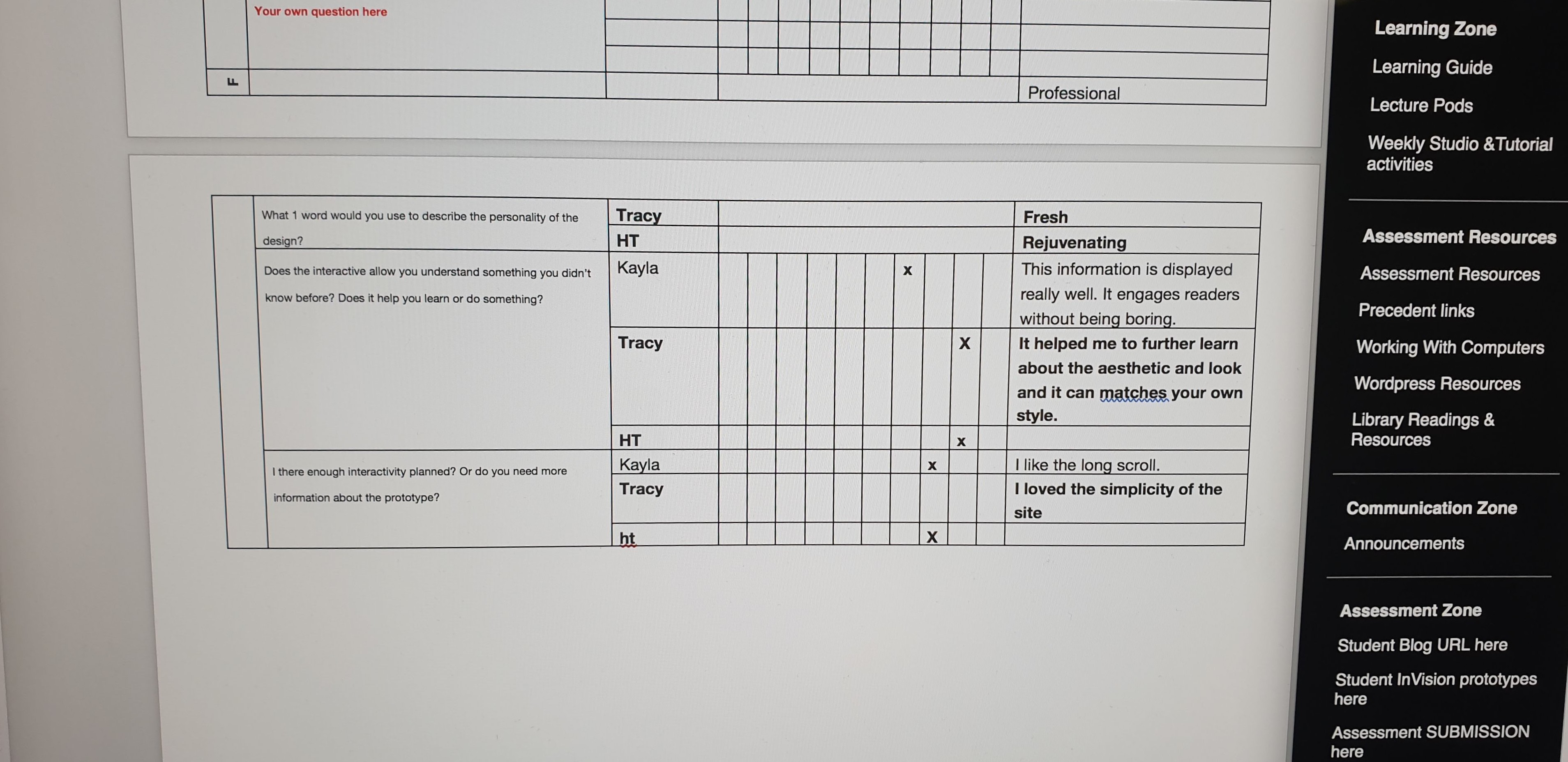
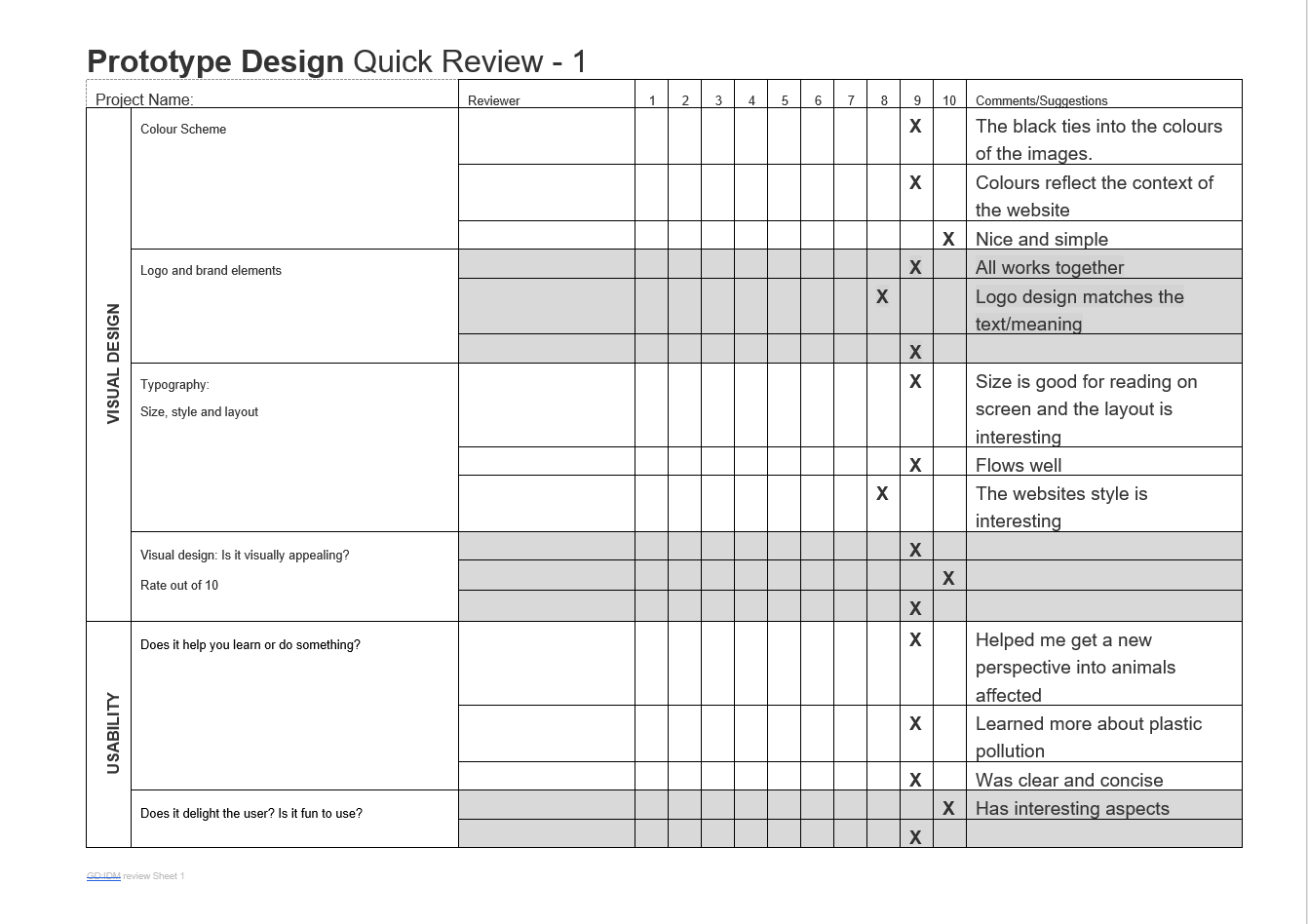
10) Review Sheet

Before:

After:

Instructional Design

How to “do something”, or to explain “how something works”

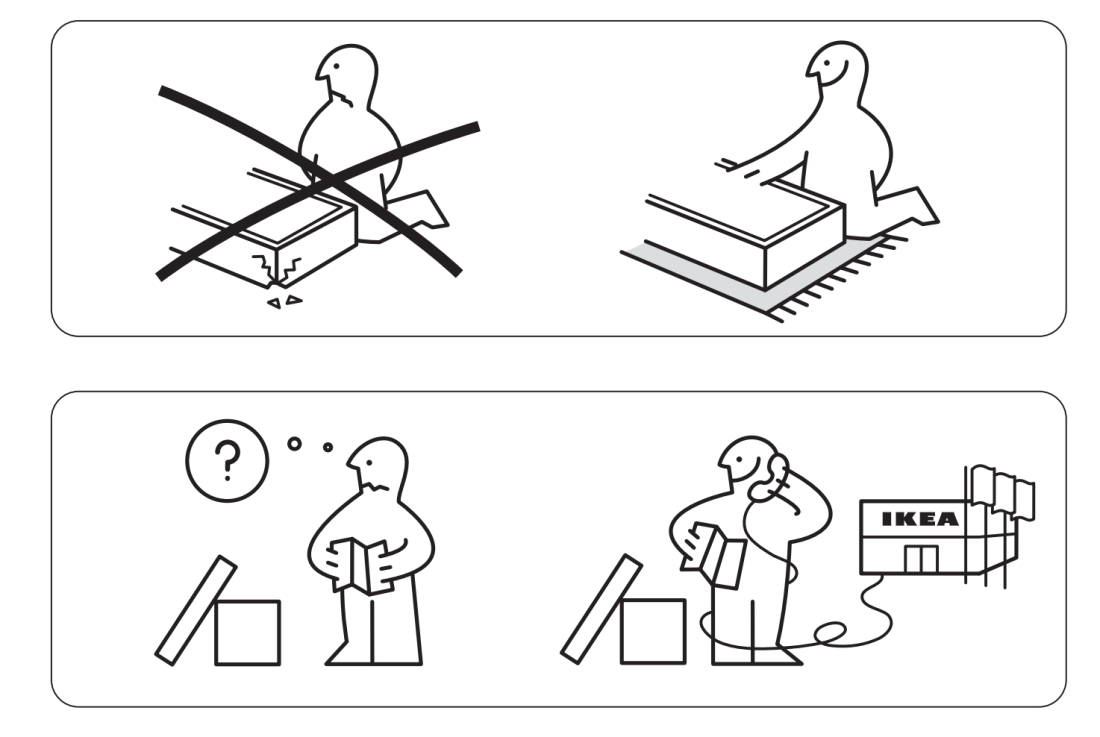
16 Out-of-Context IKEA Instructions to Help You Live a Better Life [Image] (N/A). Retrieved April 5, 2019, from http://mentalfloss.com/article/58450/16-out-context-ikea-instructions-help-you-live-better-life

Now we’ve all come across some sort of instruction that explains how something works or how to put something together, and so on. Depending on the importance of a task or lack thereof, calls for the level of detail the instruction is designed in. Research has been made in this realm, known as the cognitive learning theory. Including information on how we thin and how we remember, using this research to create effective ways of delivering instructions. Researchers have found that we humans use something called a working memory. It refers to how we manipulate information that is stored in our short-term memory which is our key executive functions, although it has its limitations. As we often find ourselves forgetting things once and awhile. When designing instructional design, it is best to avoid using imagery as it is often overly saturated with too much elements and details, causing confusion to the user. An alternative is to us simple graphics with a limited colour palette, as you can isolate the most important details.

Kinds of Interaction

(Tell a user how to do something or explain how something works)

Instruction – by clicking buttons

Conversation – back and fourth dialog

Manipulation – drag and drop elements

Exploration – open, playful, game like

Design Patterns for Screens

In this blog we will touch base on screen design and design patterns for screens. Patterns refers to the development of user interface and page composition. It is important to understand that the patterns used when designing for different screens, will be different on all devices. When designing a user interface, it is best to start off with a smartphone, as its smaller design will force you to prioritise, and will minimise the difficulties when adopting a large screen pattern for a smaller device. In the book A Pattern Language by Alexander (1977, p.15) he states “…each pattern represents our current best guess as to what arrangement of the physical environment will work to solve the presented problem”. Though it is important to understand that they are just patterns, they may solve a design problem, or they may not, it all depends on the problem at hand.

Nowadays is easy to decipher a responsive website made on applications such as WordPress, as they become notably similar in UI pattern proliferation. Which makes it harder for innovation in design, though usually creates a smooth and easy experience. Recognisable patterns include:

1 – The Hamburger Menu


The Ultimate Guide to the Hamburger Menu and Its Alternatives [Image] (N/A). Retrieved March 28, 2019, from https://uxplanet.org/the-ultimate-guide-to-the-hamburger-menu-and-its-alternatives-e2da8dc7f1db

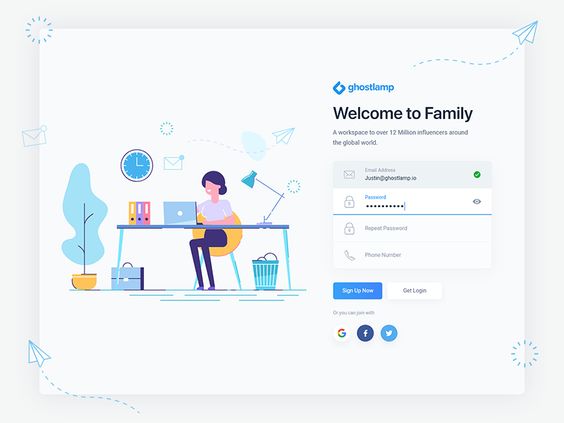
2 – Account Registration

Signup page [Image] (2018, September 1). Retrieved March 28, 2019, from https://dribbble.com/shots/5086894-Signup-Page

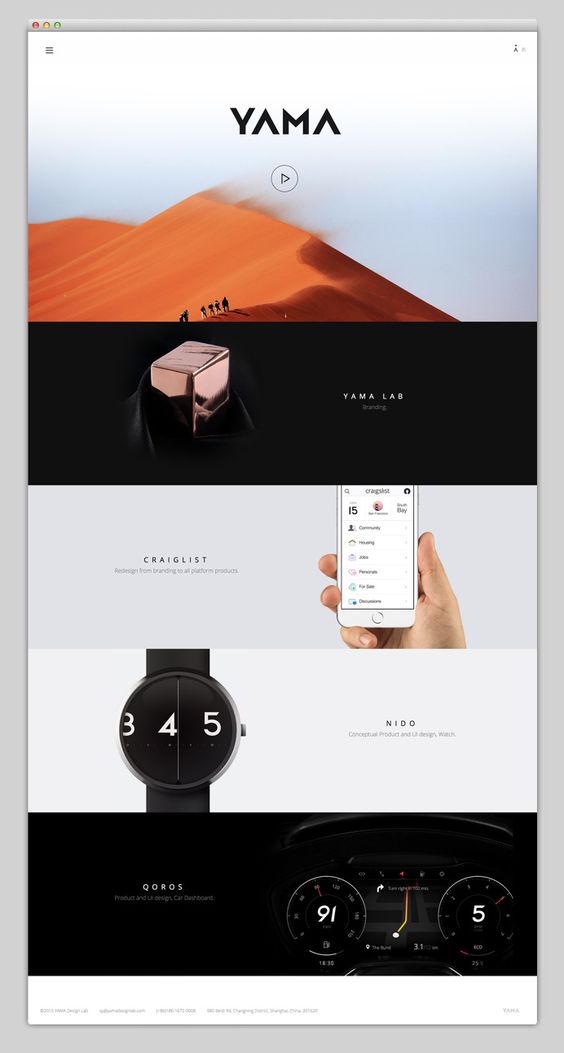
3 – Long Scroll


Mindsparkle Mag [Image] (N/A). Retrieved 28, 2019, from https://mindsparklemag.com/
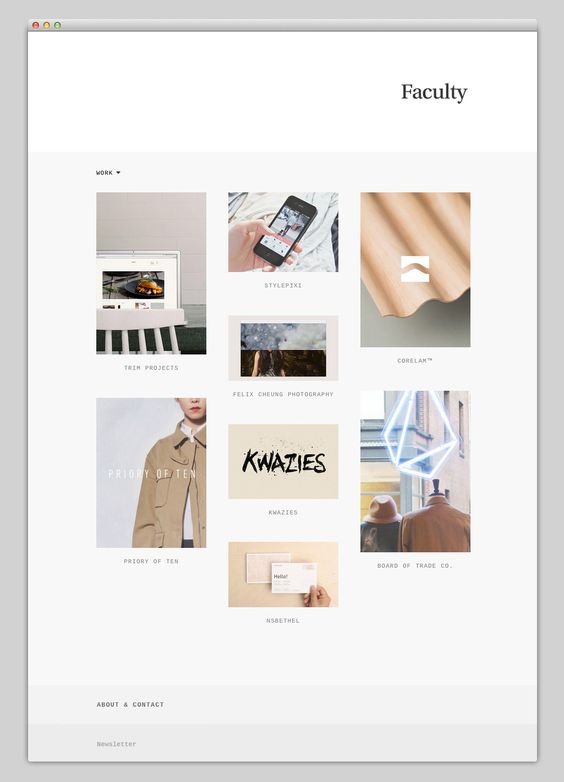
4 – Card Layouts

Mindsparkle Mag [Image] (N/A). Retrieved 28, 2019, from https://mindsparklemag.com/

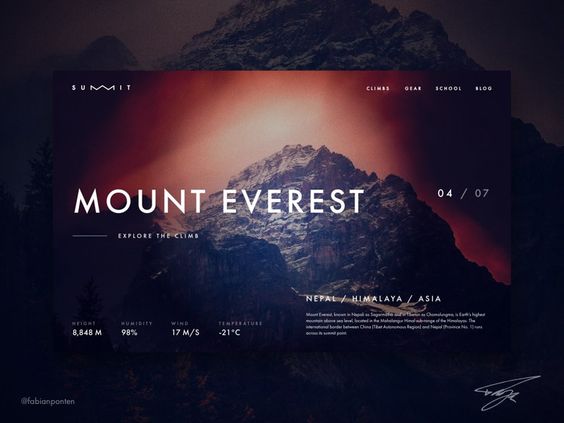
5 – Hero Image

Seven Summits website Design [Image] (N/A). Retrieved 28, 2019, from https://dribbble.com/shots/4508983-Seven-Summits-Website-Design-SUMMIT-UI-Design-in-Sketch-10

6 – Animation

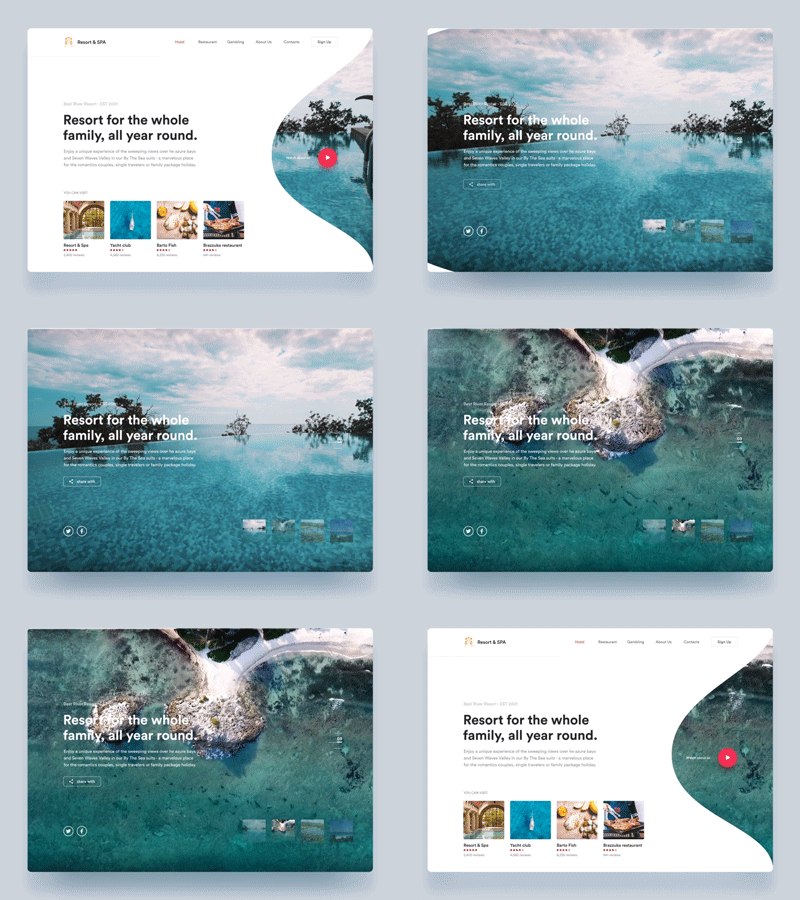
Sea Resort Animation [Animation] (2018, February 6). Retrieved 28, 2019, from https://dribbble.com/shots/4192339-By-the-Sea-Resort-Animation

Loading Animation

Avanti e indietro loader [gif] (2018, November 28). Retrieved from https://wpamelia.com/loading-animation/

Navigation and Menus (non-scrolling) Animation

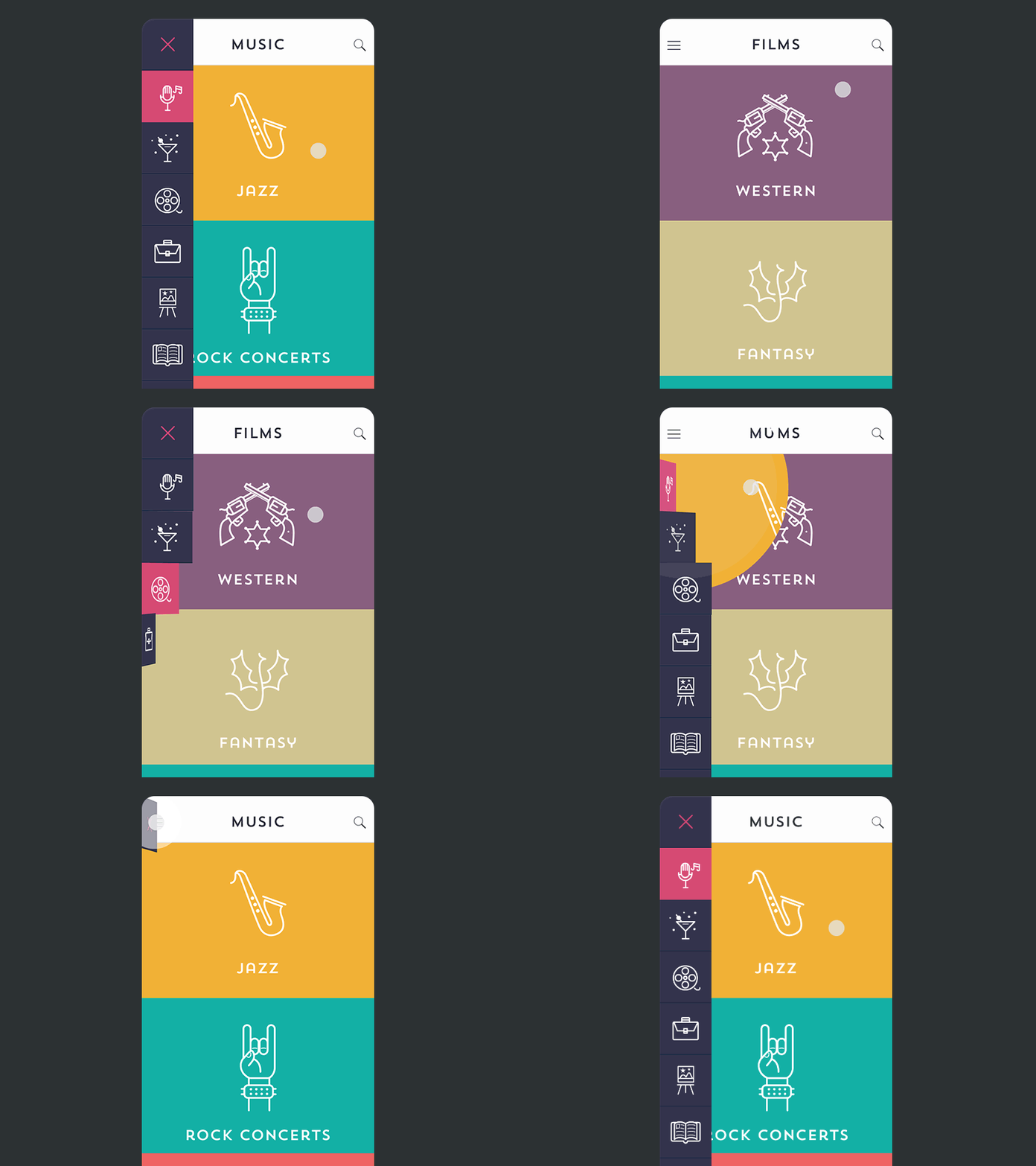
Side Menu Animation [gif] (2016, May 11). Retrieved 28, 2019, from https://stories.uplabs.com/cool-slide-menu-animations-for-your-app-82dda90d20b9

Galleries and Slideshows

Motion Animation

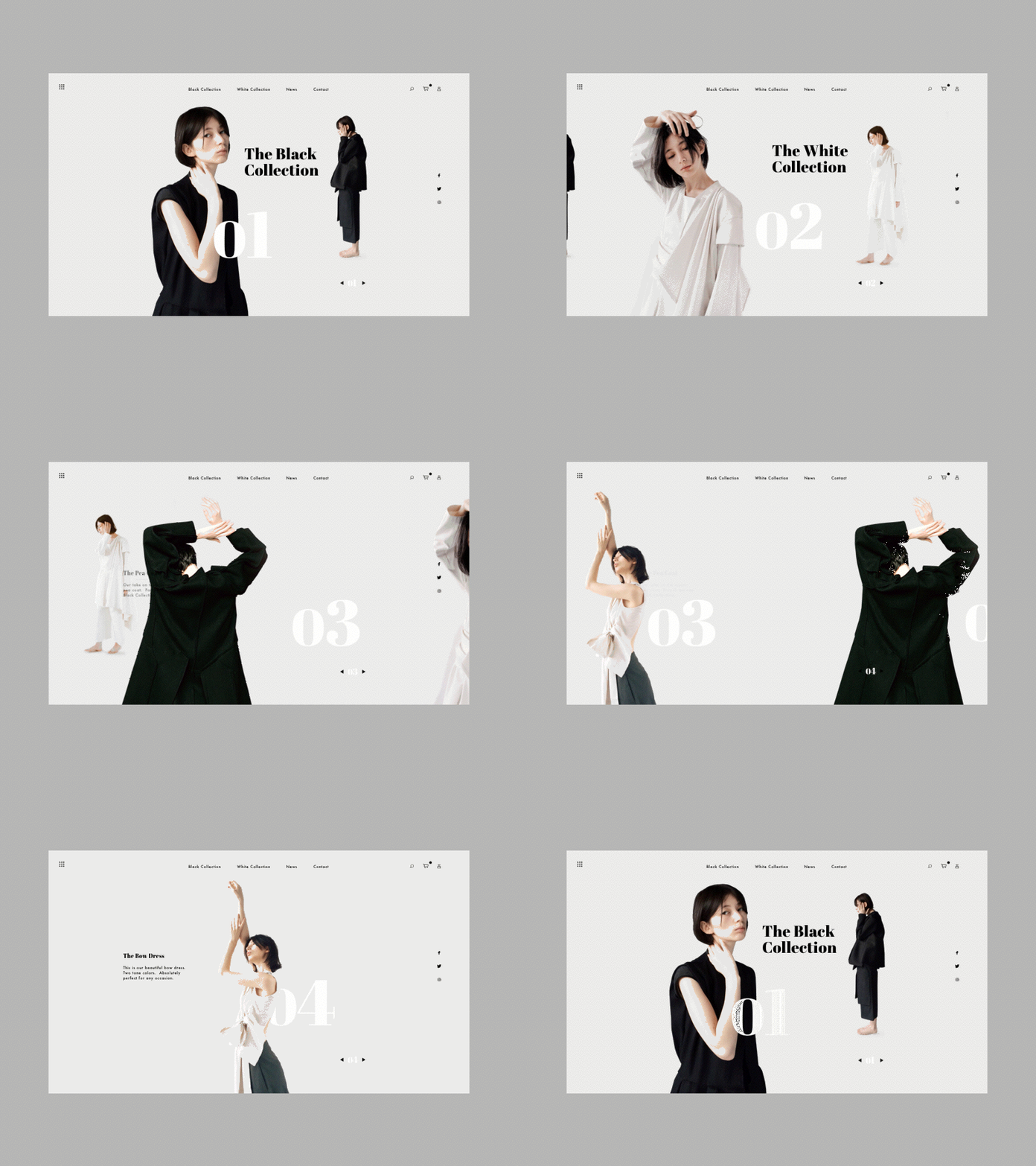
Layer Bag [Website] (N/A). Retrieved March 28, 2019, rom https://layerbag.com/design-inspiration-46/

Scrolling Backgrounds Animations/Videos

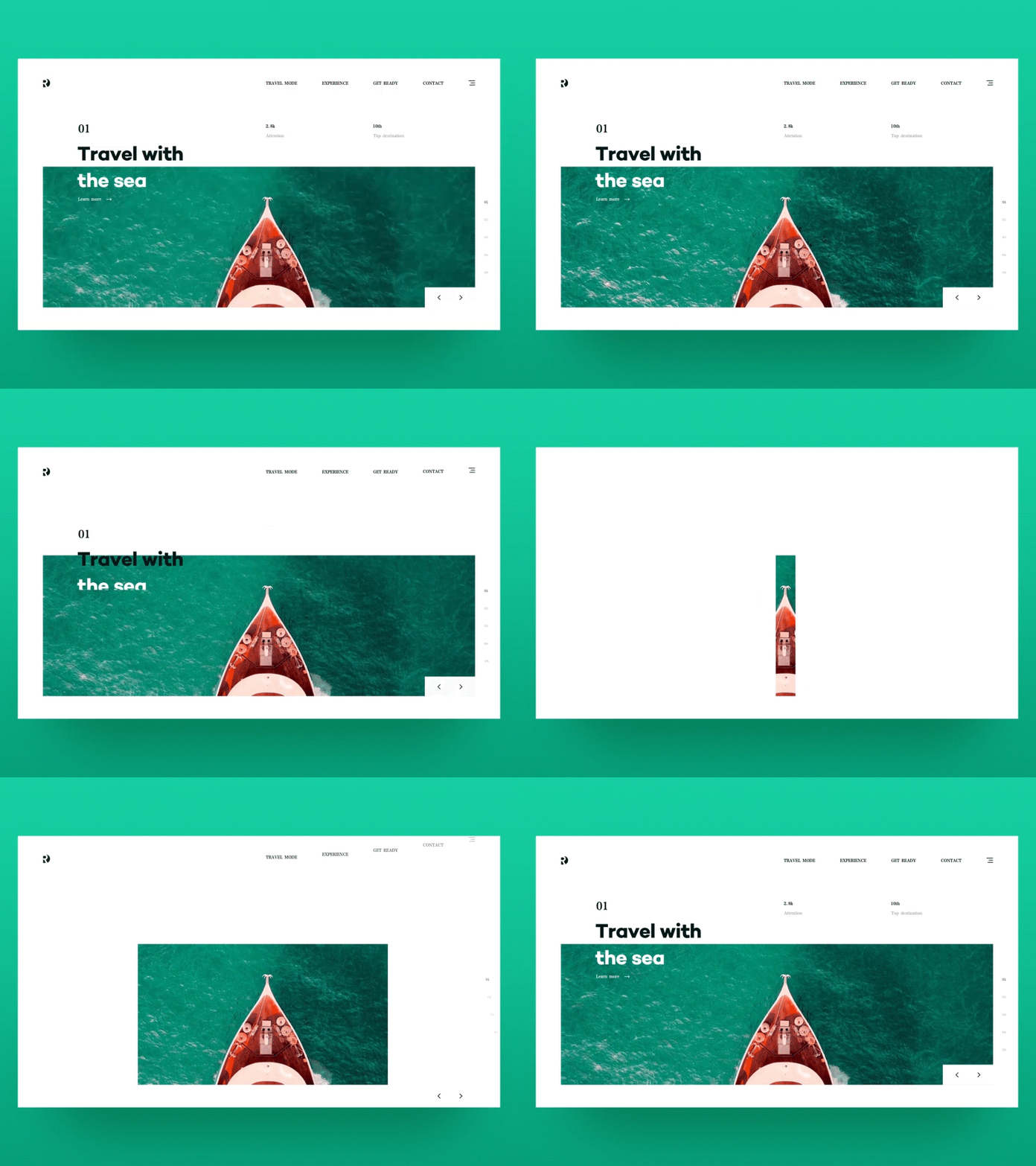
The best travel! [gif] (2018, May 21). Retrieved March 28, 2019, from https://dribbble.com/shots/4616816-The-best-travel

7 – Material Design

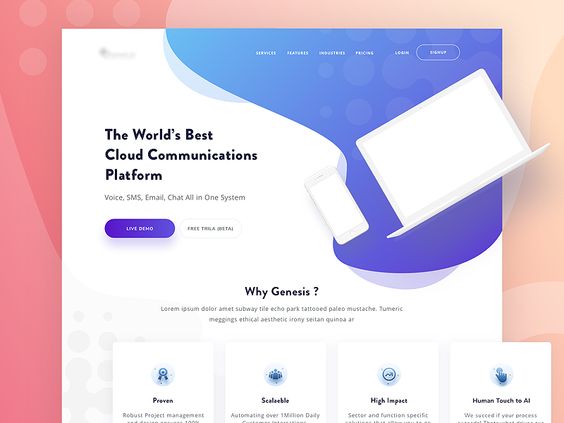
Genesis Landing Page [Image] (N/A). Retrieved March 28, 2019, from https://dribbble.com/shots/4976573-Genesis-Landing-Page?utm_campaign=2018-08-22&utm_medium=email&utm_source=new-for-you

8 – Responsive Design & Flat Design

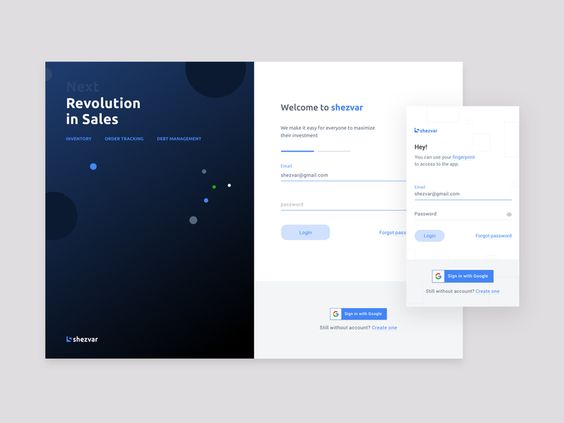
Login UI [Image] (2018, August 28). Retrieved March 28, 2019, from https://dribbble.com/shots/5054628-Login-UI

It’s important to not follow trends just cause it’s the new cool thing, but to use trends for a better experience for your users.  

Process + Context of Interactive Design

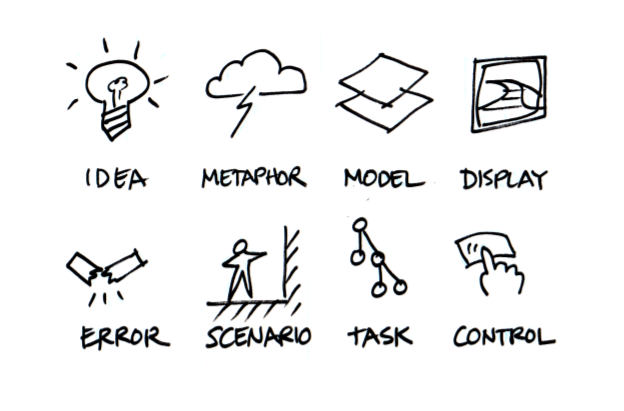
Within this blog post, I will be discussing the importance of “process and context” when designing interactives. Before diving into the concept of context, we must first understand the design process. Verplank states that there are at least 8 stages, that can be identified in the interactive design process. The image below illustrates the process of invention to presentation.

Interaction Design Sketchbook [Image] (2009, December 1). Retrieved March 20, 2019 from http://www.billverplank.com/IxDSketchBook.pdf

For most people project ideas are usually generated on pen and paper, which allows designers to understand, define, and frame possible problems and improve upon them. Visualisations such as diagrams, models and flowcharts help identify direction, missing information, and the next steps that need to be taken. These low-tech research processes of identifying problems, are a step towards finding a solution. Along this process, all research and findings need to be transferred as a digital interactive prototype. It’s important to design appropriately for your audiences and design brief. On that note, there are numerous techniques to generate and gather ideas, such as precedent research of other existing products, observation of people, asking questions based on the observations and the testing of prototypes.

Moving along to the context aspect of interactive (context for use, contexts of use). When designing interactives, you not only need to know what information to display, but also the following: what people are trying to do, how they may try to do it, what gets in the way or helps, and where they might be doing it. Different type of contexts/situations provide different design solutions. The use of context scenarios helps identify the situation for people and their needs, this assists in the creation of designs that facilitate to different behaviours. To be able to create context scenarios, designers should ask themselves the following set of questions: what is the situation? Who will be using the device or interface? Does the experience need to be extremely simple? What are the persons needs and goals? These are an example of a few questions that need to be considered, though there several more to be answered.