1) HOW TO MAKE TOAST EASY!
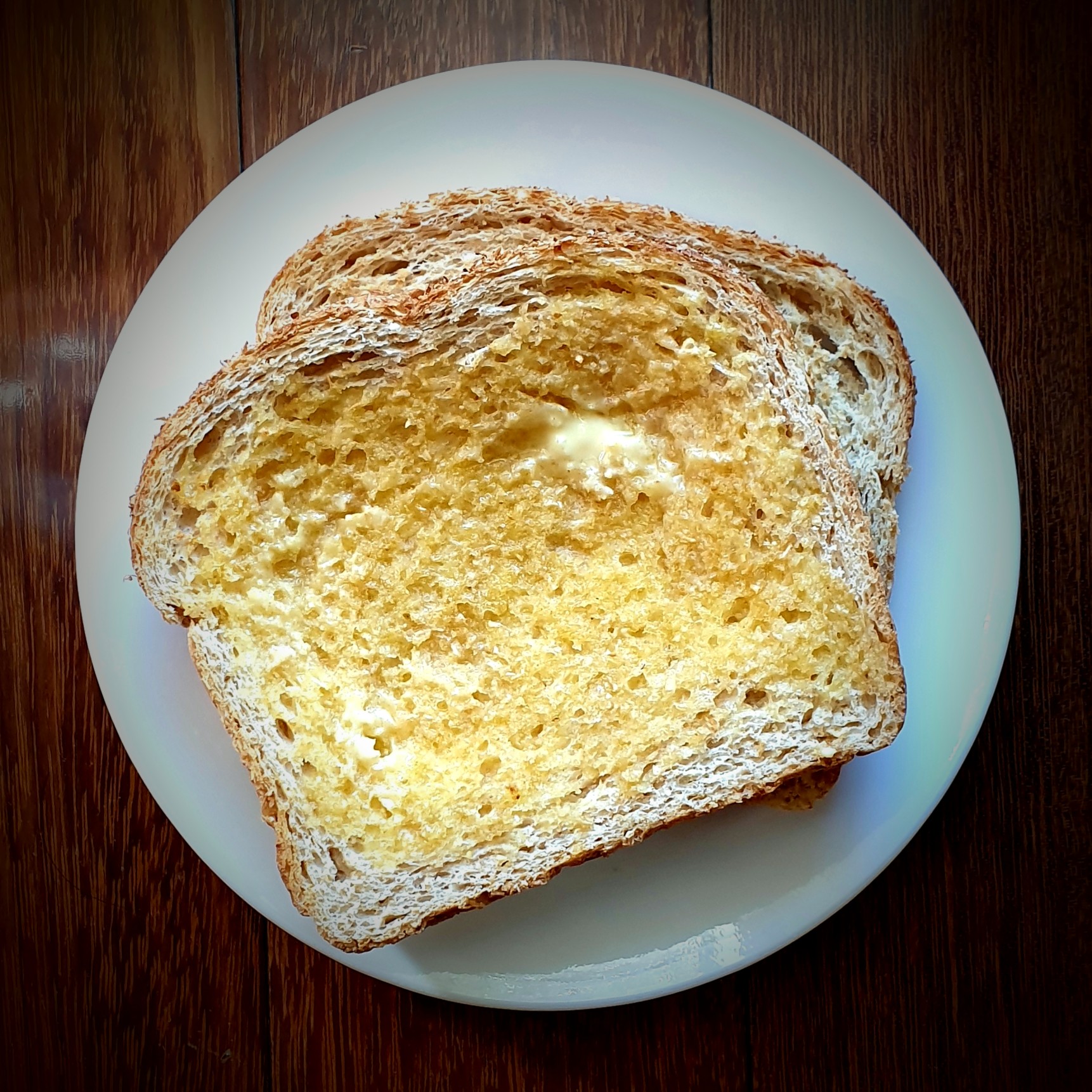
The following text/images/charts will give you a deep and close insight into how to make toast with a toaster. Enjoy!
Flowchart on how to make Toast:
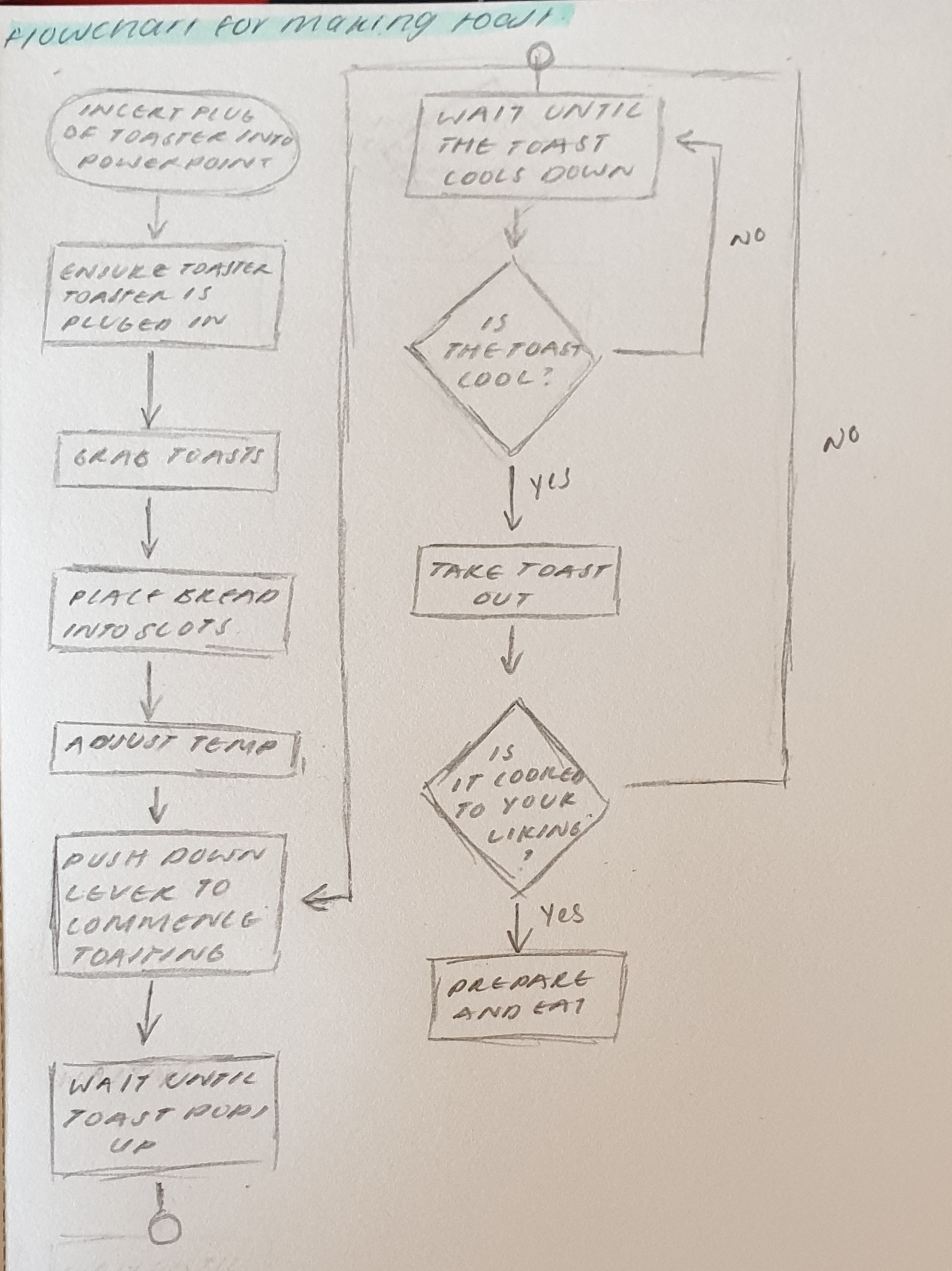
Steps on how to make Toast:
Step 1: Plug in toaster into power point
Step 2: Ensure toaster is on
Step 3: Grab some toast
Step 4: Place bread into slots
Step 5: Adjust temperature to liking
Step 6: Push down lever to commence toasting
Step 7: Wait until toast pops up
Step 8: Wait until toast cools down
Step 9: Take out toast
Step 10: Check if toast is to your liking
Step 11: Prepare and eat!
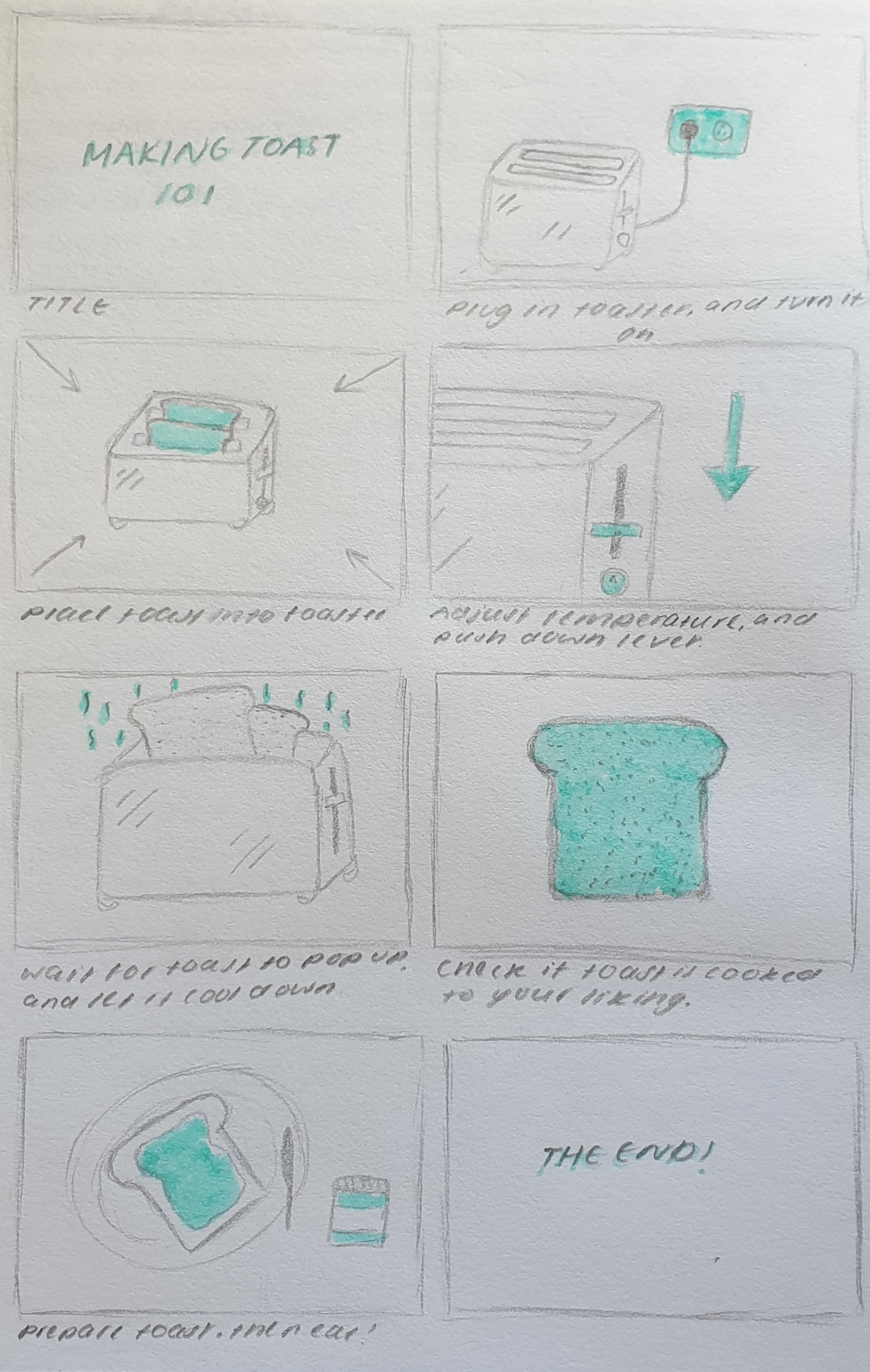
Visual story board on how to make toast:
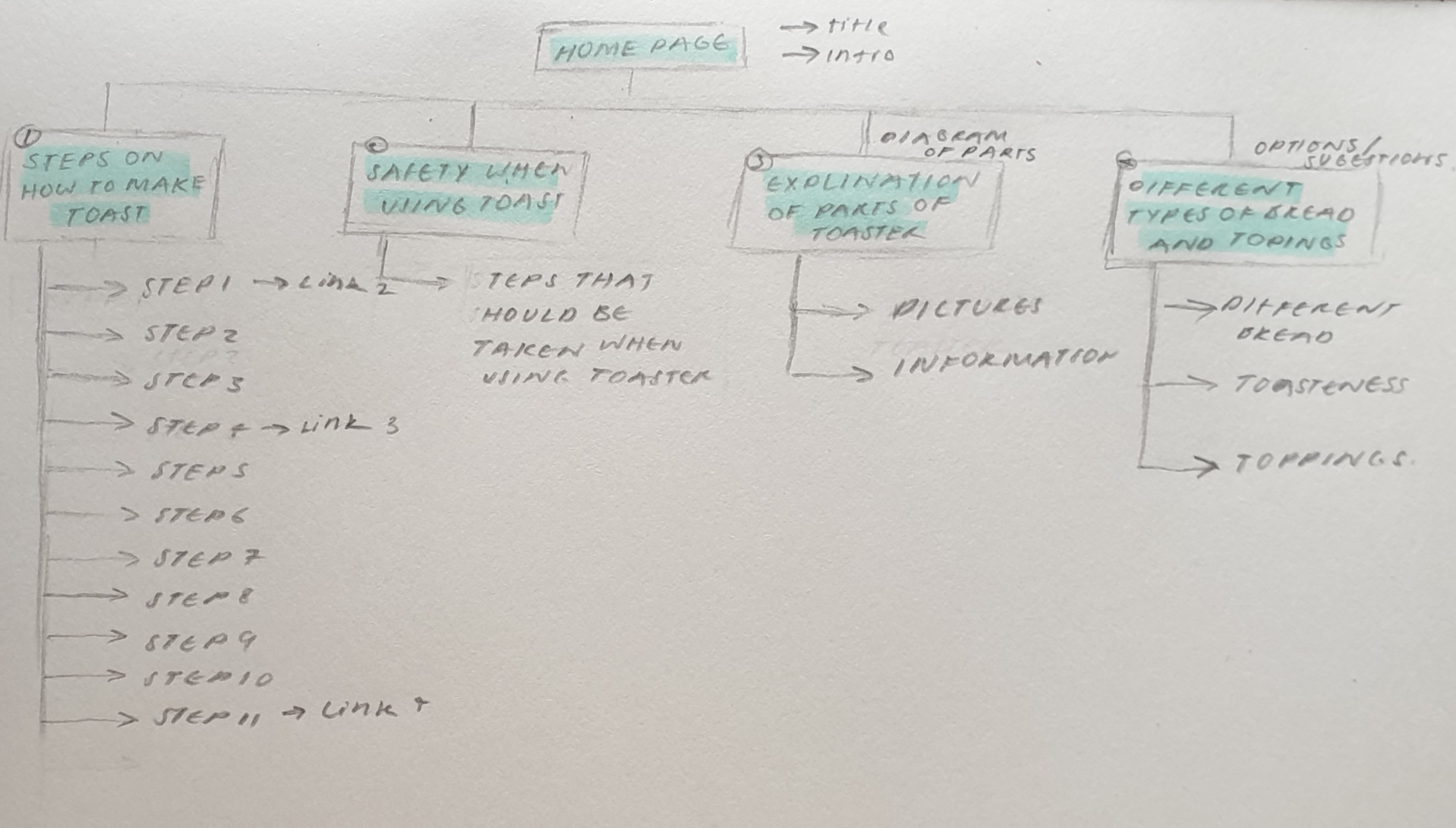
Site Map & Single Interface:
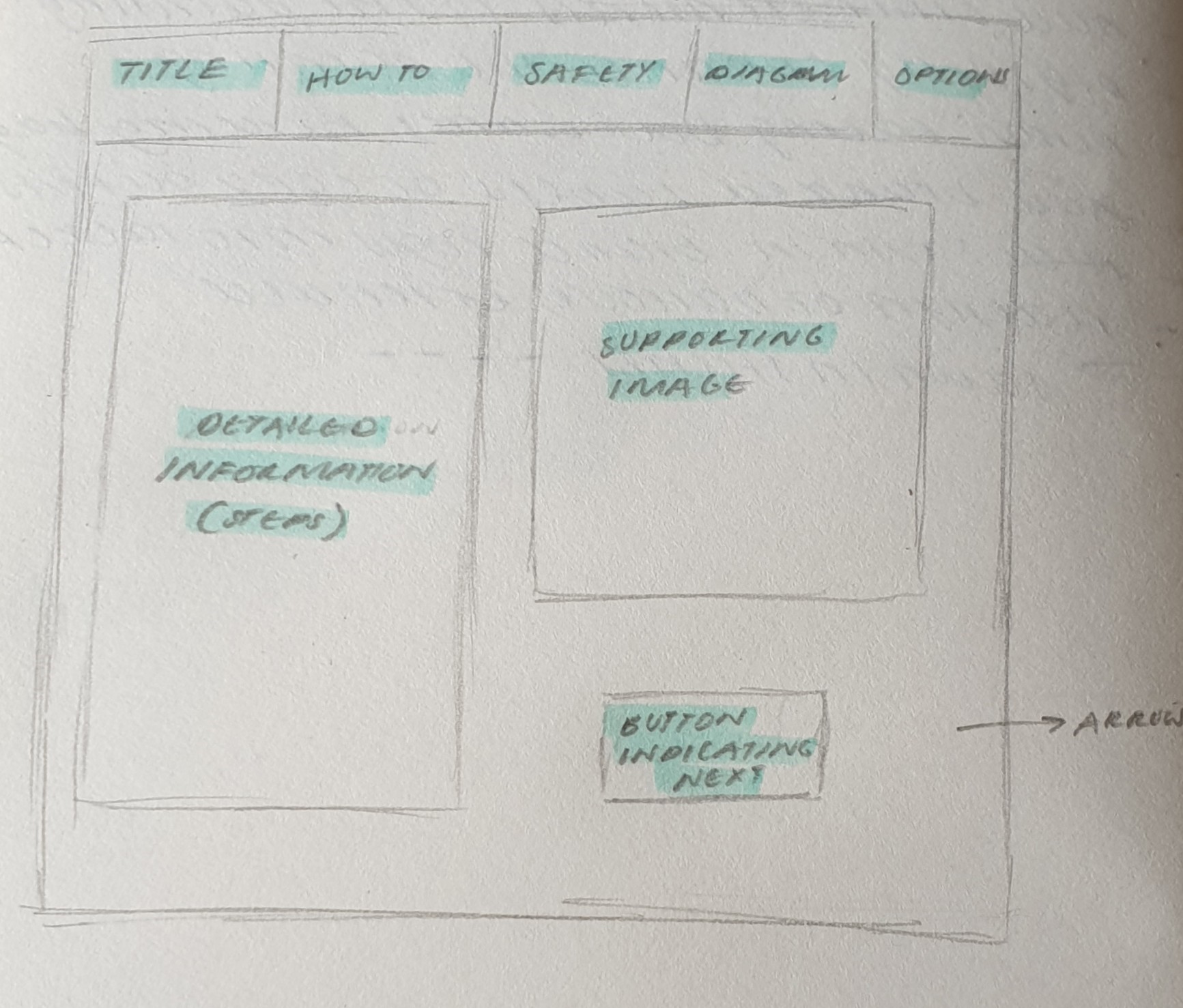
Wireframe of Toast website:
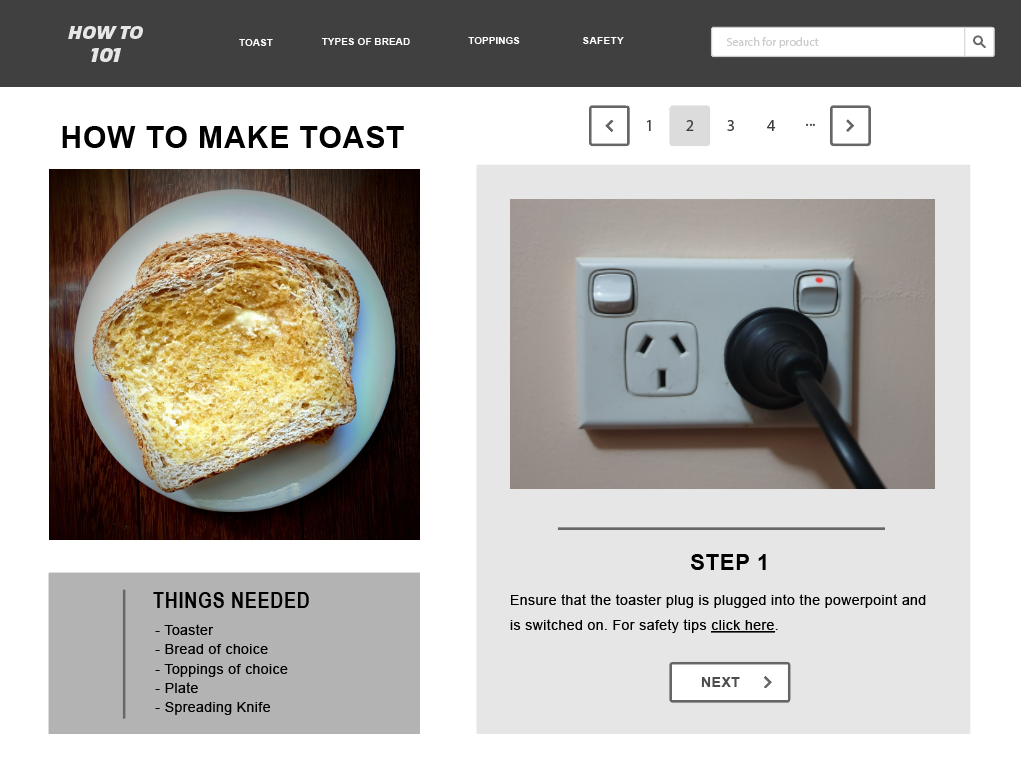
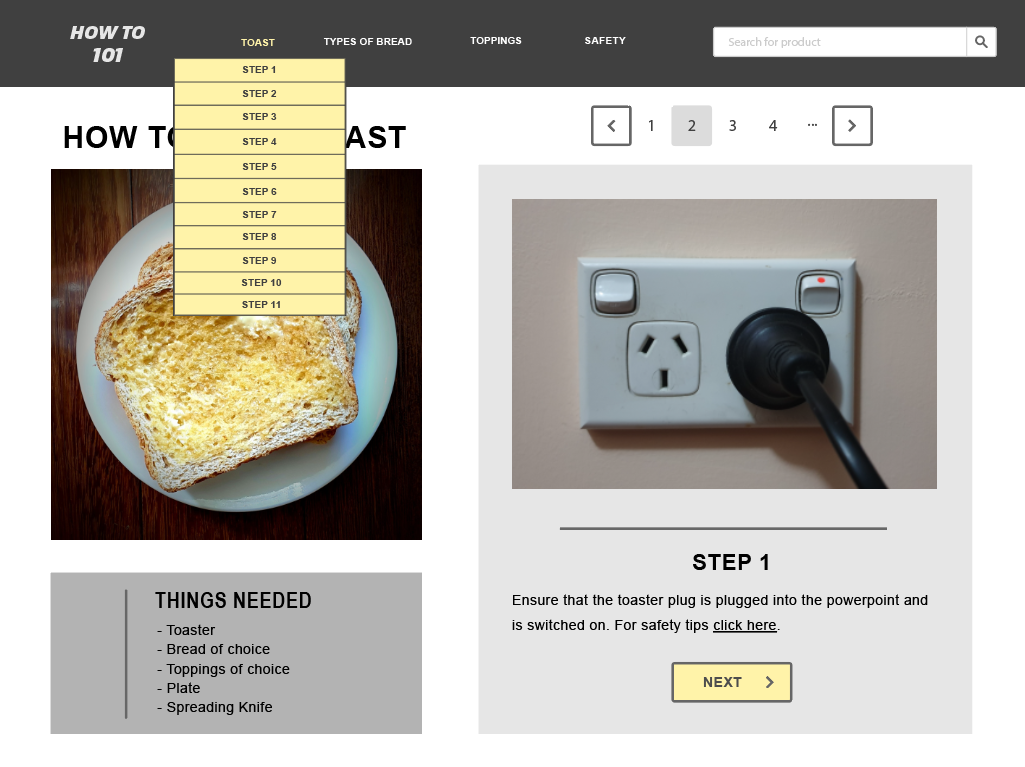
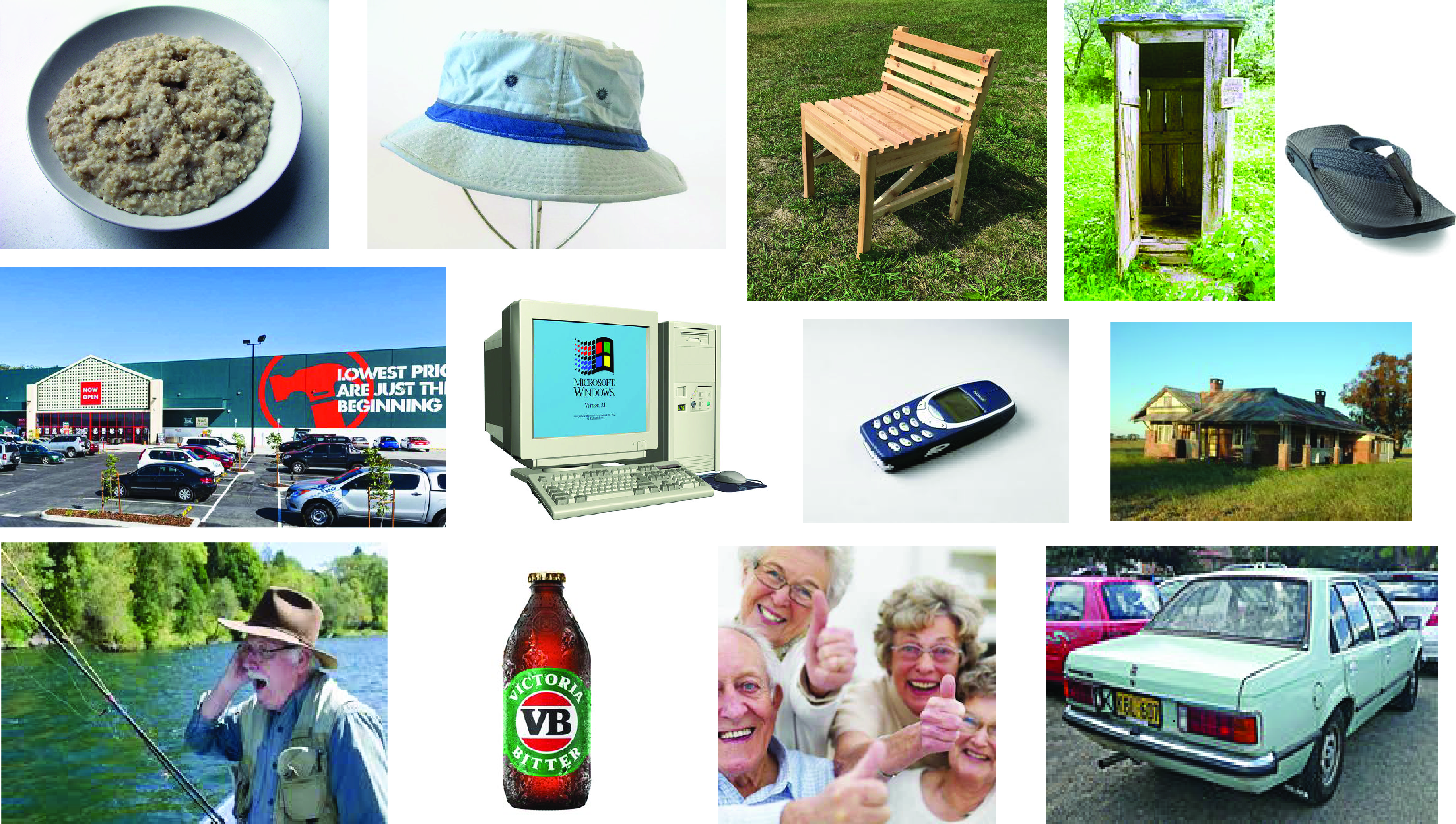
2) Meet Dave! (Mood Board)
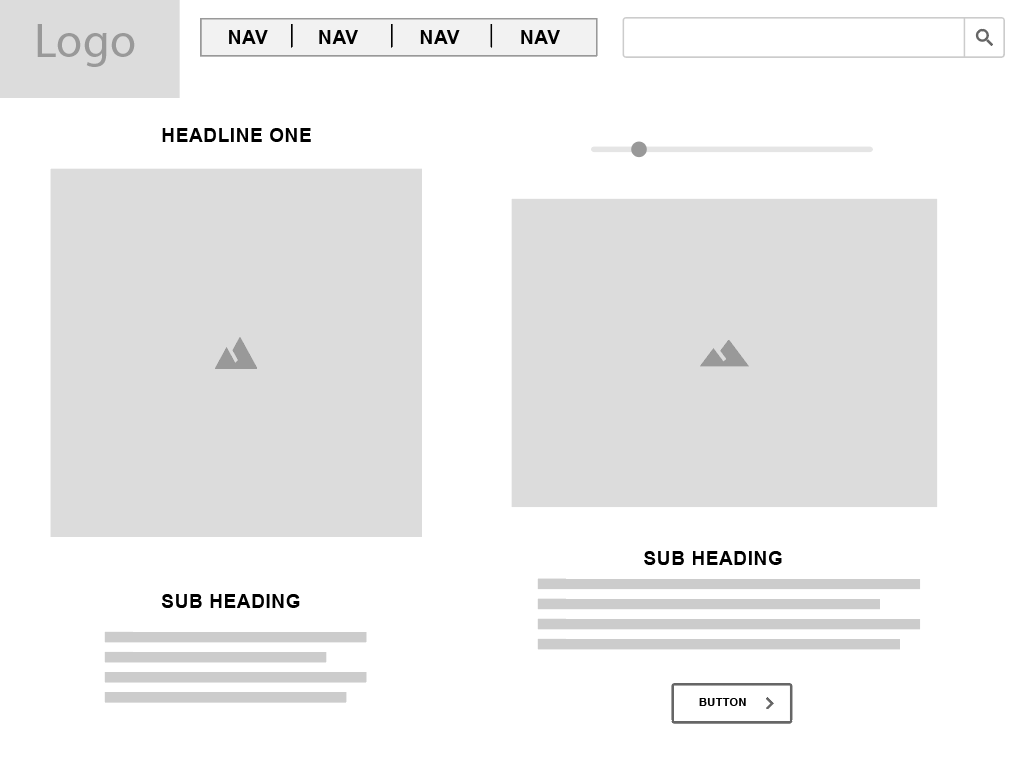
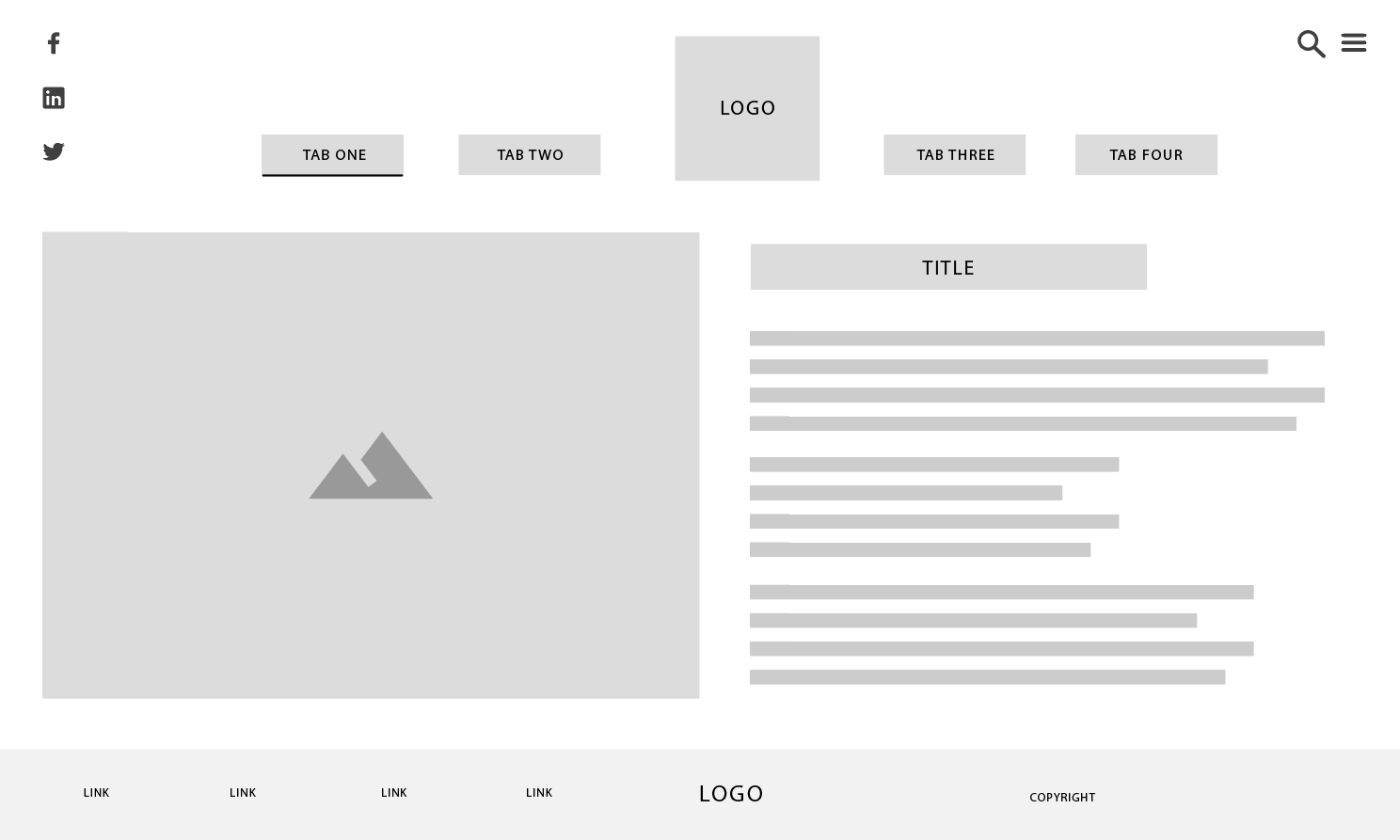
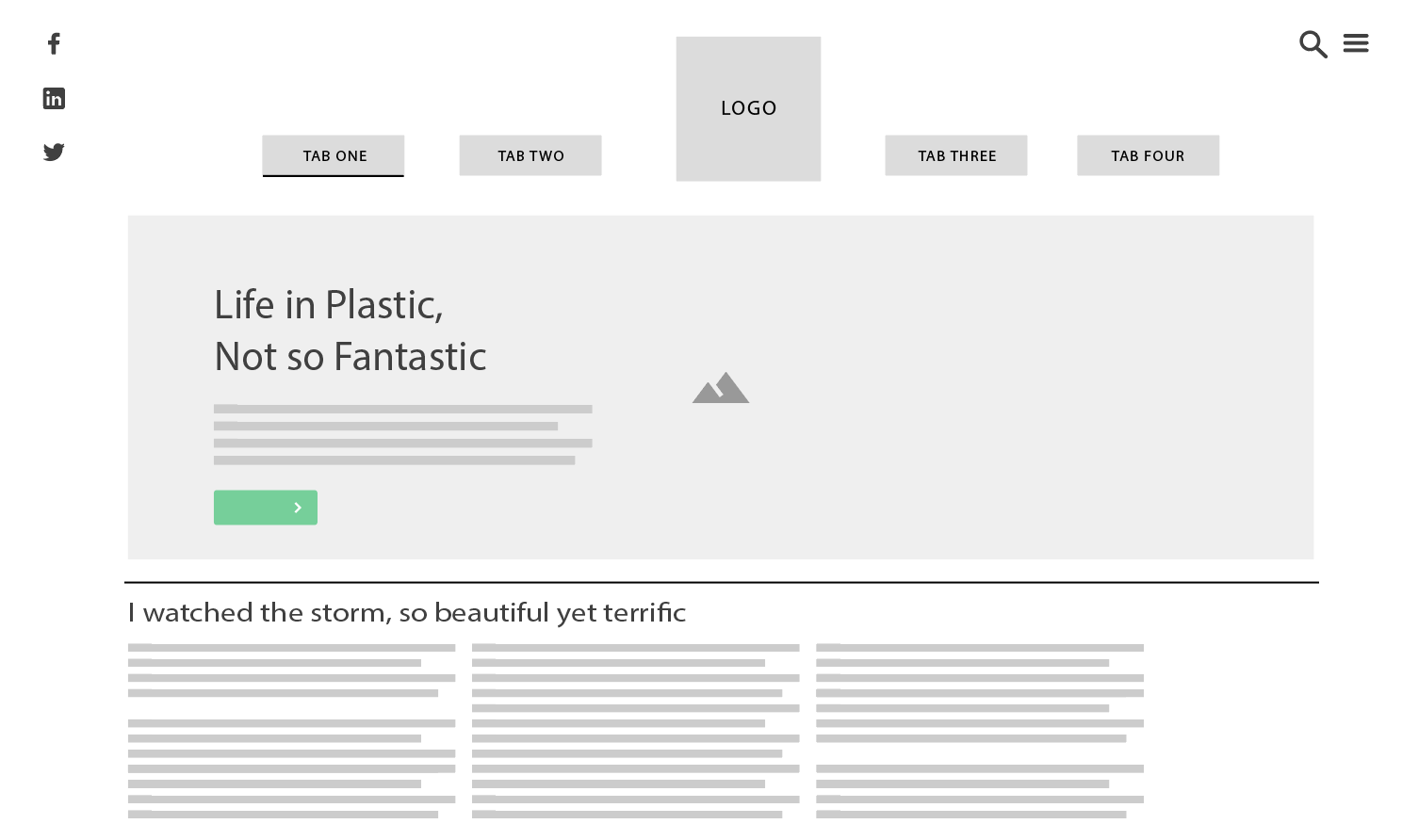
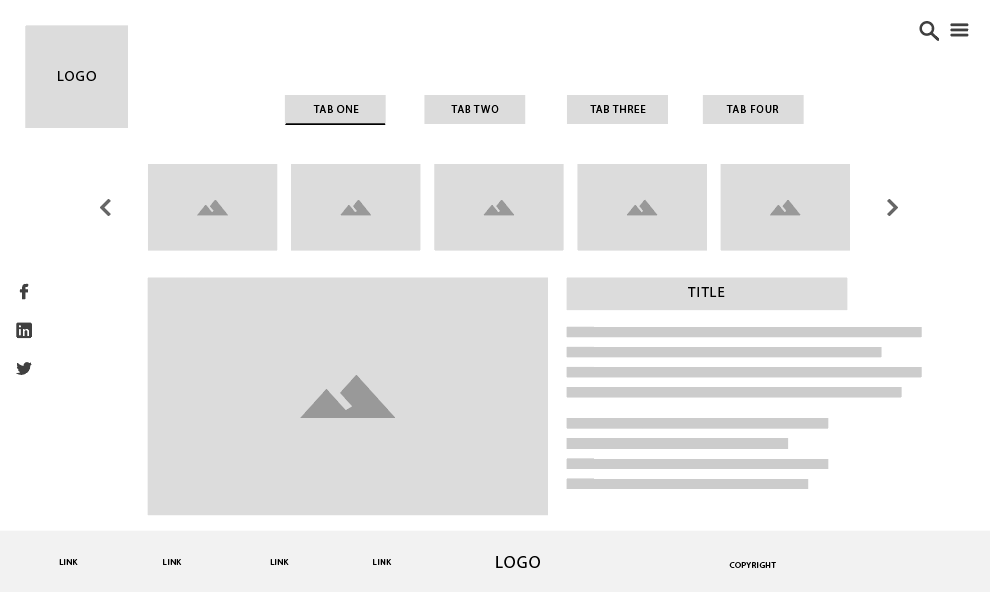
3) Wireframes for ideas for screen design
4) User Scenario Description
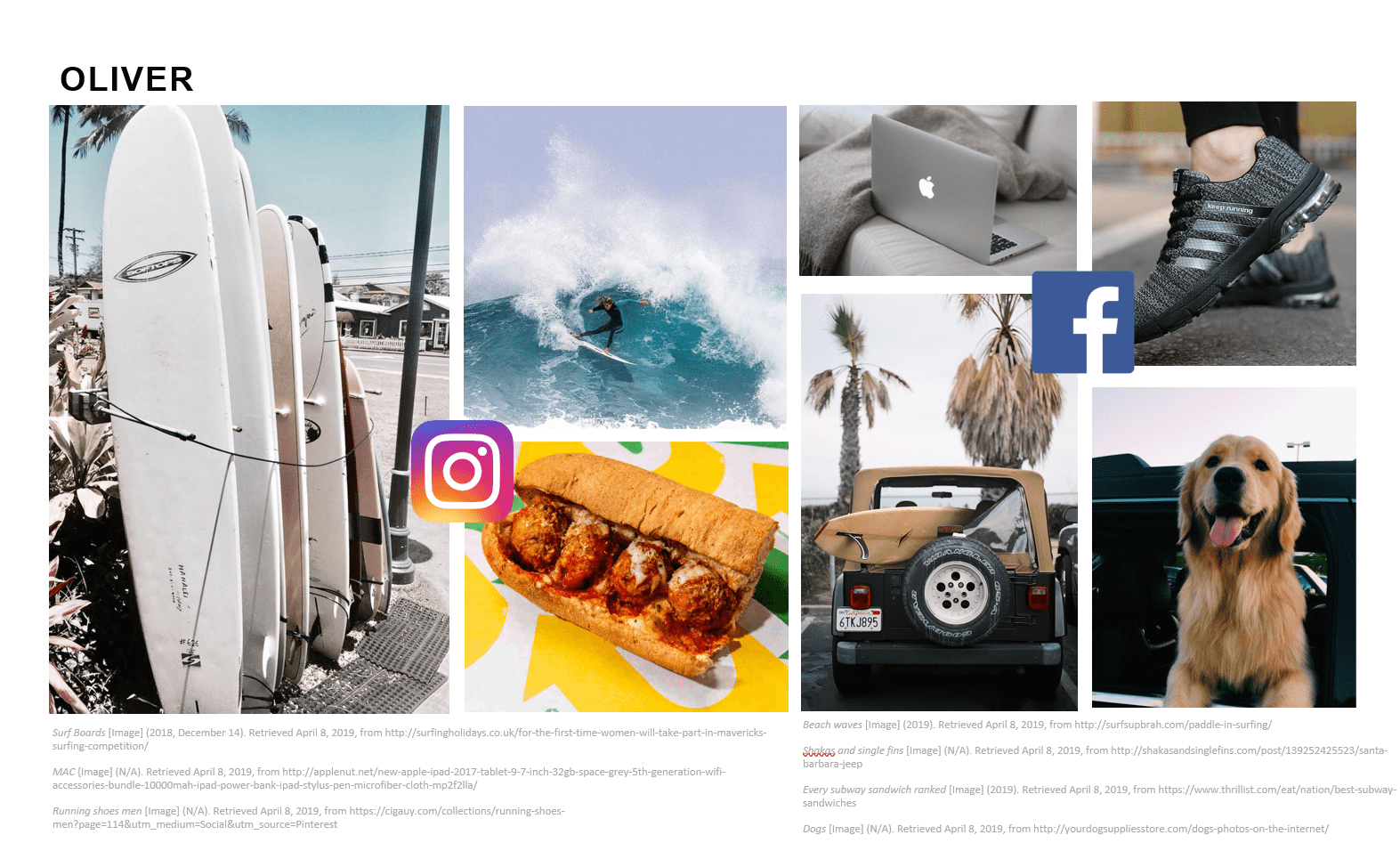
Oliver Alexander
It’s Saturday morning and Oliver had just finished up his rounds surfing. Whilst making his way out of the water he feels something by his feet, assuming it was seaweed he proceeds to walk onto shore, but later finds out it was a plastic bag. Furious with his find as it was not the first time, Oliver grabs his belongs and makes his way to the nearest coffee shop to get some breakfast. Having settled down in the coffee shop, and wanting to find a solution to this problem, he searches the web for “plastic pollution in beaches” and was drawn to the website “Agua”. He brushes up on the horrific impacts of plastic to the environment, and reads up ways to reduce waste, and how to spread awareness through the website. His goal is to reduce plastic waste in Australian beaches.
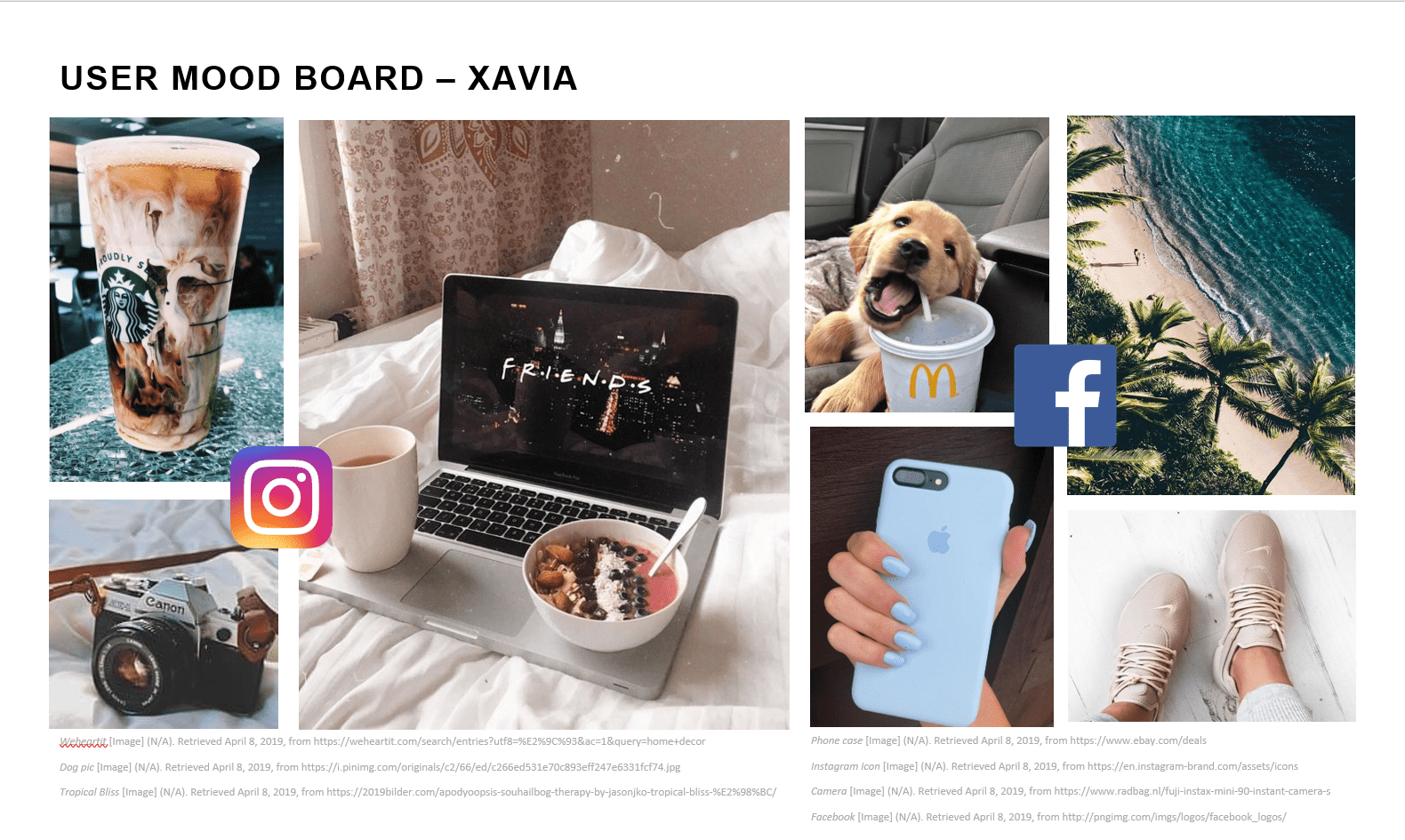
Xavia Montana
It was an ordinary afternoon for Xavia, consisted with lounging around at home on her phone, making the daily rounds on social media. Whilst scrolling down her feed in Facebook, she comes across a “trend” of going plastic free for a week. She clicks on the link and is relocated to the website “Agua”. Filled with intrigue, she explores the website, and reads upon the dangers of plastic pollution, possible solutions and plastic alternatives. Seeing as she the type of person to be prone to social media trends, she mainly focuses her attention to the plastic alternatives to gain further knowledge for going plastic free. Now fully aware of the amount of waste she makes daily, and the negative impact of plastic to the world, Xavia is determined to make some lifestyle changes in hopes to reduce plastic pollution in the ocean.
5) User Persona
6) Sitmap of website
7) Alternative layouts
Layout 1:
Layout 2:
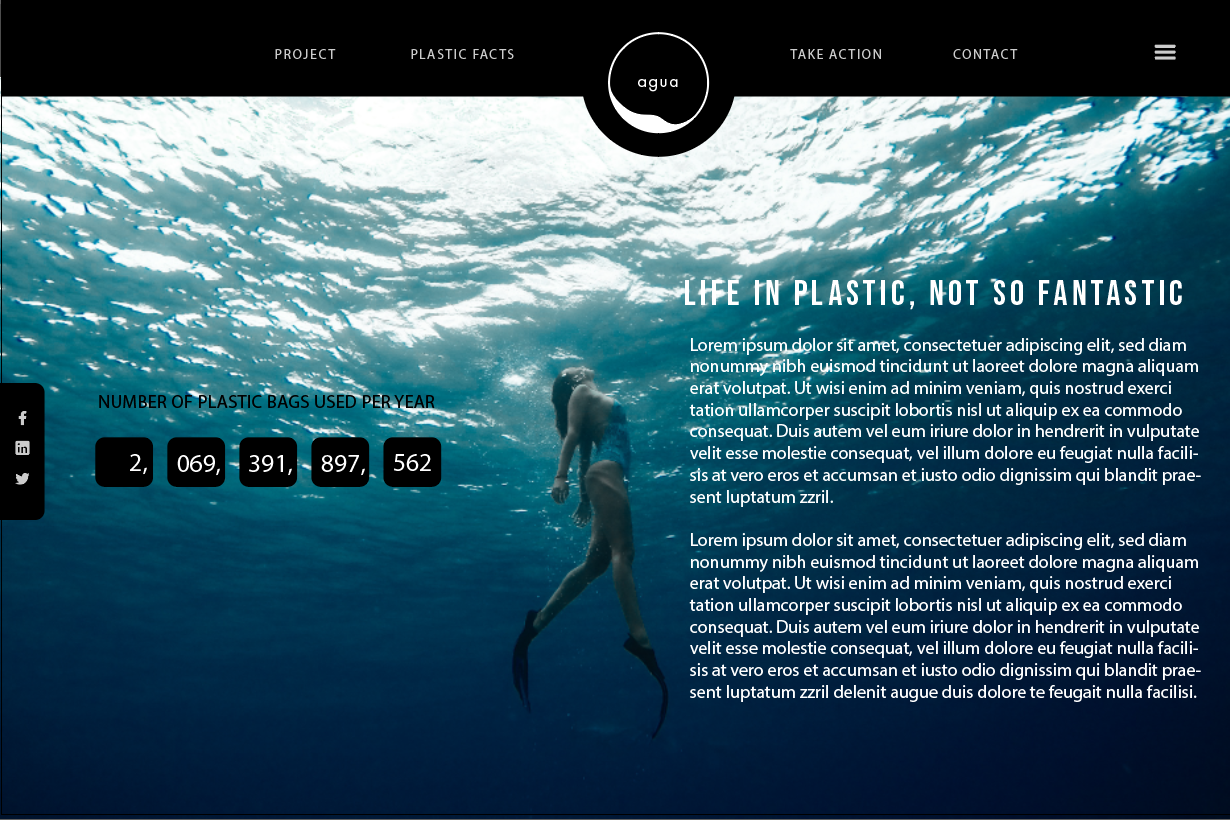
Layout 3: Long-scroll
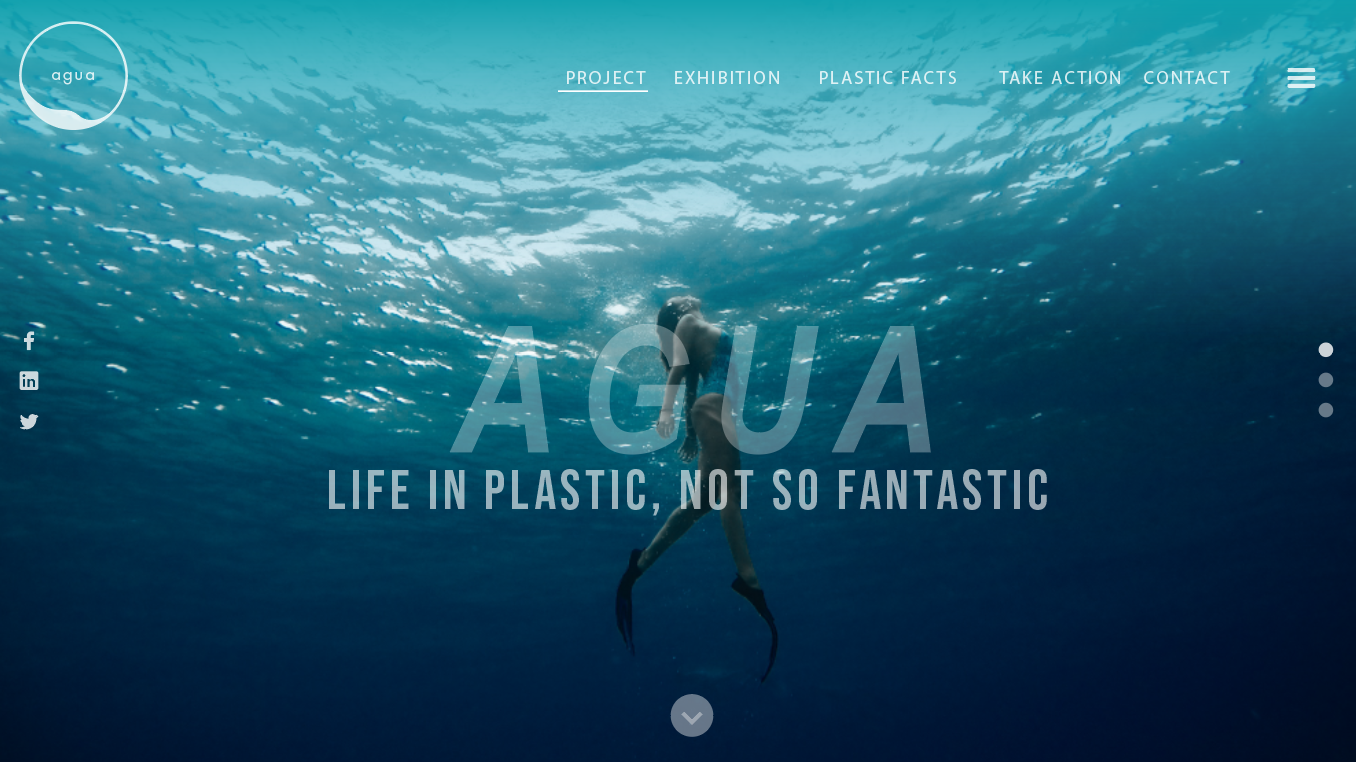
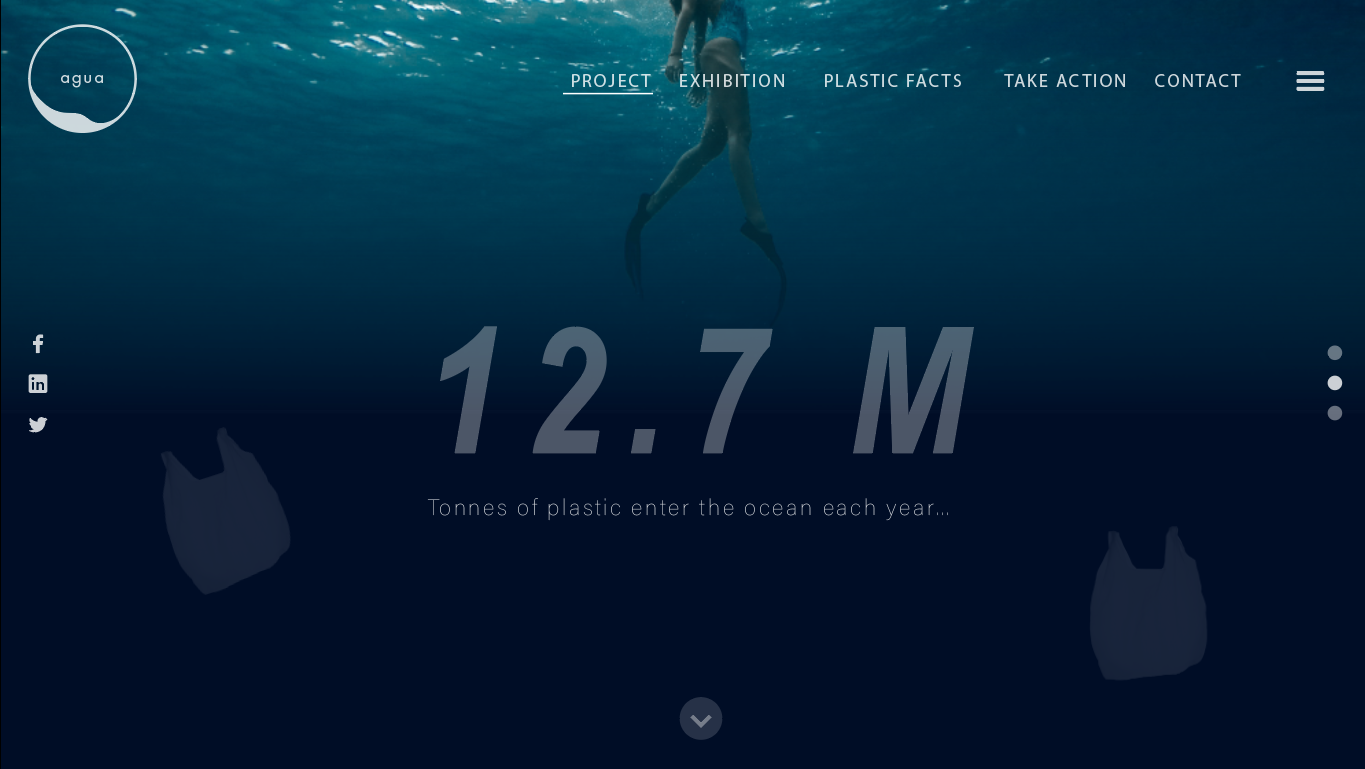
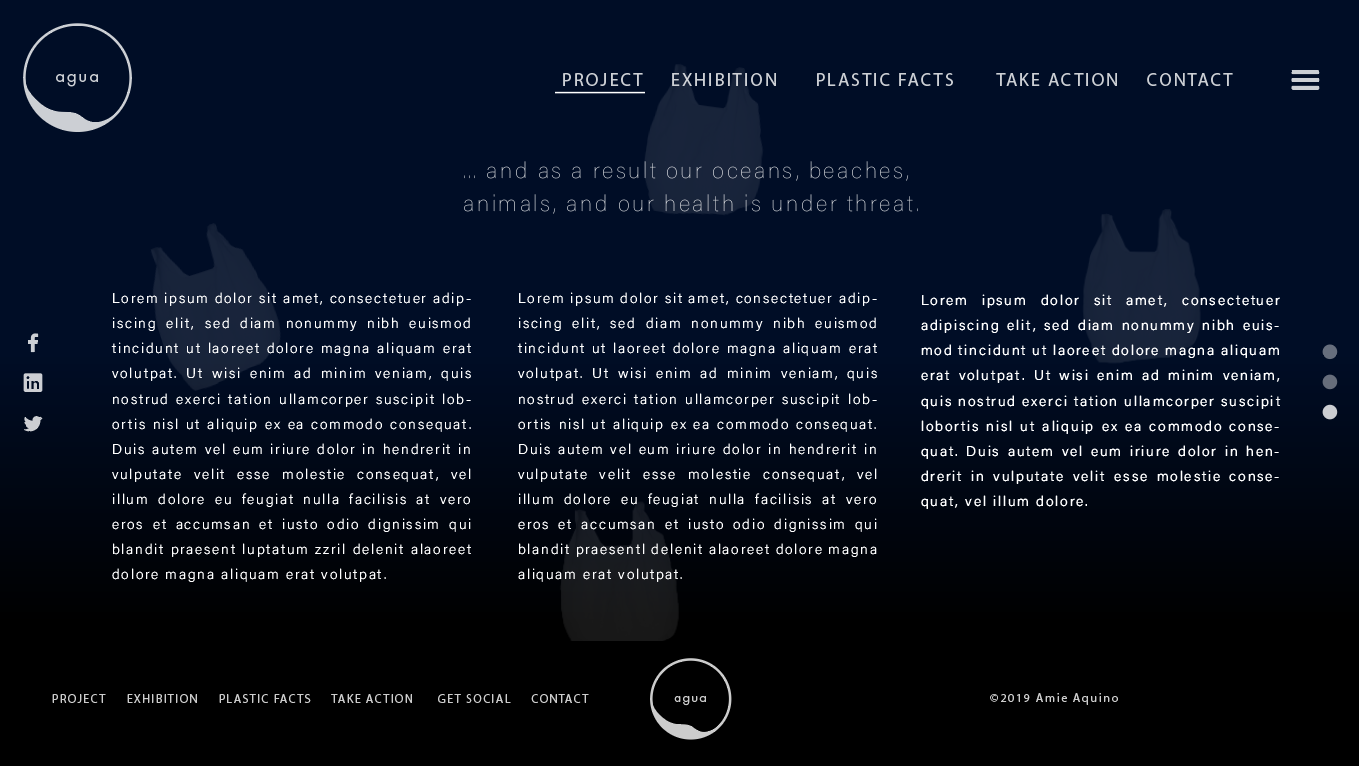
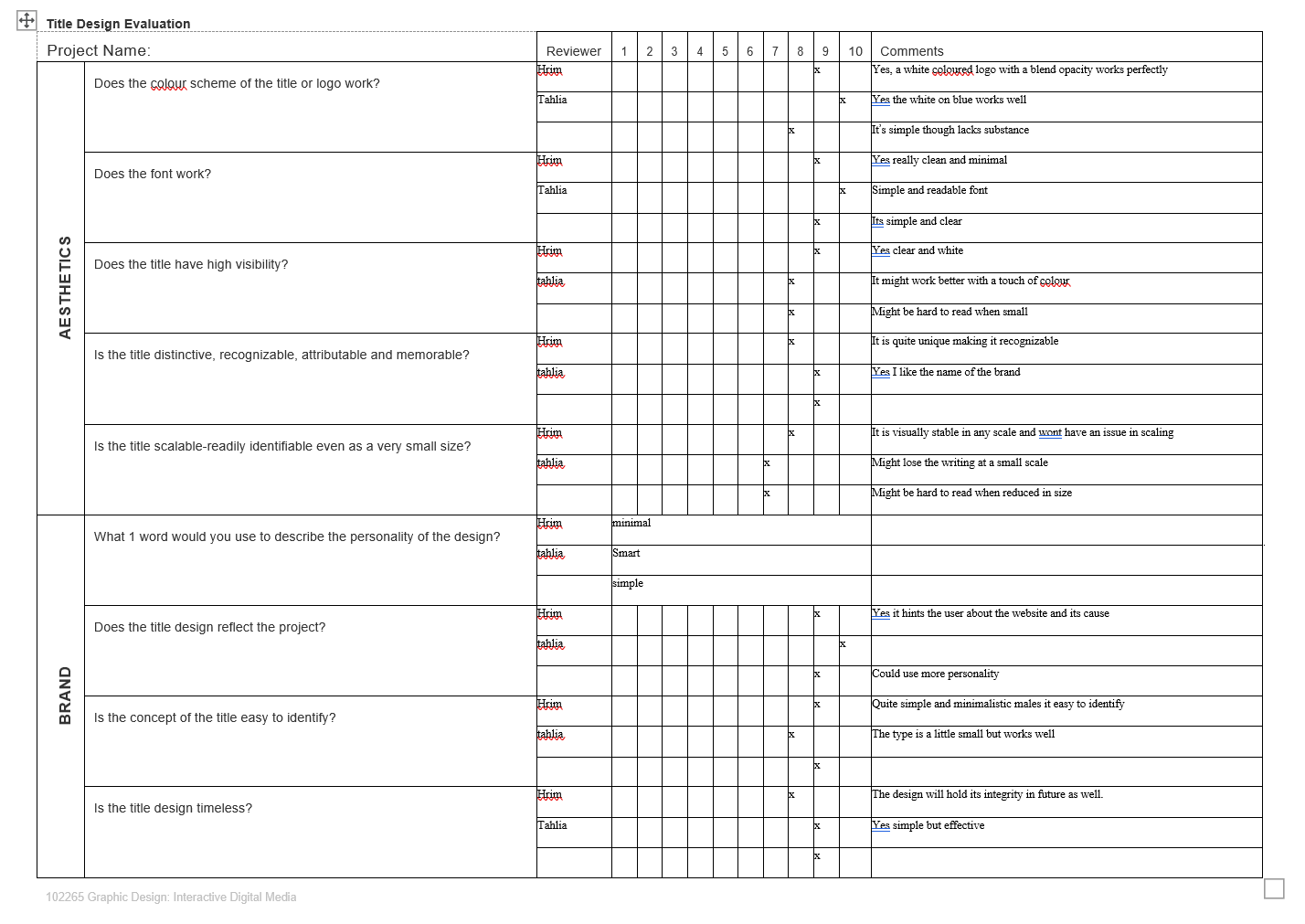
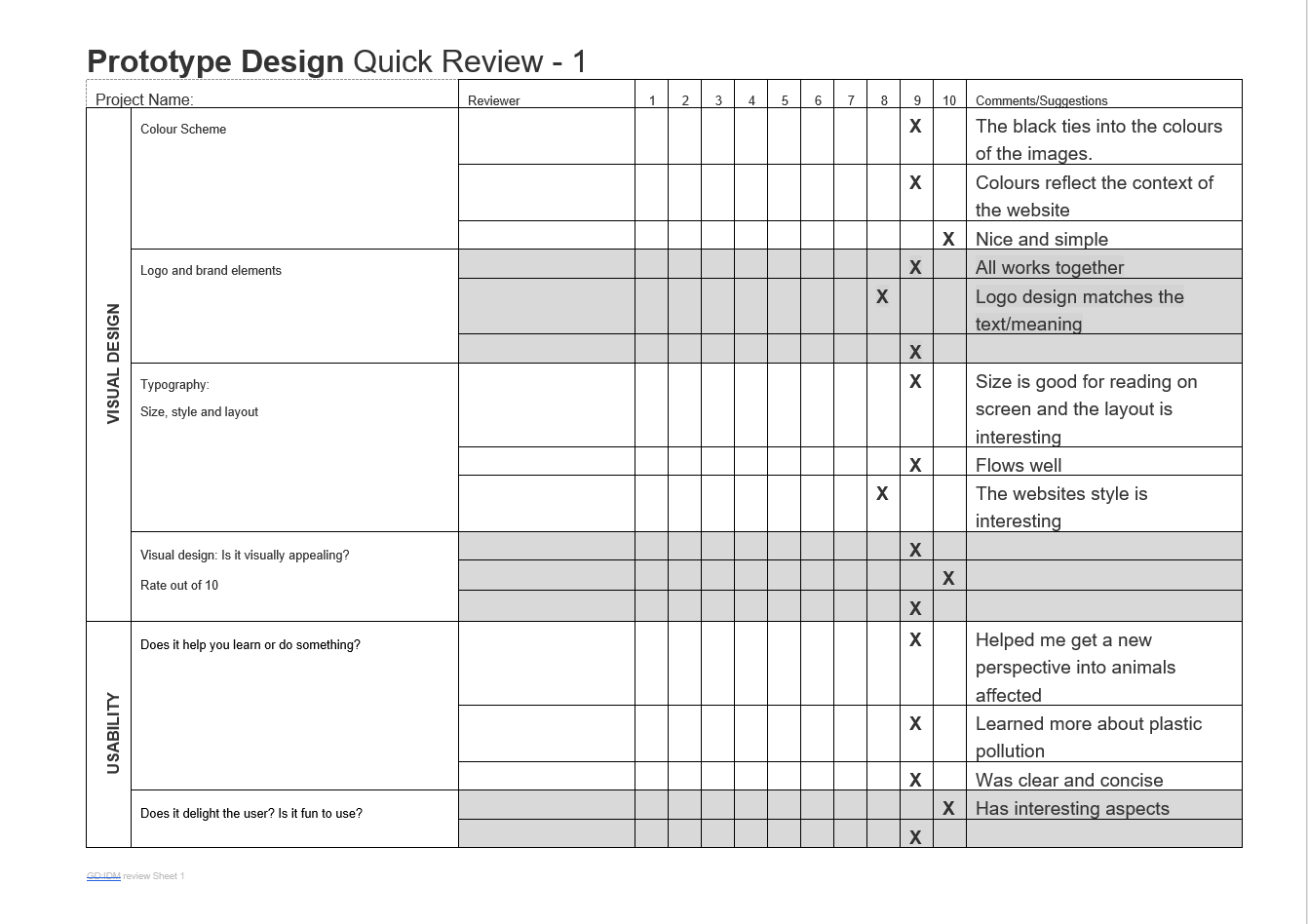
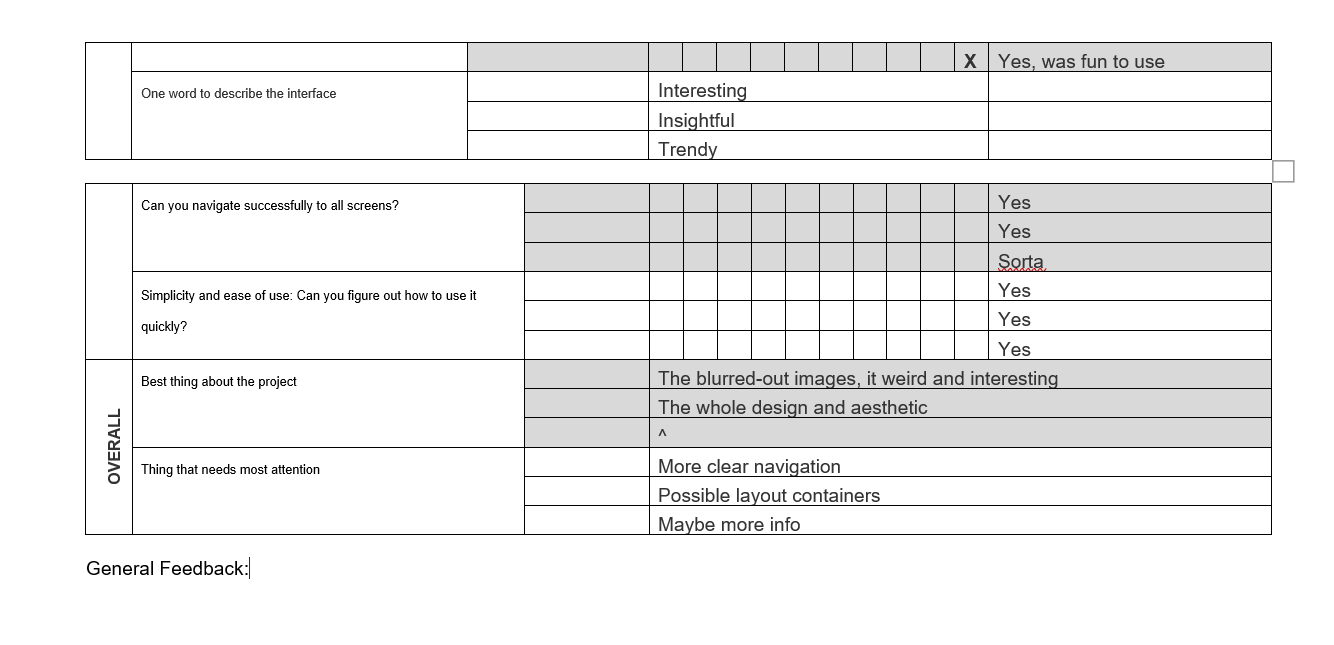
8) Logo/title Design Review Sheet
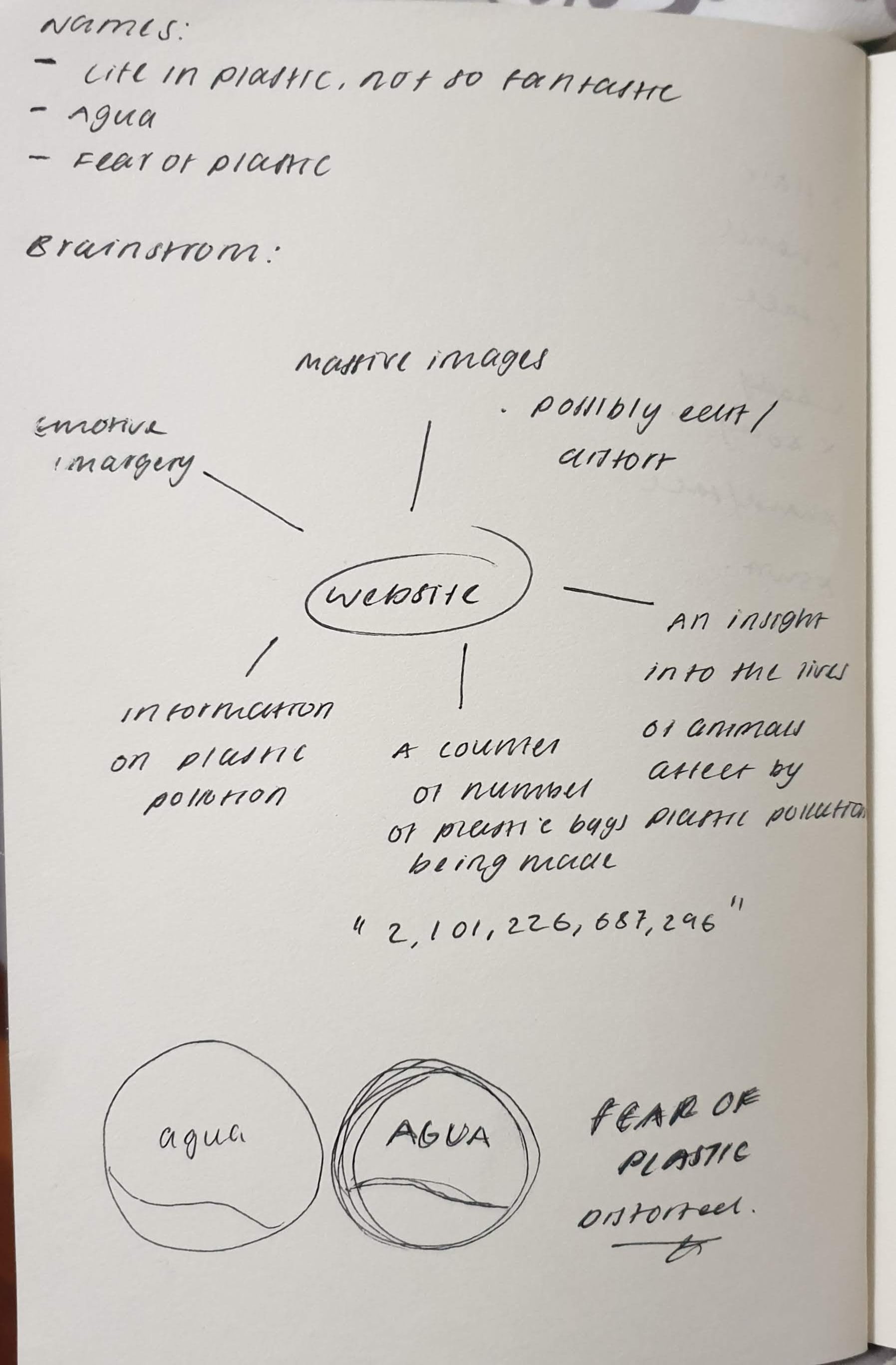
9) Ideation map
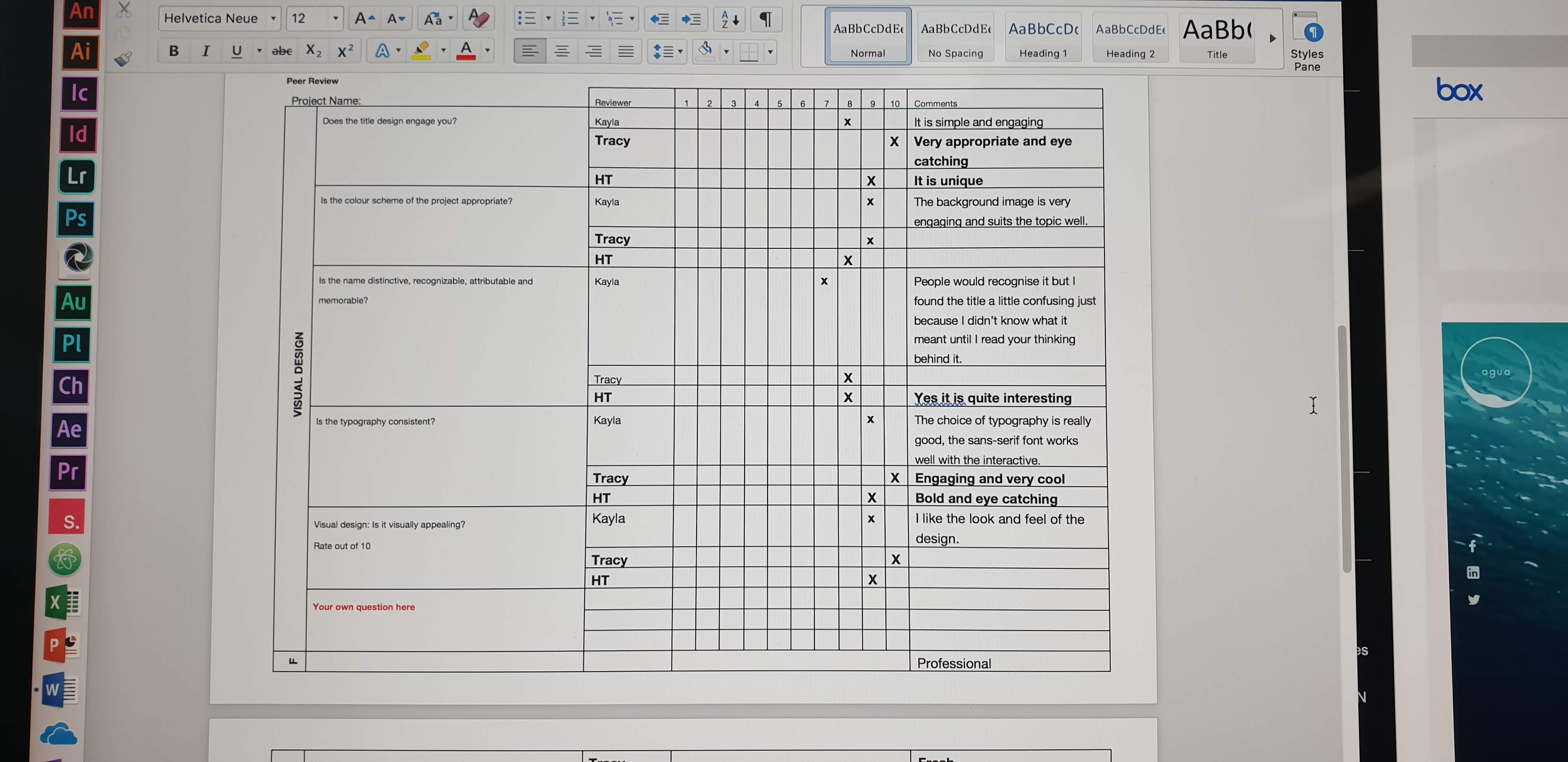
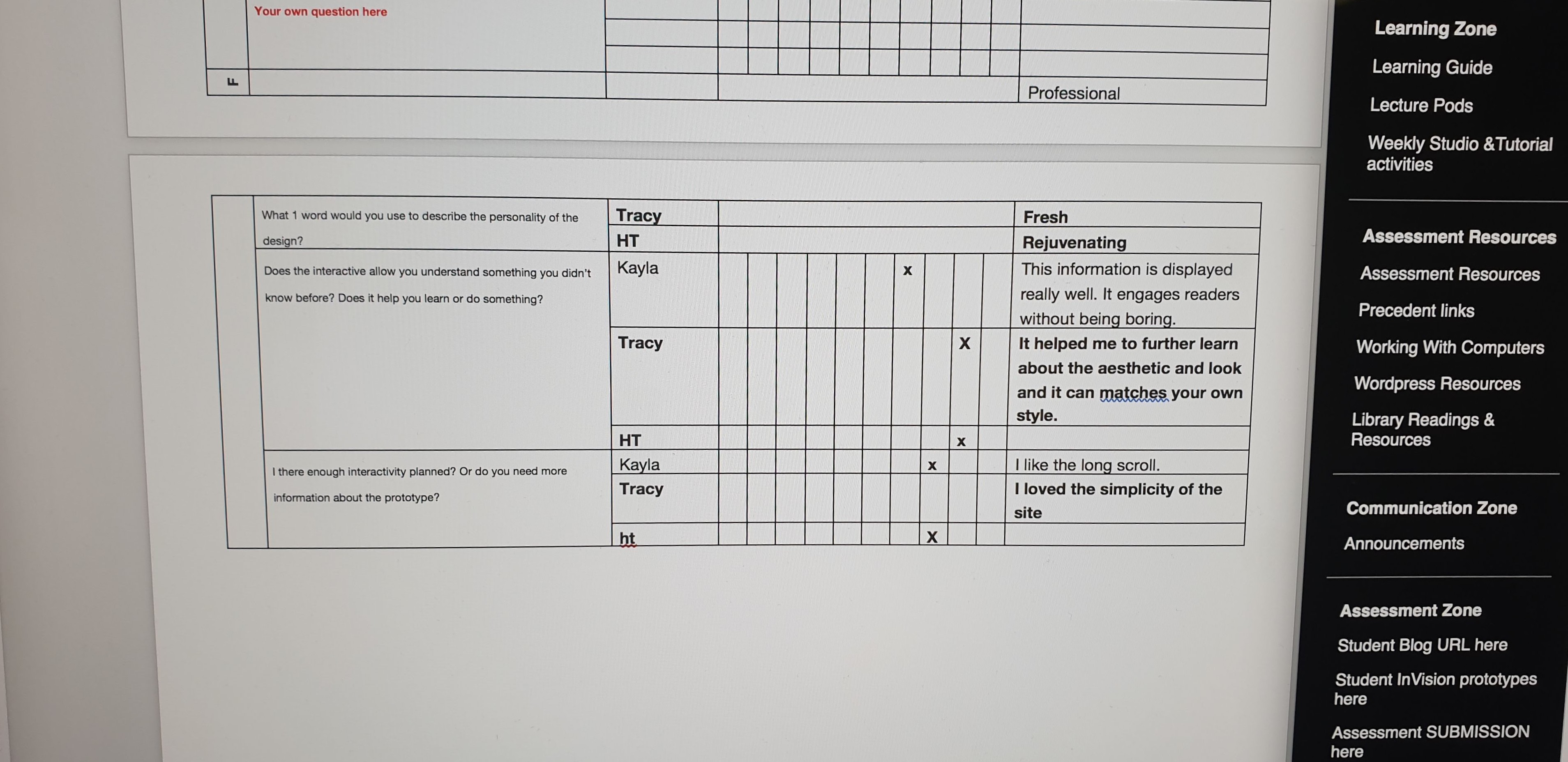
10) Review Sheet
Before:
After:
 Amie's Blog